The render your
client can't tell
isn't a photo.
Photoreal renders from SketchUp, Archicad and Revit — in about a minute.
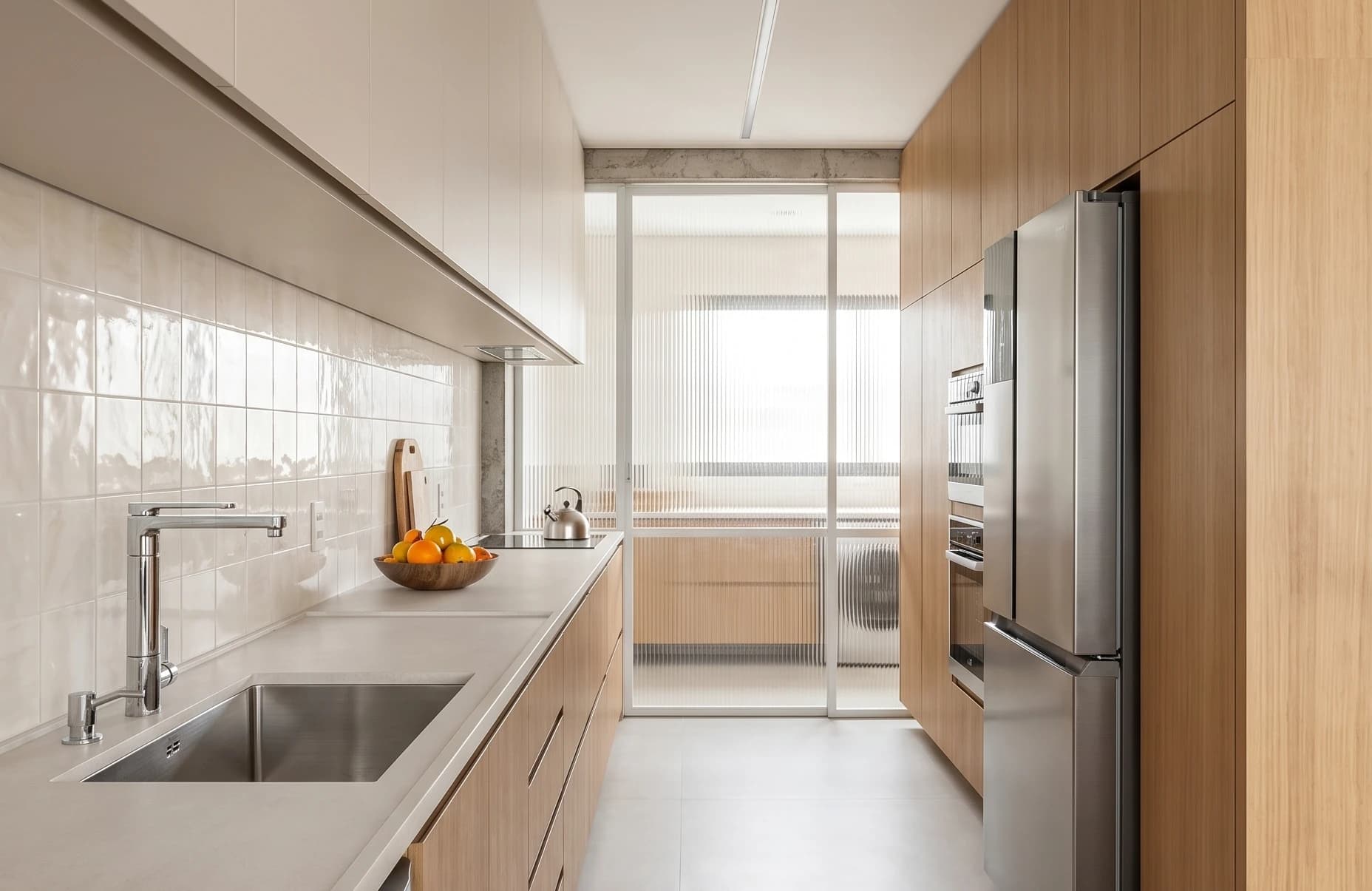
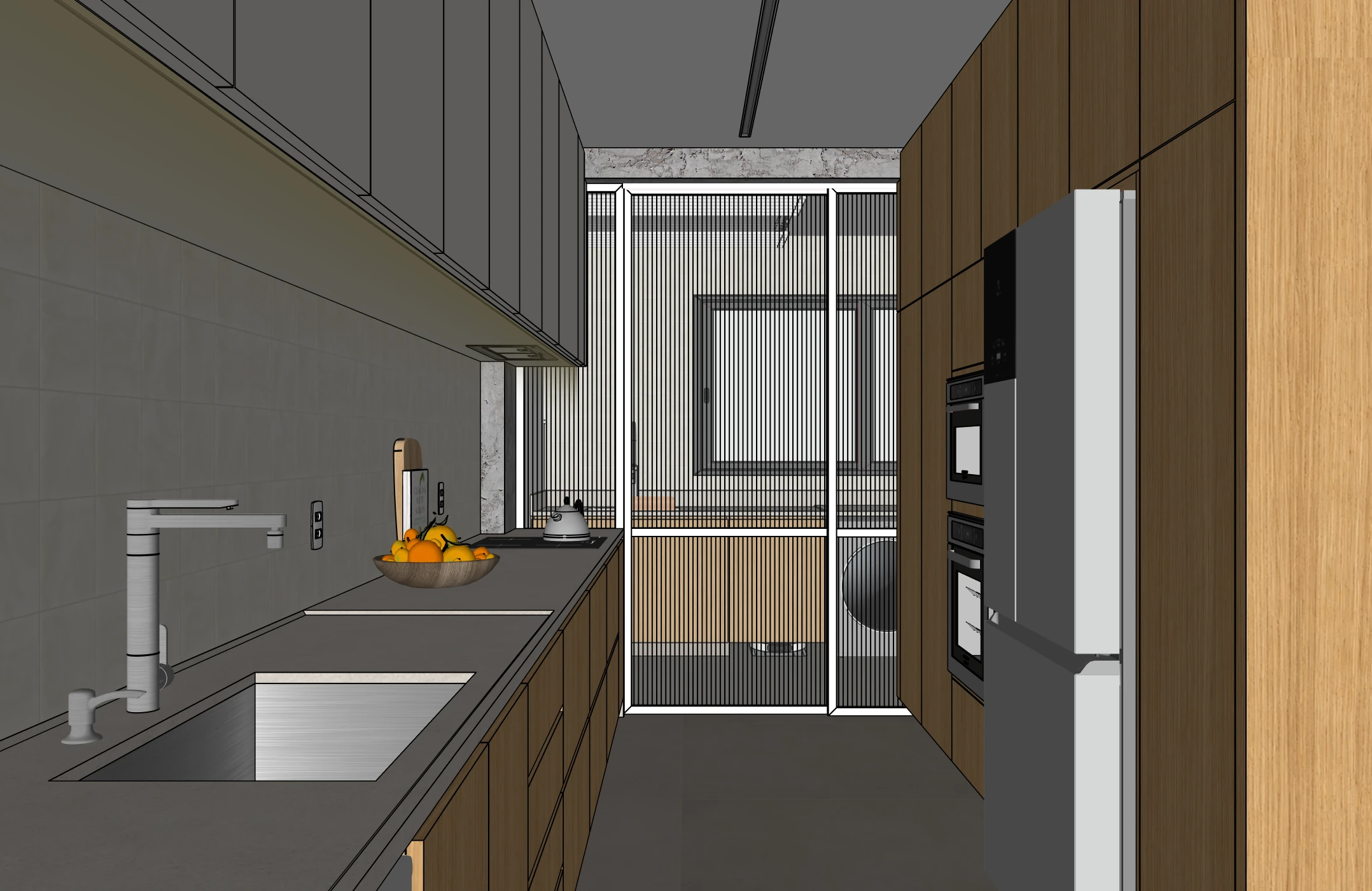
Maquete is architecture-specific AI rendering for SketchUp, Archicad, Revit, and other modelling workflows. Upload a model viewport, guide the materials and lighting, and create a presentation-ready 4K render in about a minute. Its source-aware workflow is engineered to preserve composition, geometry, and design intent.
Bring your project.
Upload a viewport from SketchUp, Archicad, Revit, Rhino, Blender, or another modelling workflow.
Direct the visual.
Guide the materials, lighting, atmosphere, and context through architecture-specific controls.
30s about a minute.
Create a high-resolution architectural visual without building a traditional rendering scene.
Your walls. Your openings.
With your design as the reference.
Architecture-specific controls help retain walls, openings and material intent. Review generated details against your model before approval.
From any tool
to a finished render.
Capture in SketchUp with the optional plugin, or upload an image in your browser. Choose the lighting and review the result.




Real projects, made with Maquete
One apartment.
Fourteen views.
Warm timber, soft greens and spaces that belong together. Explore Apartment LNC, a project by architect Laura Consoni.
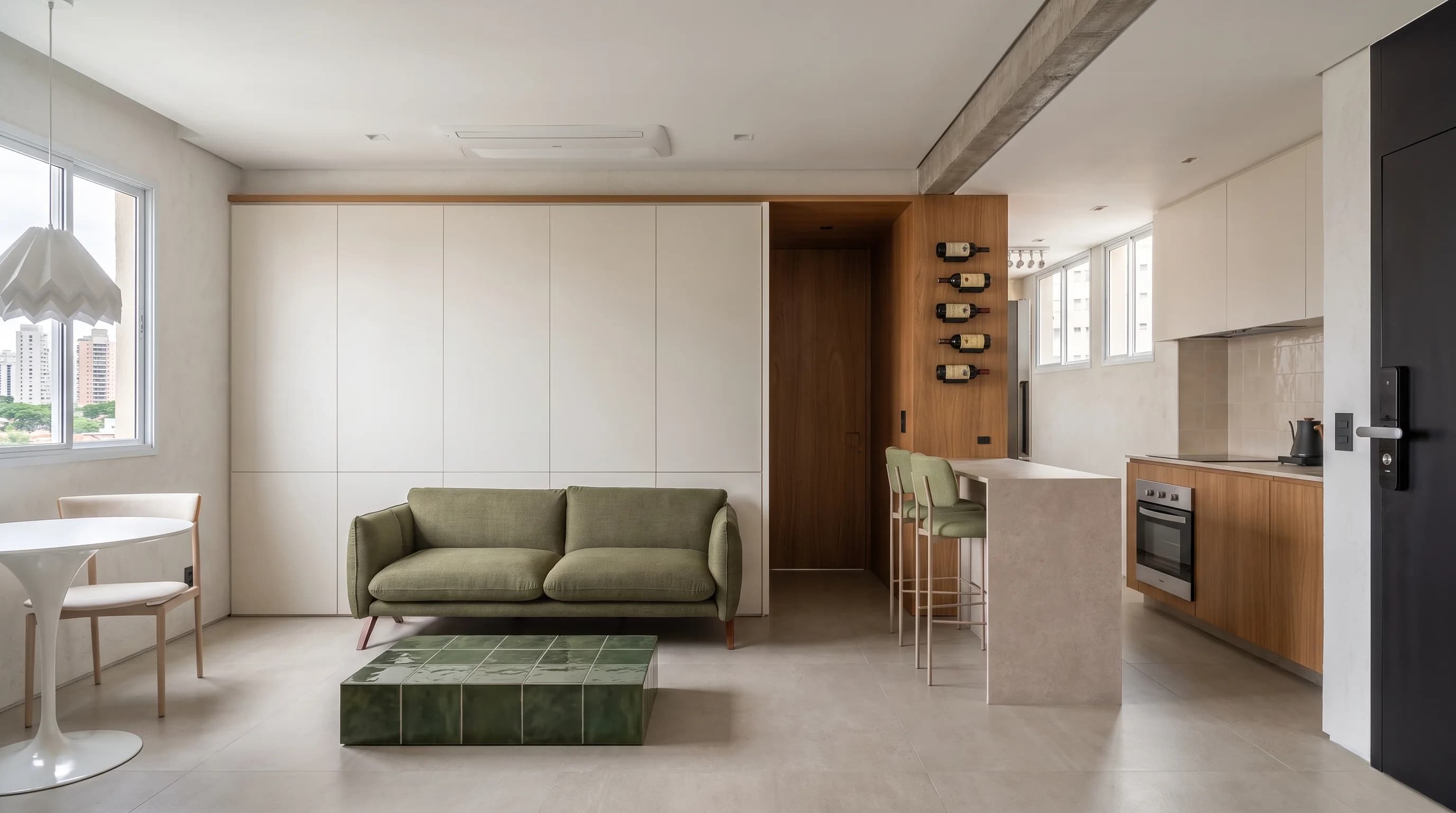
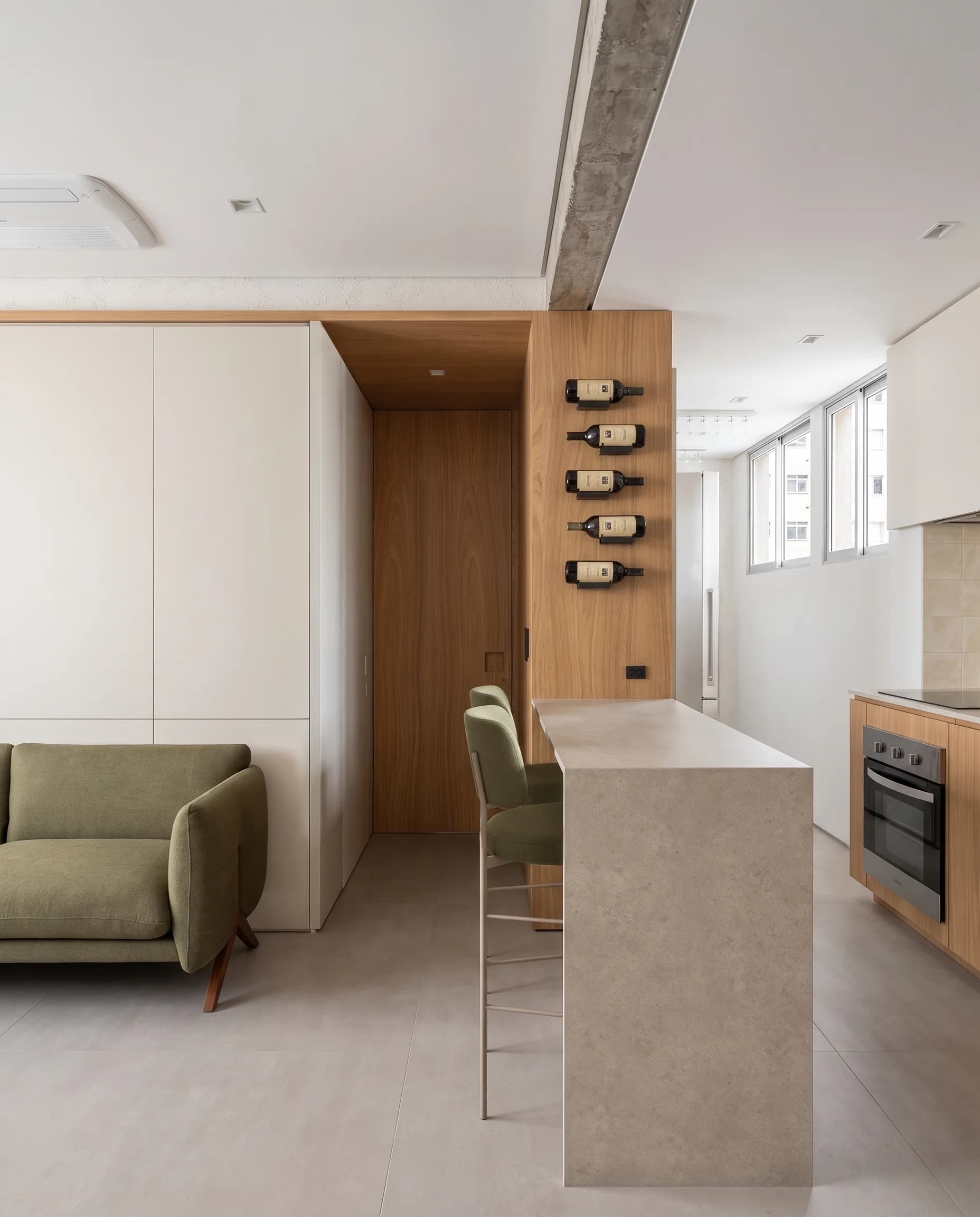
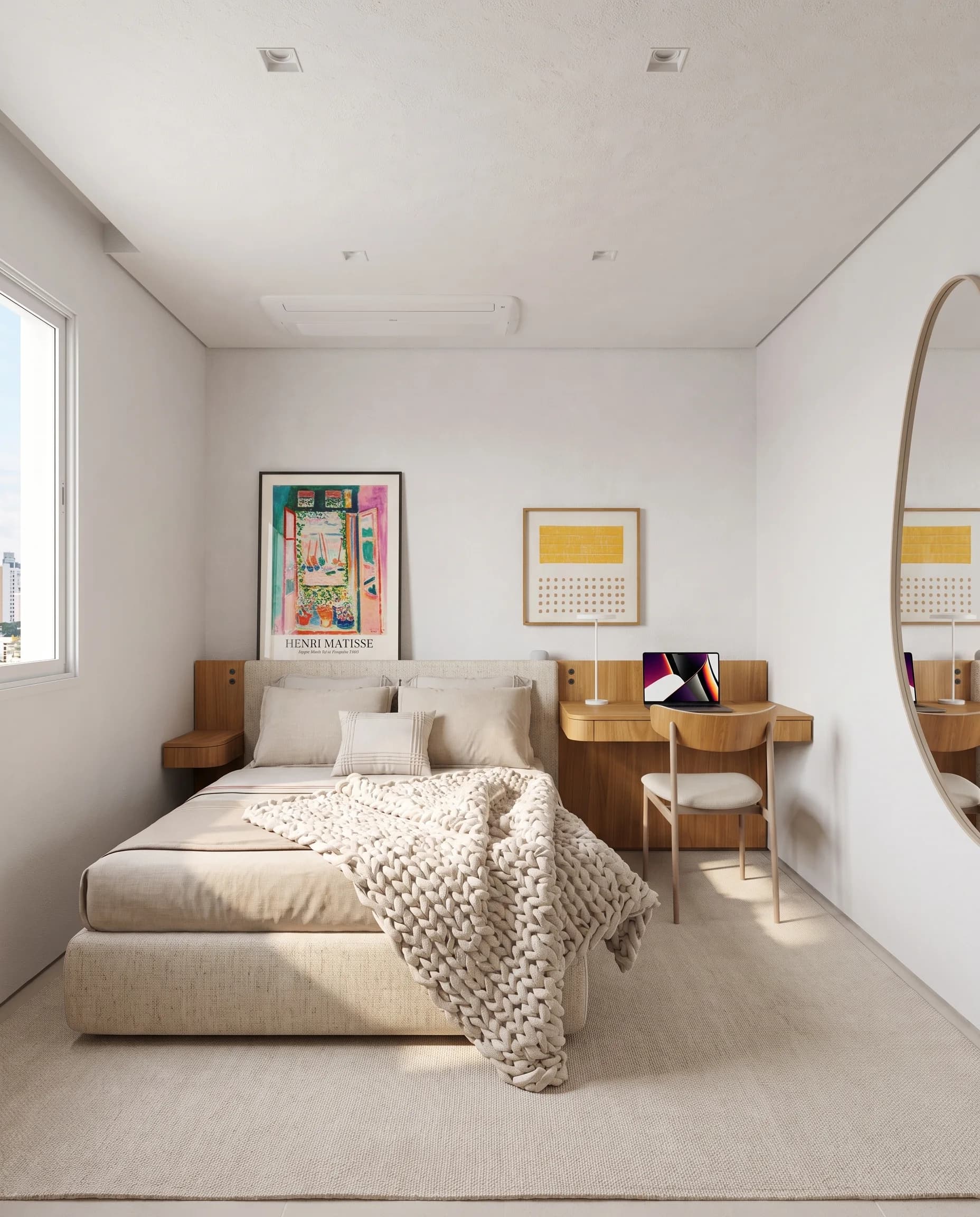
Apartment LNC
Laura Consoni · Architect
Residential interior · 14 views
Step inside an example tour.
Explore our interactive demo: look around, then follow the arrows between rooms.
Watch tutorial · 2:13
Spatial Tours: connect your panoramas
Connect panorama viewpoints, add return arrows and publish an interactive tour your clients can explore. Find the tour again in its project.
English narration · Subtitles in your language
Trusted by architects who demand precision.
I love how quickly I can turn my ideas into realistic visuals and explore different design options. It makes presenting concepts to clients much easier and helps bring ideas to life in a way that's easy to understand.

Kaja Žugelj
Interior designer · ZEDesign
After a long search for AI, this is by far the best rendering site for anyone looking to detail their project faithfully. Thanks to whoever created this site.
Translated · Original: Portuguese

Casa Palma Arquitetura
It has saved me a lot, a huge amount of time by generating high-quality photorealistic floor plans and very realistic interior renders.
Translated · Original: Spanish
Felipe Murillo
Maquete.ai has really helped us with project renders. It generates room images in no time, and clients can visualise the space with the finishes applied.

Gisele Amorin
Architect · Krepischi Lar e Construção
I'm using it and found it very practical to use. The image quality is excellent, and it's really fast.
Leila Brina
Architect · Krepischi Lar e Construção
I really like how easy Maquete is to use, especially the Fast Render option. It really makes the image more realistic.
Raissa
Architect
I found the render fantastic, very realistic and very easy to use. It will really help with sales.
Adriana Carmonatti
Architect · Krepischi Lar e Construção
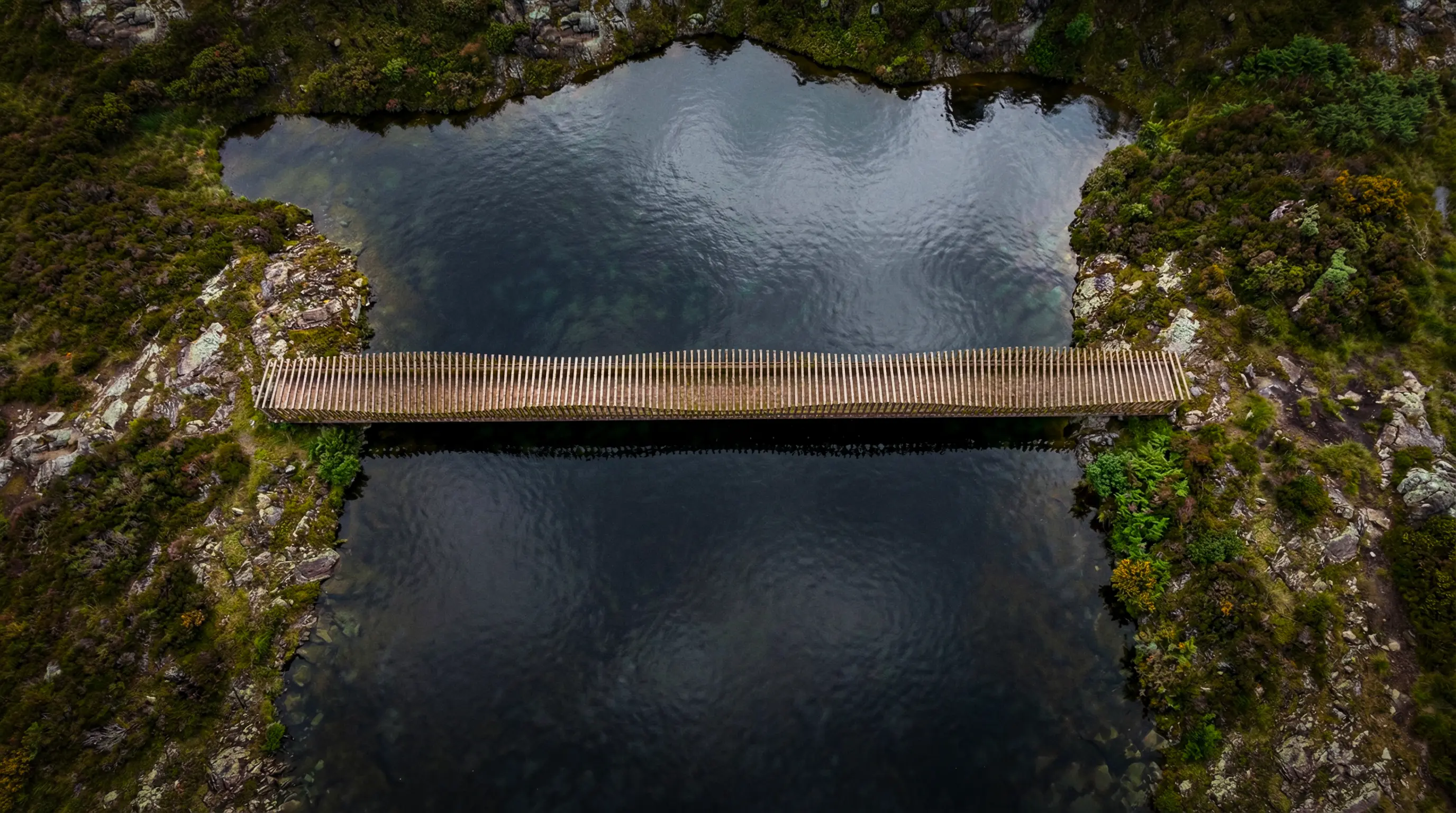
Try Maquete on a real project.
Start a trial, upload a model view and choose the lighting. Typical still generation is about a minute; preparation and review take additional time.
Built by architects
for architects
Fidelity-first
Your model guides the result. Check walls, openings, proportions and materials before sharing a generated image with a client.
Lighting precision
15+ lighting presets engineered for interior photography: golden hour, blue hour, sheer curtain, blinds and more.
Material specificity
Name your materials. We render them. From Portobello ceramic tile to Perla Santana quartzite, polished finish.
Humanise the space
Add motion-blurred figures, water running from taps, a child jumping on a bed. Architecture that feels lived in.
Not just renders
your whole client workflow.
Maquete takes you from the first client brief to a finished presentation — so the render is one step in the job, not a file you wrangle somewhere else.
Client briefings
Send a guided brief, your client fills it in, and every requirement — rooms, materials, references — lands in the project before you render a thing.
Everything in one project
Renders, source images, specification and cost schedules, status and an activity trail — each project keeps the whole job in one place instead of scattered files.
Client presentations
Drop your renders into a slide deck, crop and caption them, and build a polished presentation in minutes — no exporting to another tool.
Share & deliver
Send a live link or a clean PDF. Your client opens a finished presentation, not a folder of PNGs.
Render directly
inside SketchUp.
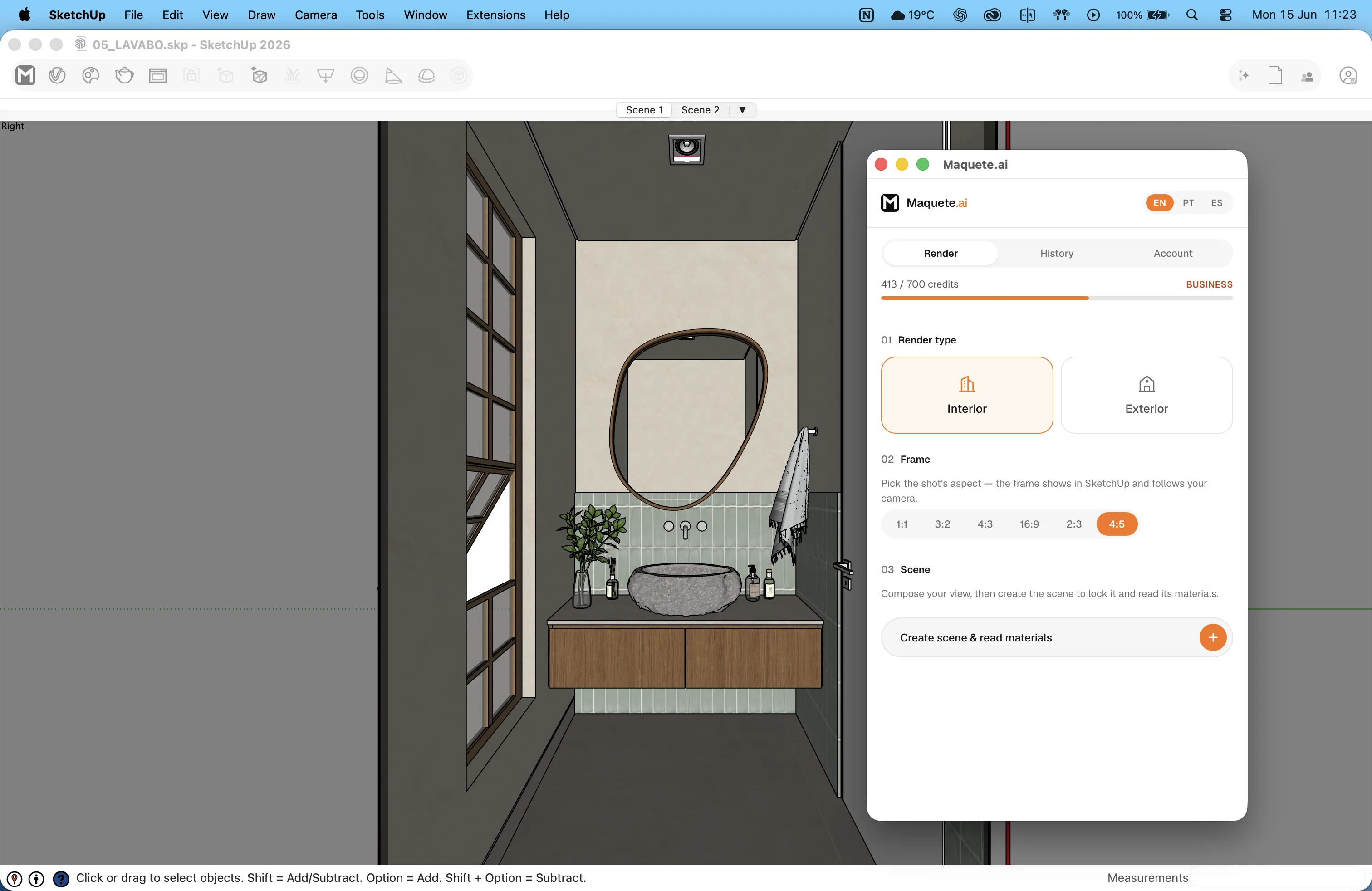
No exports, no uploads, no file conversion. Our native SketchUp plugin lets you render your current viewport in one click — without leaving your modelling environment.
Capture a SketchUp view directly in the plugin, then compare the result with your model.
Stop selling drawings. Start selling spaces.
Architects, interior designers, and showroom teams use Maquete to win clients with photorealistic renders — no learning curve, no waiting hours.
Start with
the source model.
Choose a rendering workflow by the control and evidence your project needs. Compare source images, finished results and the work required to correct a detail.
Our rendering methodology was developed by licensed architects, and refined on real client projects. Every lighting preset, every material instruction, every fix — refined on real projects.
Simple pricing,
no surprises.
10 credits / monthUp to 10 2K stills
- +Up to 2K resolution
- +Video walkthroughs
- +Projects & specification schedules
- +5 free AI fixes per billing cycle
- +1 user
100 credits / month100 stills at 2K or 50 at 4K
3D walkthroughs for 1 new project per month10 credits per version
- +Up to 4K resolution
- +Video walkthroughs
- +Client briefings
- +Projects, specifications & client sharing
- +5 free AI fixes per billing cycle
- +1 user
30 credits for 7 days, then Pro at $24/month.
START FREE TRIAL300 credits / month300 stills at 2K or 150 at 4K
3D walkthroughs for unlimited projects10 credits per version
- +Up to 4K resolution
- +Video walkthroughs
- +Client briefings
- +Projects, specifications & client sharing
- +5 free AI fixes per billing cycle
- +Max video
- +Motion Studio
- ✓Up to 3 users
- ✓Priority support
30 credits for 7 days, then Studio at $59/month.
START FREE TRIAL600 credits / month600 stills at 2K or 300 at 4K
3D walkthroughs for unlimited projects10 credits per version
- +Up to 4K resolution
- +Video walkthroughs
- +Client briefings
- +Projects, specifications & client sharing
- +5 free AI fixes per billing cycle
- +Max video
- +Motion Studio
- ✓Up to 5 users
- ✓Dedicated account manager
30 credits for 7 days, then Business at $99/month.
START FREE TRIALBased on 2K stills at 1 credit each. 4K stills use 2 credits; video and other tools share the same allowance.
New renders and AI edits use the displayed credits. If a result is wrong, give it a thumbs-down and describe the problem to request an AI fix. Includes 5 free AI fixes per billing cycle. Credits are returned if generation fails.
Your next render
starts here.
Upload your SketchUp print, pick a lighting scenario, and get a photorealistic render in seconds.
Frequently asked questions
What file formats do you accept?+
We accept any image export from your 3D modelling tool — PNG, JPG, or TIFF. Upload a SketchUp viewport capture, a Revit export, or any clean architectural plan. If you use SketchUp, our native plugin renders directly from your current viewport.
How long does a render take?+
Most still renders appear about a minute after you press Generate. Complex requests or periods of high demand may take longer.
Do you preserve my geometry?+
Maquete is engineered for architectural fidelity and uses the source image to preserve composition, proportions, and structural intent as closely as possible.
Can I use renders commercially?+
Absolutely. All renders generated from your content are yours to use commercially without restriction — client presentations, competition entries, marketing materials, whatever you need.
What if a render doesn't look right?+
New renders and AI edits use the displayed credits. If a result is wrong, give it a thumbs-down and describe the problem to request an AI fix. Includes 5 free AI fixes per billing cycle. Credits are returned if generation fails.
Mobile apps
Your next design idea. Wherever you are.
iPhone · iPad · Android