Krepischi × Maquete
Krepischi is a São Paulo architecture and interior design studio known for residential projects with precise material detailing and calm, liveable atmospheres.
They use Maquete to turn their SketchUp design prints into photorealistic renders — preserving every geometry, material, and camera decision they've already made.
Workflow
Stays in SketchUp
No exporting, no material reassignment, no V-Ray licensing. The team renders directly from the SketchUp viewport.
Speed
Seconds per render
What used to take overnight renders or outsourced studios now happens during the design conversation itself.
Fidelity
Every material preserved
The grey cabinets stay grey. The patterned tile stays patterned. Krepischi's design intent travels from print to final image untouched.
Four scenes, four transformations
Drag the slider on each image to compare the SketchUp print with the final Maquete render.
Project 01
Patterned Tile Kitchen
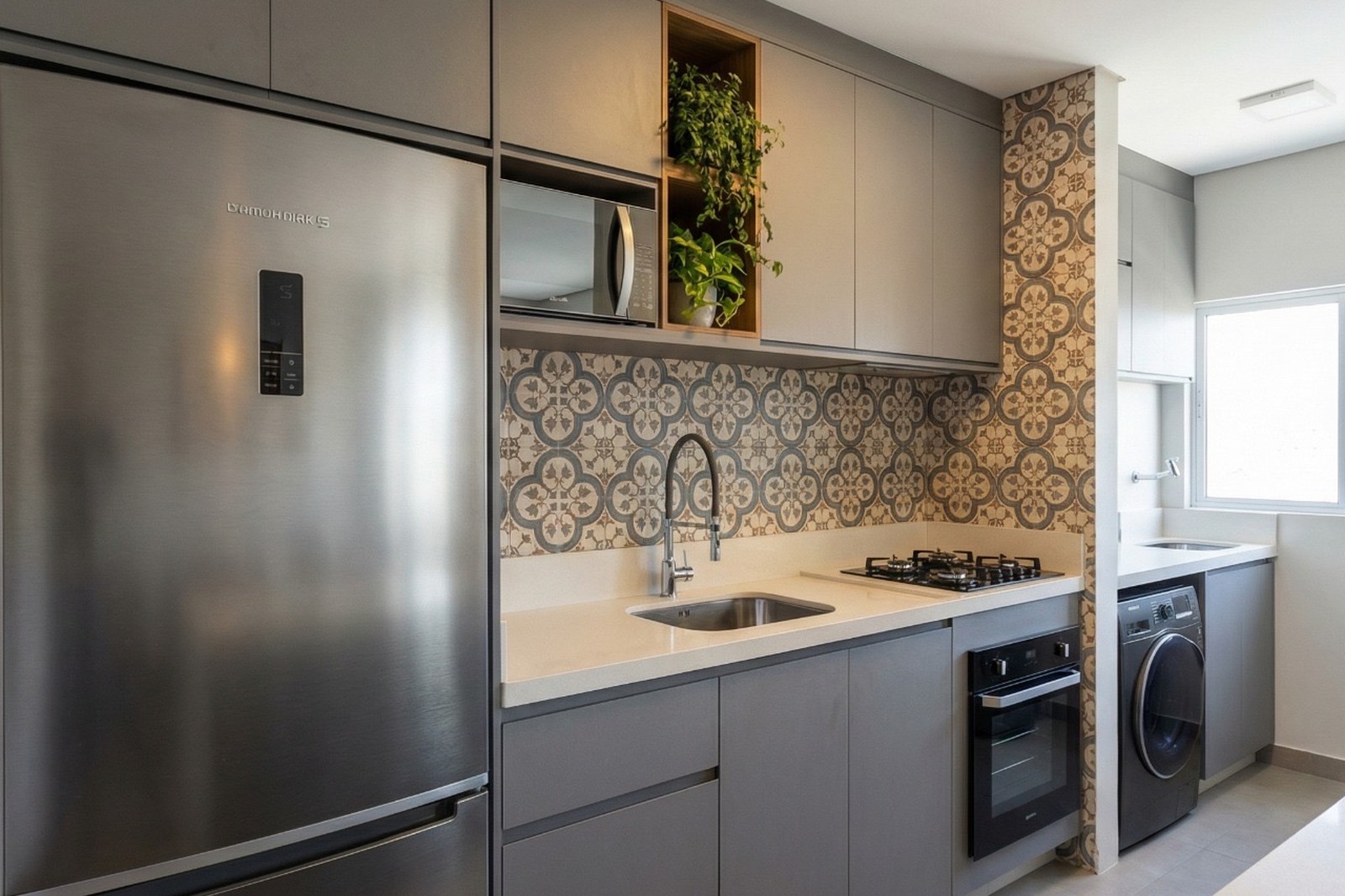
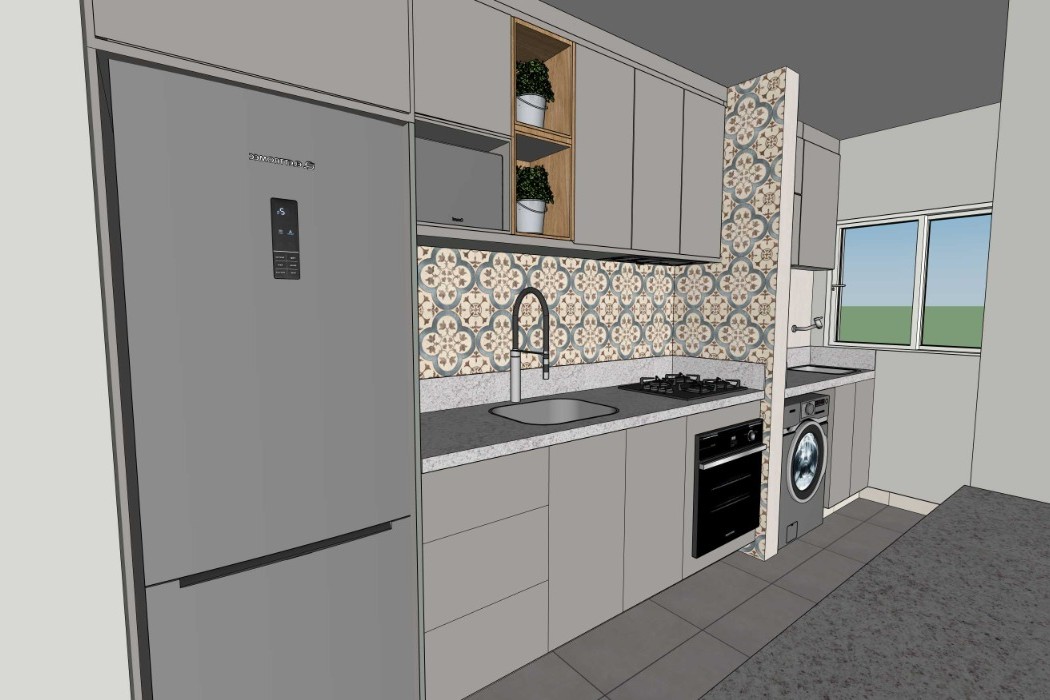
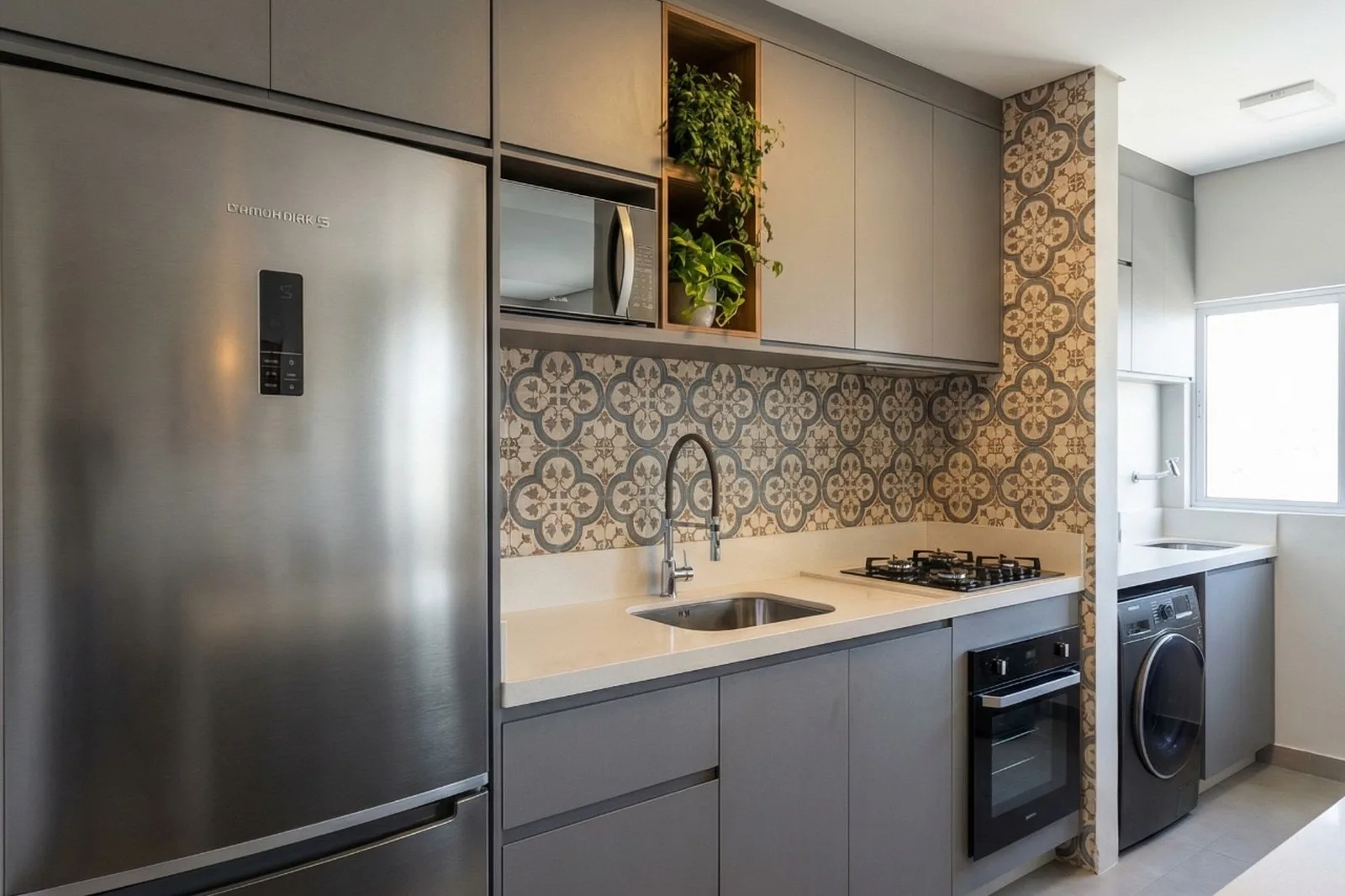
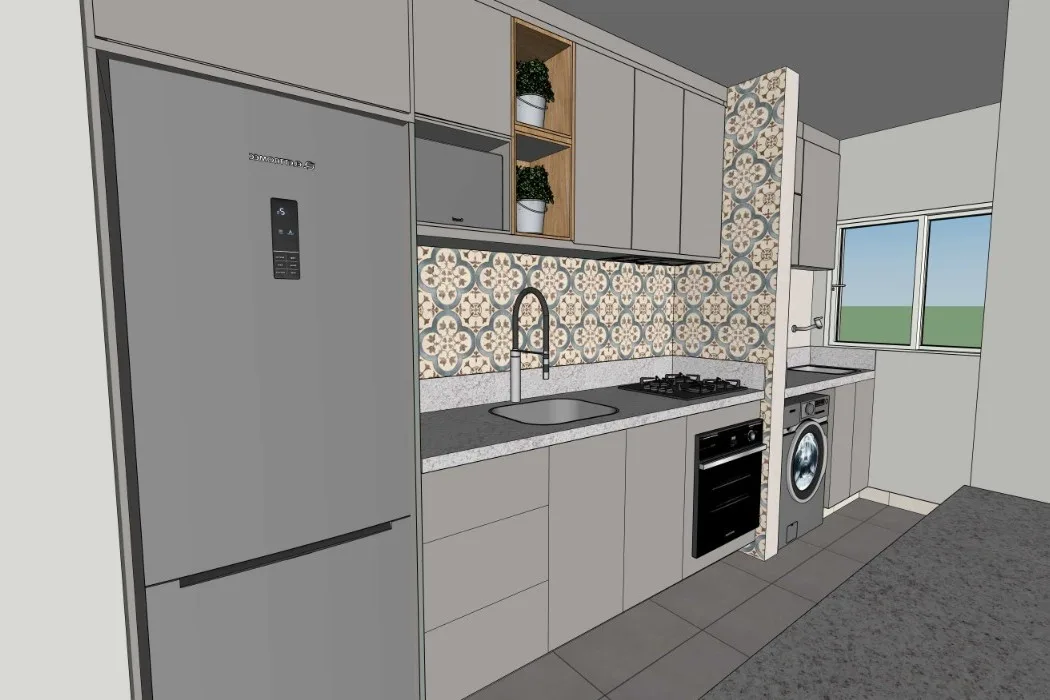
The Moroccan-inspired backsplash is preserved pattern-for-pattern from the SketchUp print. Grey cabinetry, stainless appliances, and terrazzo counter stay faithful — the render adds natural light falloff and real material texture.
Project 02
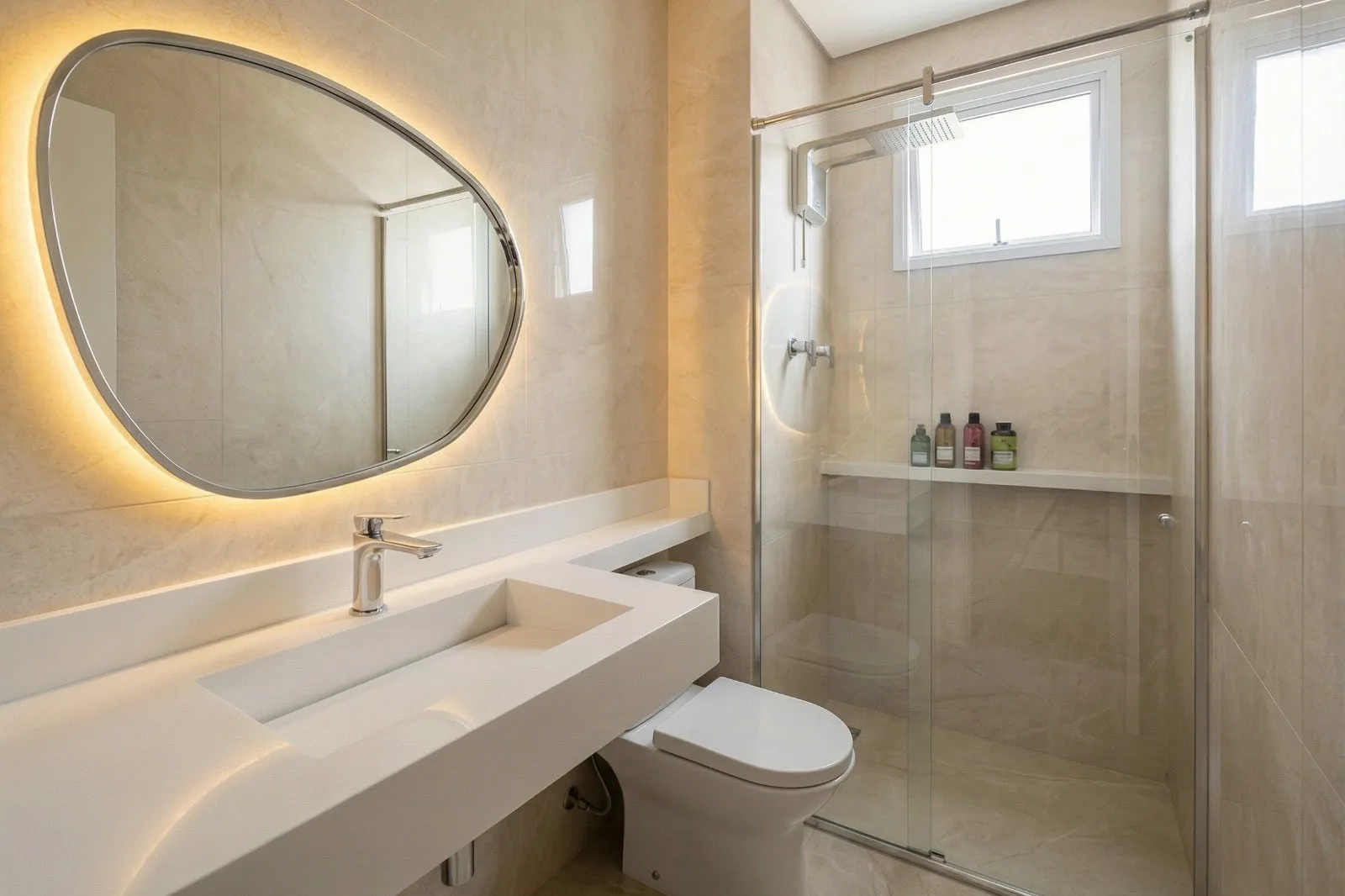
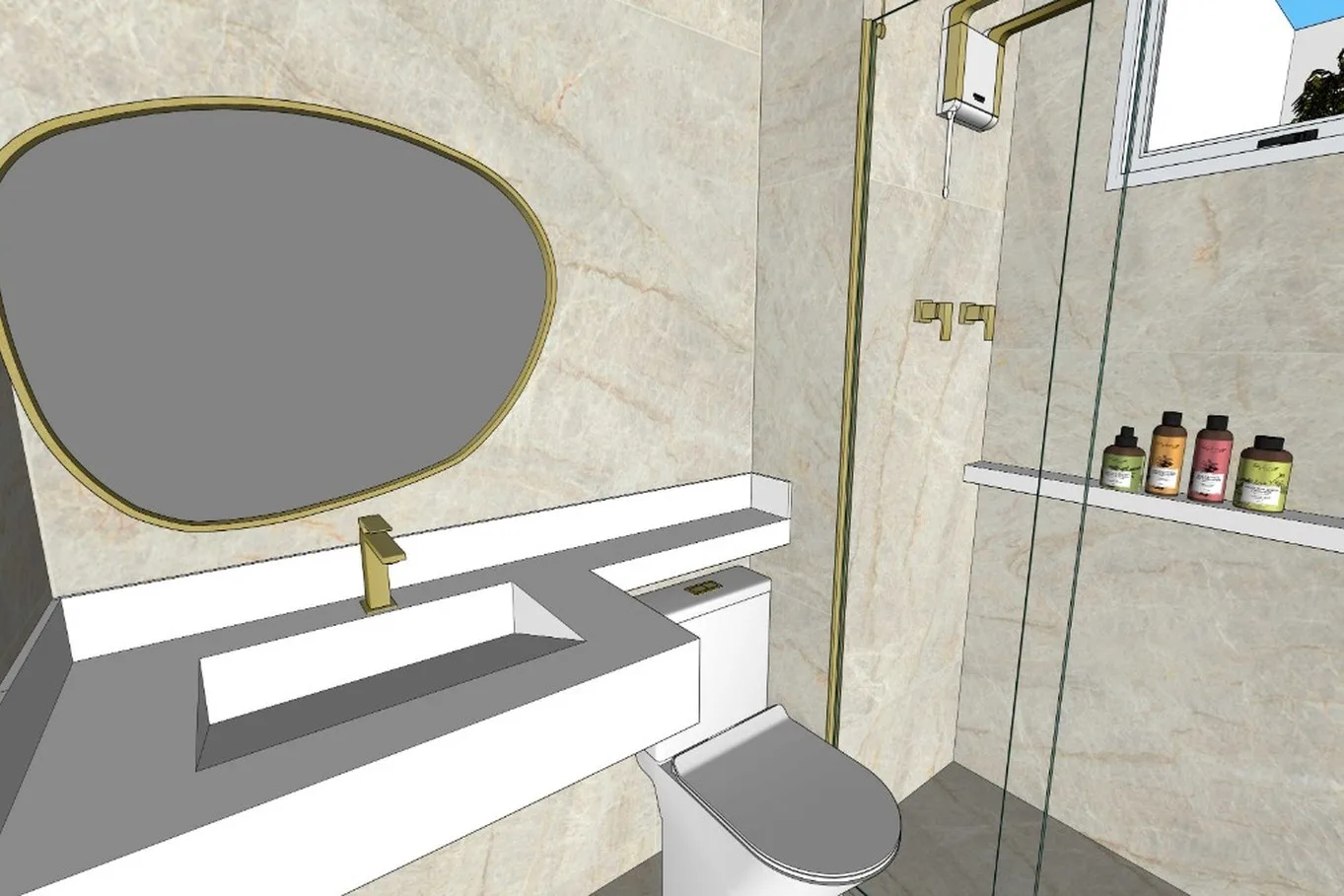
Backlit Mirror Bathroom
Cream marble tiles, brass fixtures, and an asymmetric mirror with integrated backlighting. The render preserves every fixture position from the SketchUp model while resolving materials and lighting into photographic reality.
Project 03
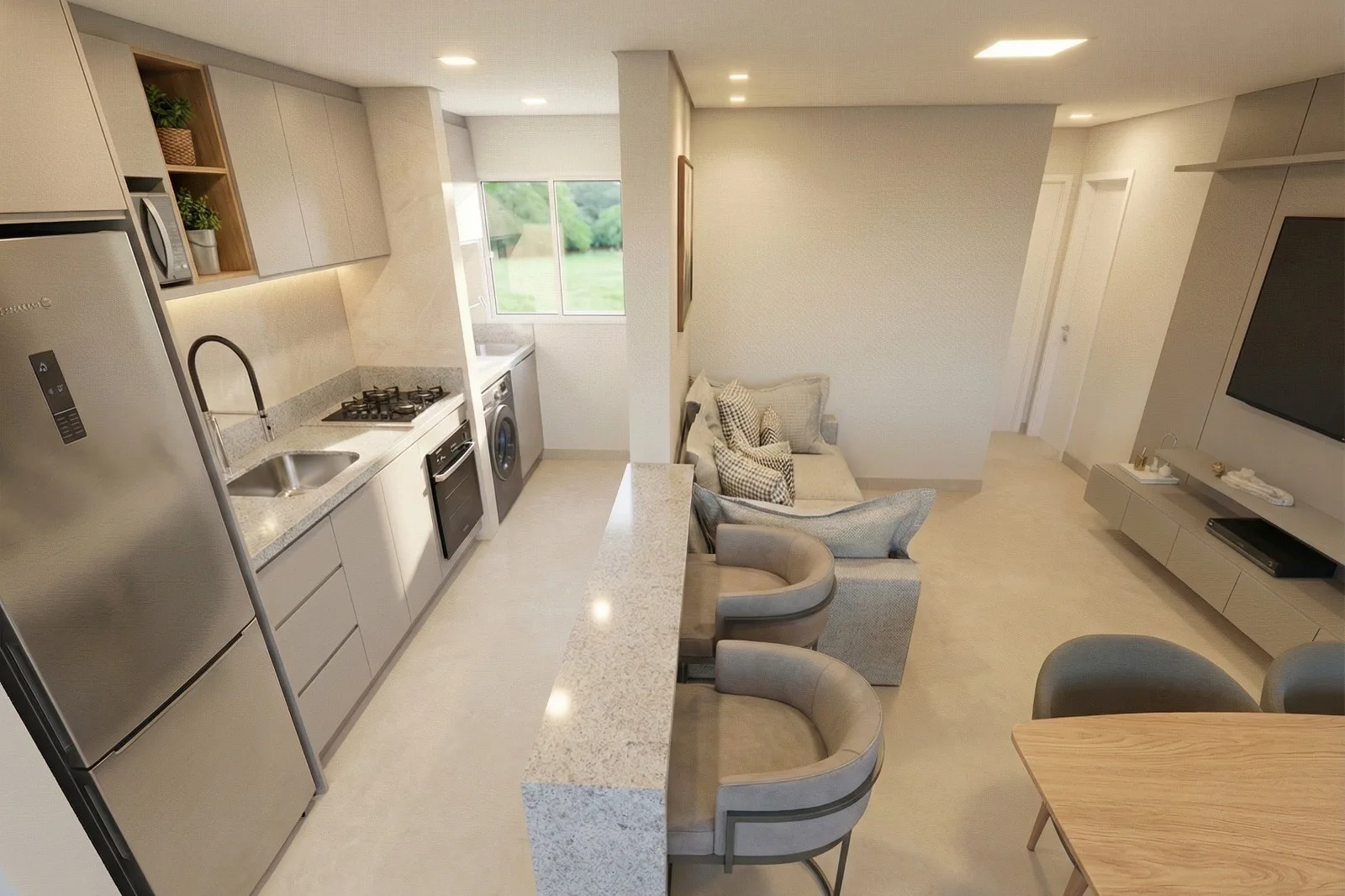
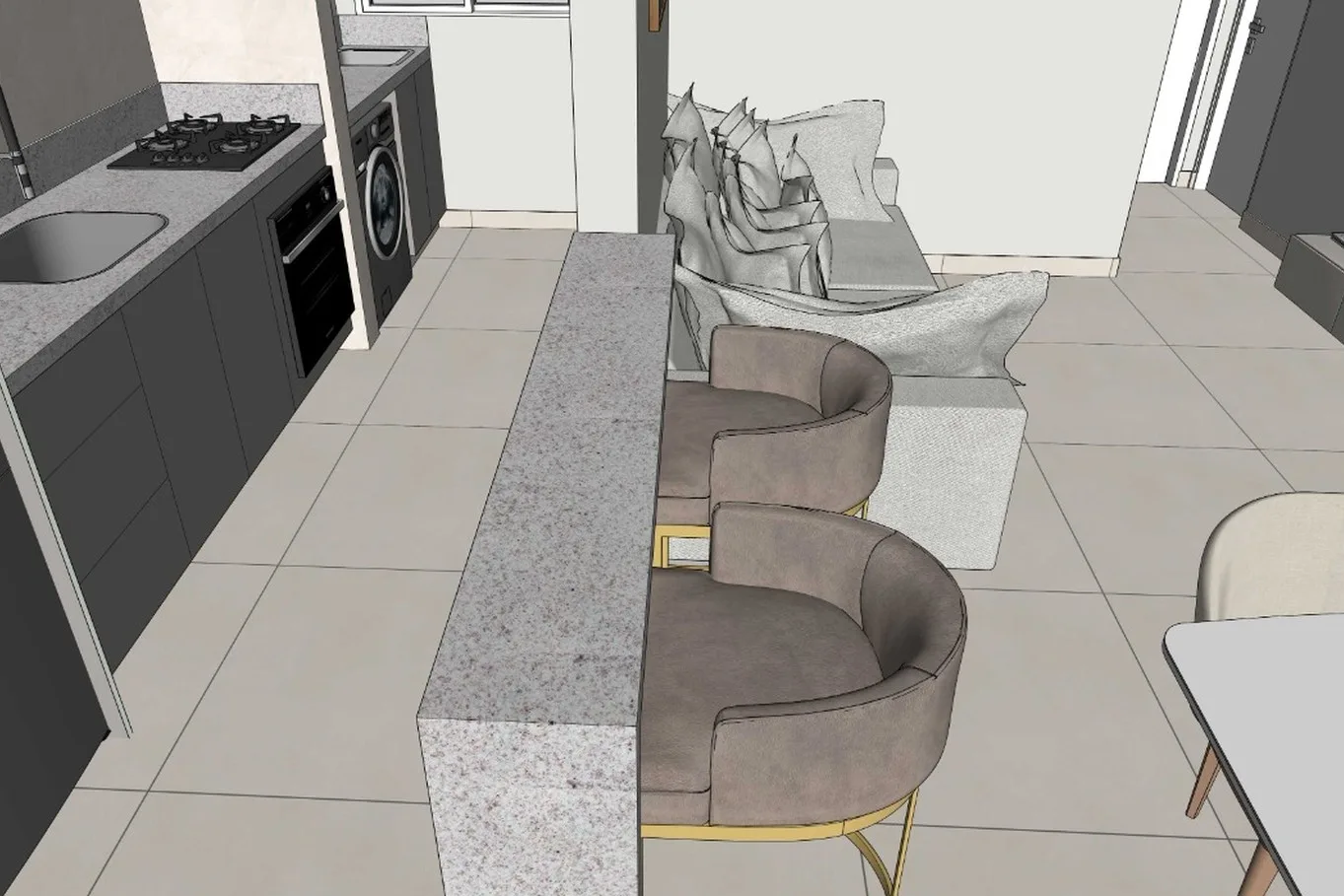
Open Plan Living
Kitchen, dining, and living in one integrated space. Every piece of furniture from the print — down to the bucket-seat bar stools — appears exactly where the architect placed it.
Project 04
Teen Bedroom
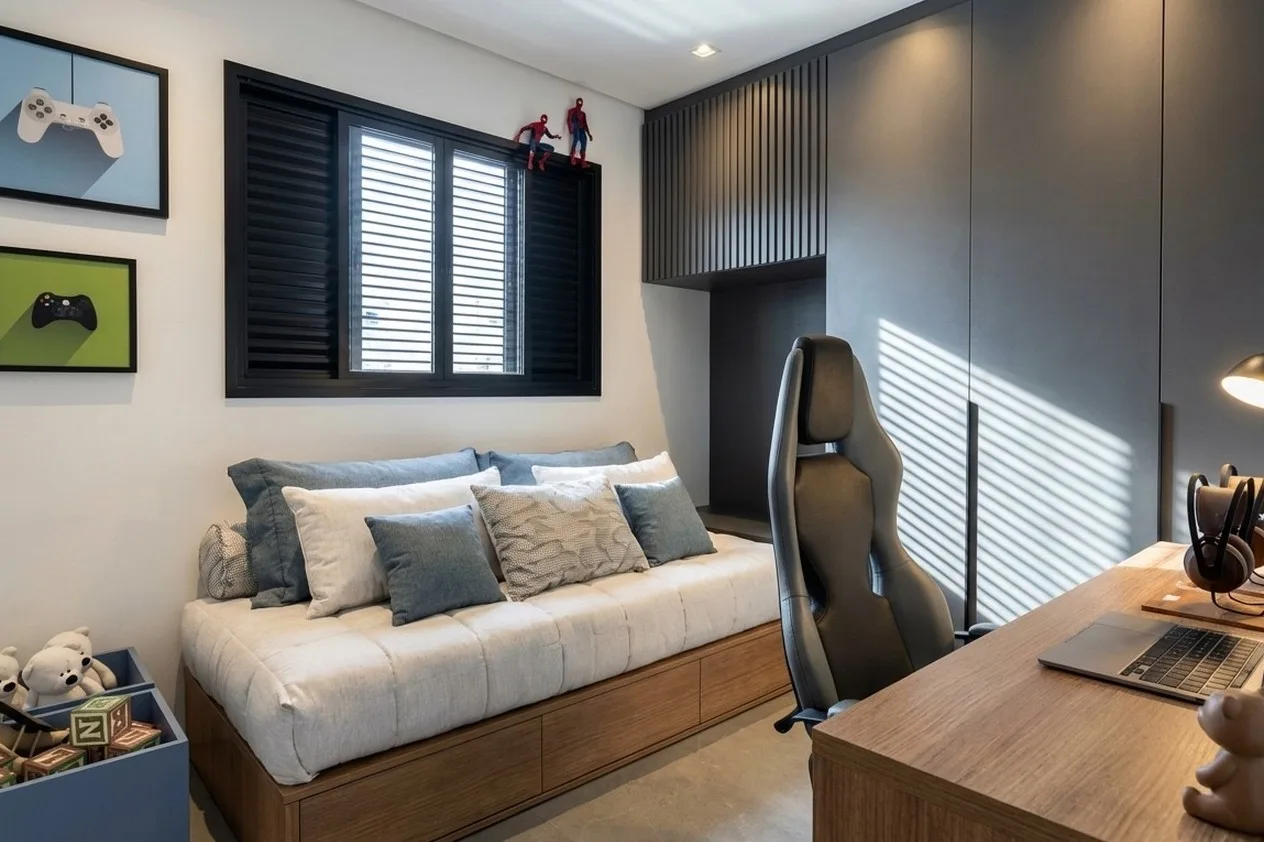
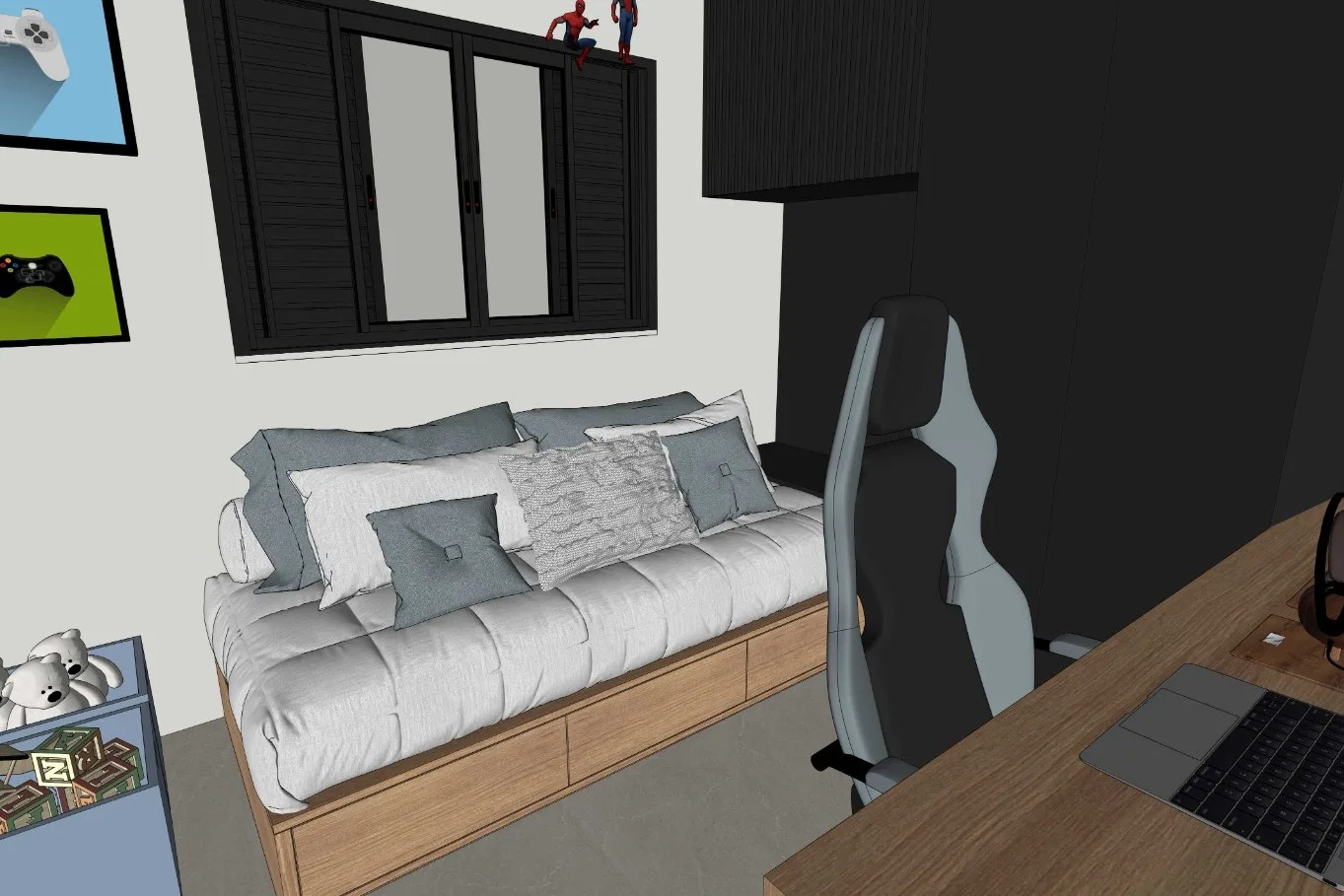
A playful teen room with layered pillows, a gaming setup, and Spider-Man figures on the window sill. Details that would take hours in traditional 3D software — captured in a single render pass.
Try Maquete with your own SketchUp project
Five free renders, no credit card. Upload a print or install the SketchUp plugin and render directly from your viewport.