AI Bathroom Renderer
Photorealistic bathroom
renders in 30 seconds
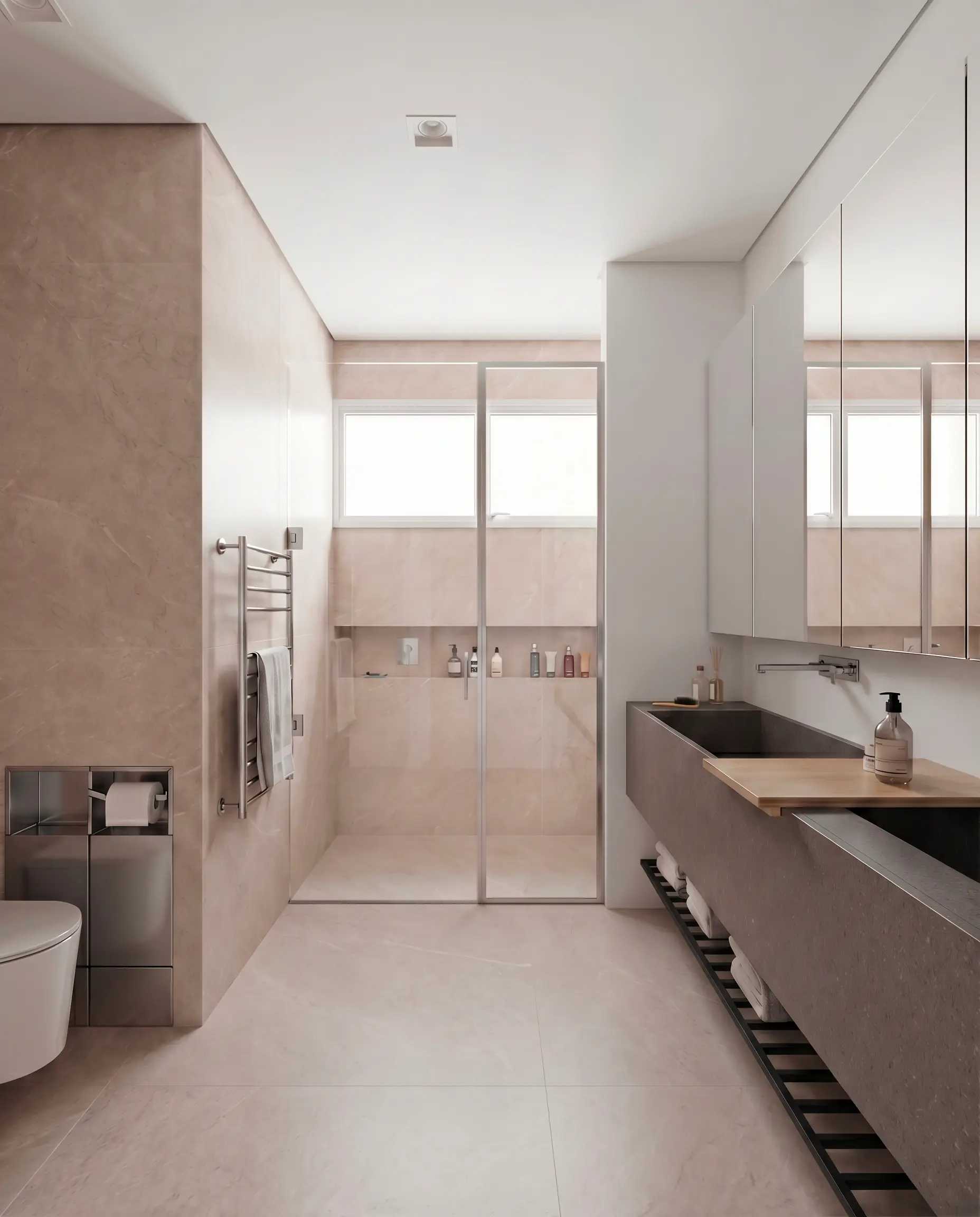
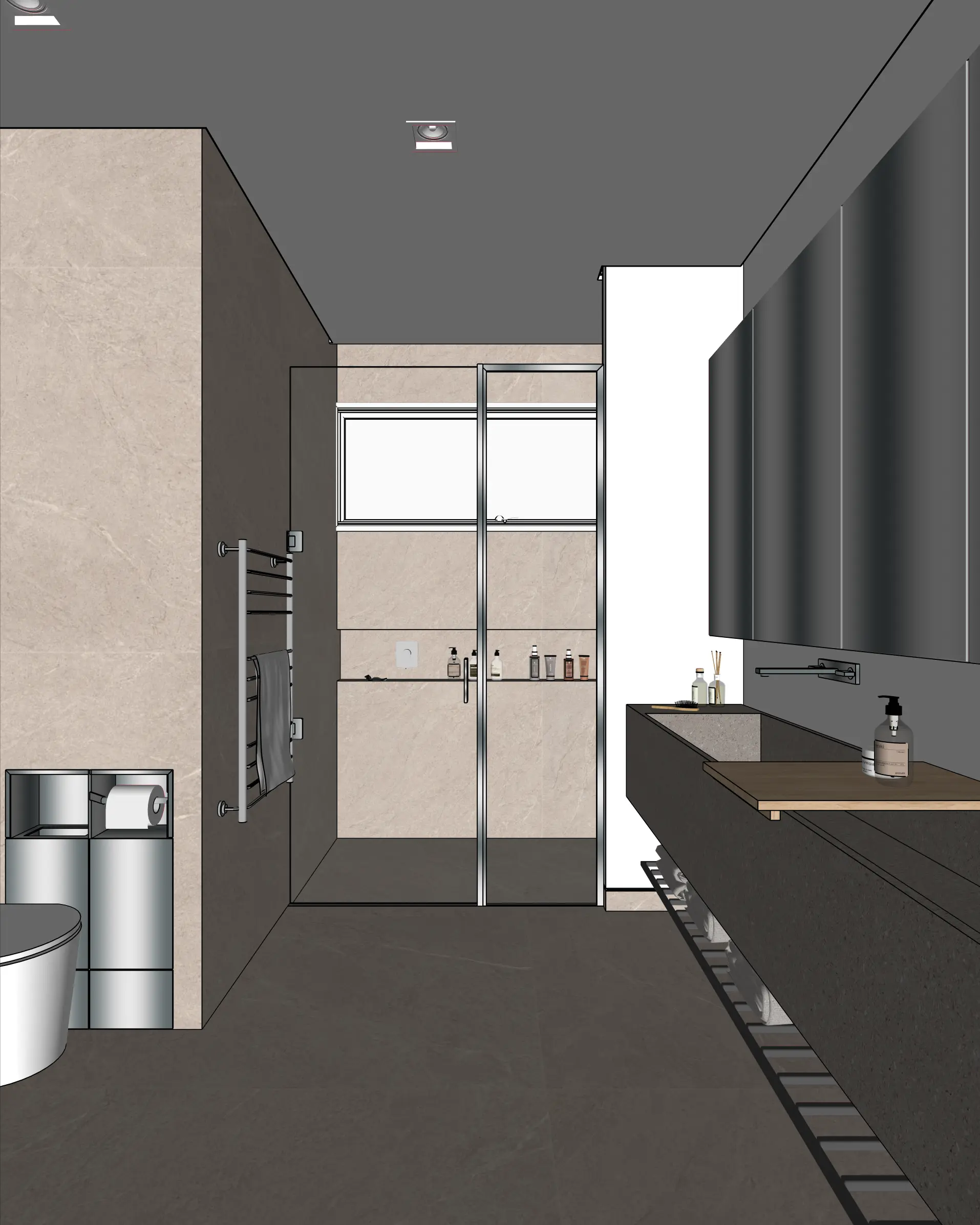
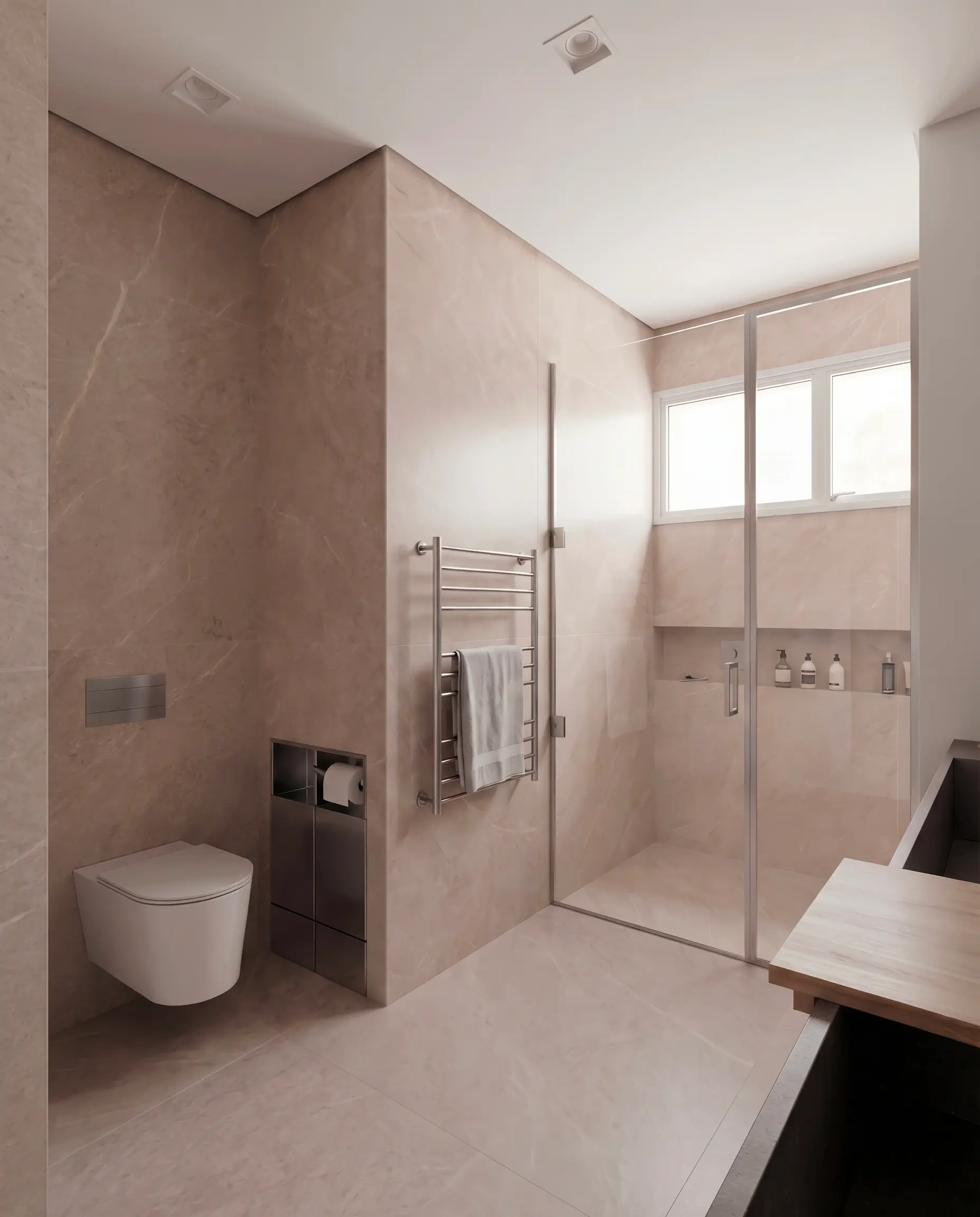
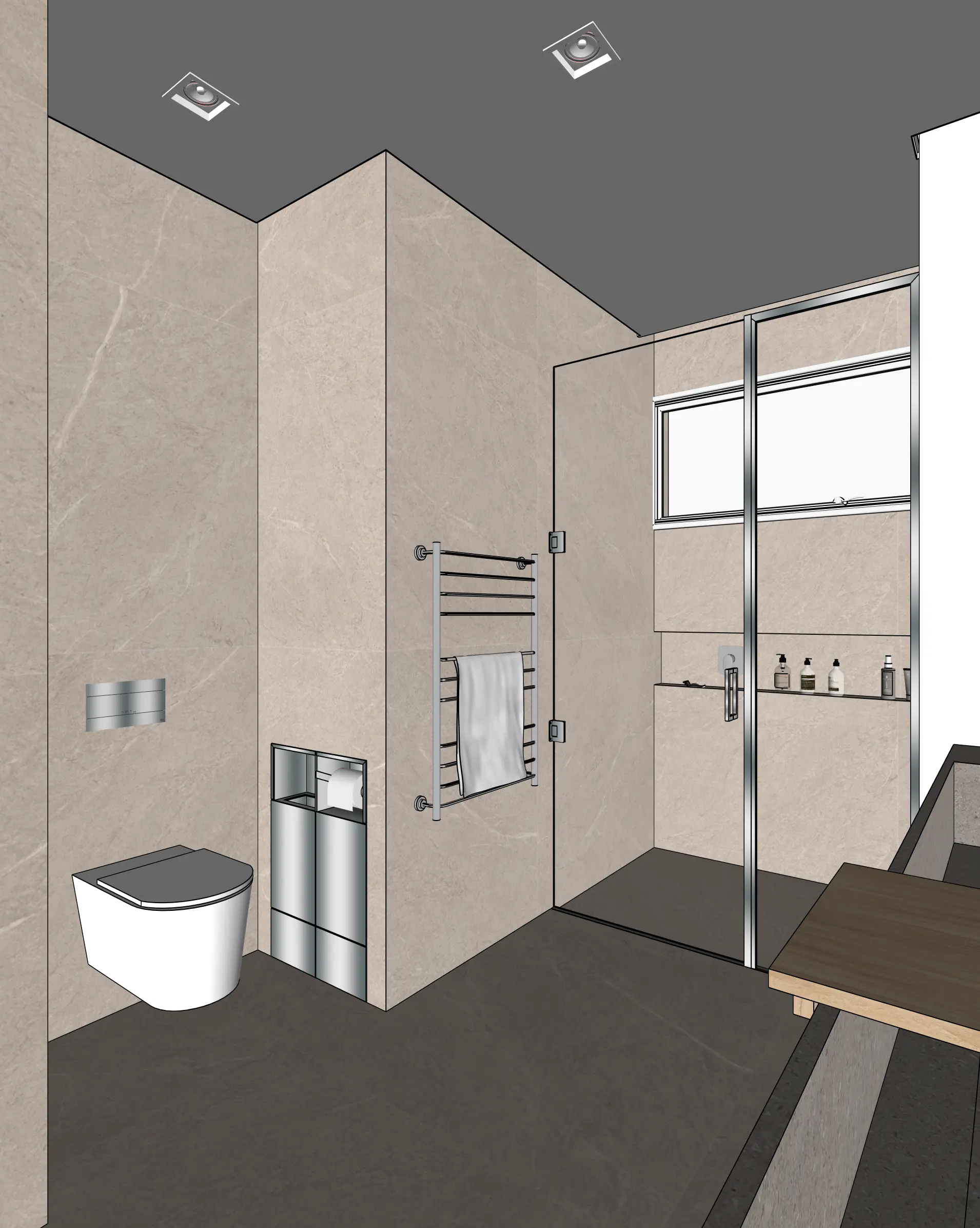
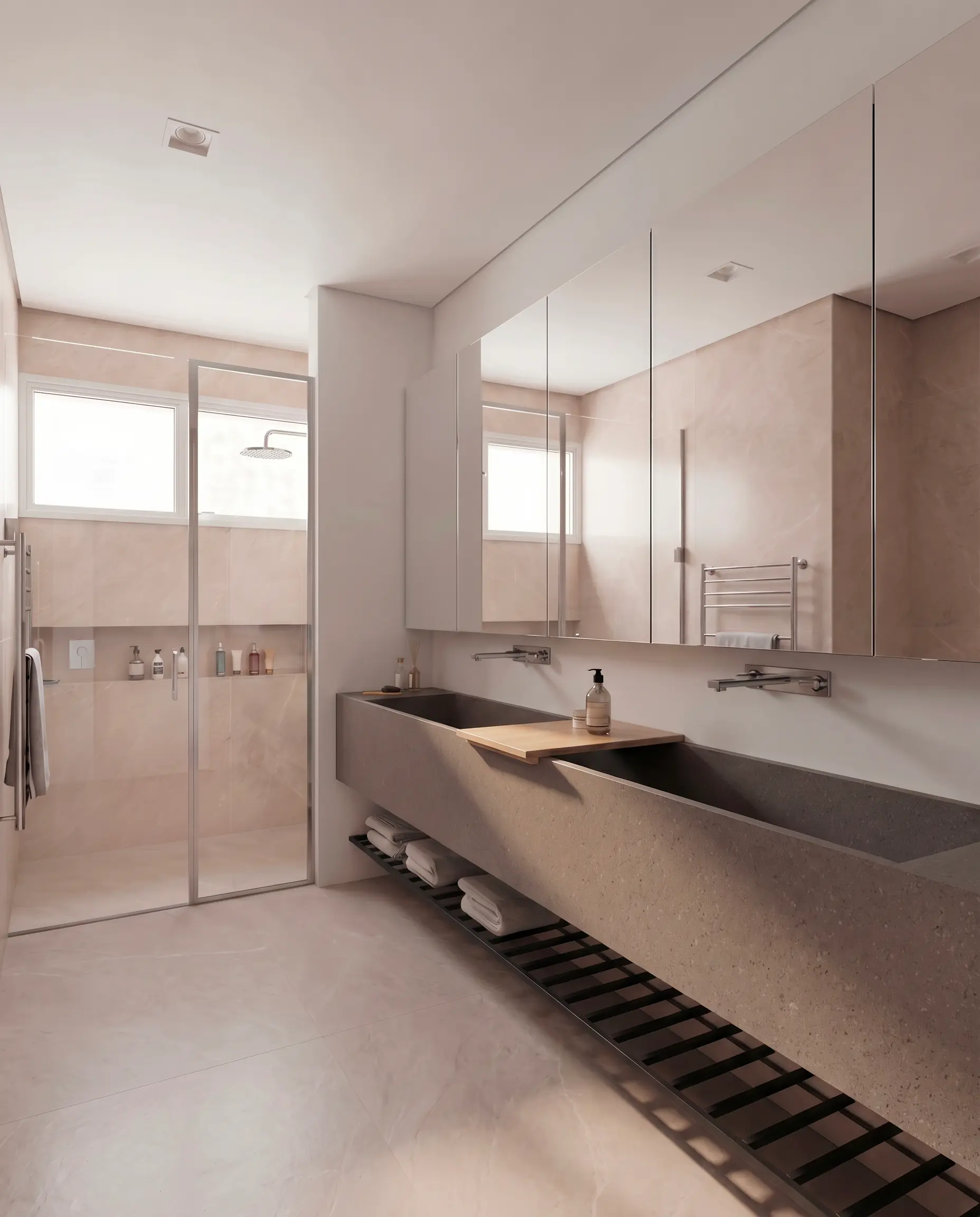
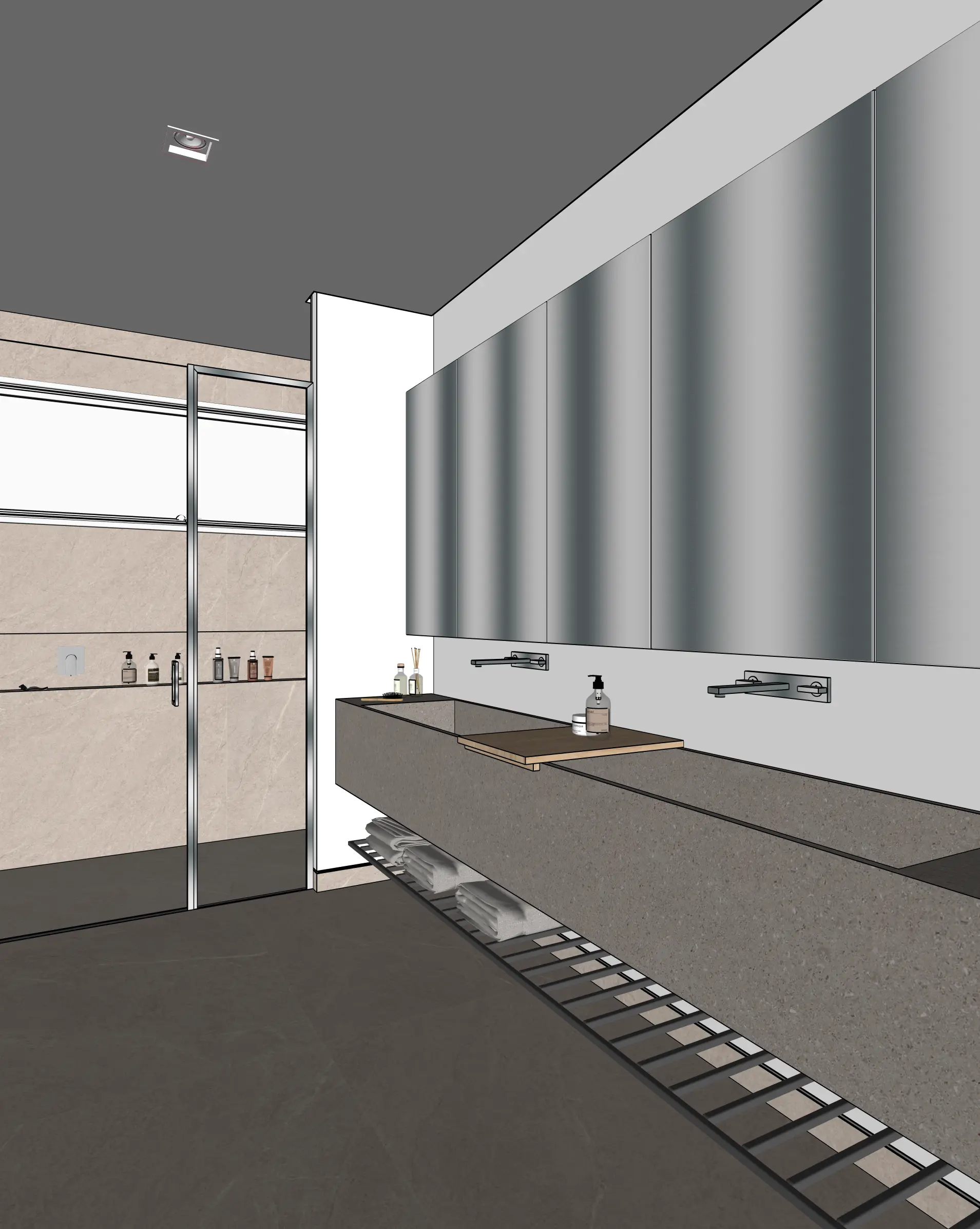
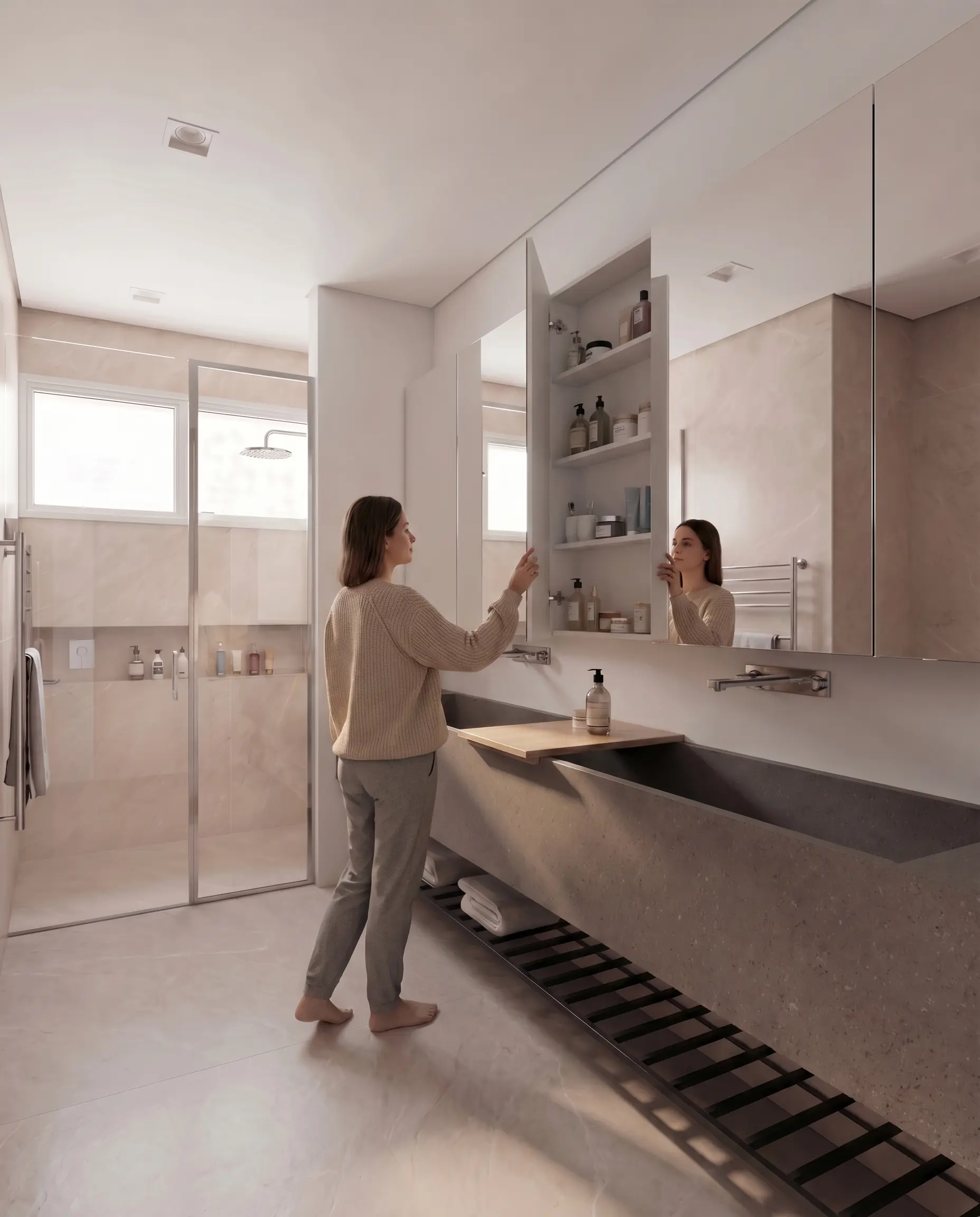
Turn a SketchUp bathroom model into a photoreal interior render. Tile patterns, fixtures, lighting, and finishes — all controllable, geometry stays faithful.
Examples
Bathroom renders from real SketchUp models
How it works
Three steps from SketchUp to photoreal
Capture your view
Set up the view in SketchUp (or any 3D tool). Export a PNG or JPG of your viewport.
Upload to Maquete
Drop the image in the browser. Pick a lighting preset, time of day, and any material tweaks.
Render in seconds
Maquete returns a photorealistic render in around 30 seconds. Iterate on materials, lighting, or finishes without re-rendering the model.
FAQ
Bathroom rendering, answered
Can I control tile patterns and grout?+
Yes. Maquete reads the tile geometry from your SketchUp model and renders the surface pattern. For specific tile types — herringbone, hex, large-format — describe it in the material prompt and Maquete matches the brief.
Will mirror reflections look correct?+
The mirror reflection is rendered to fit the room context shown in your viewport. It won't perfectly match real ray-traced reflection geometry, but for presentation and concept renders it reads as believable.
Can I render small windowless bathrooms?+
Yes. Use the artificial-lighting presets to control how the space is lit — Maquete adds plausible recessed or wall lights rather than relying on natural daylight.
Render your first bathroom
Start a 7-day free trial and try Maquete on a real project.