AI Bedroom Renderer
Photorealistic bedroom
renders in 30 seconds
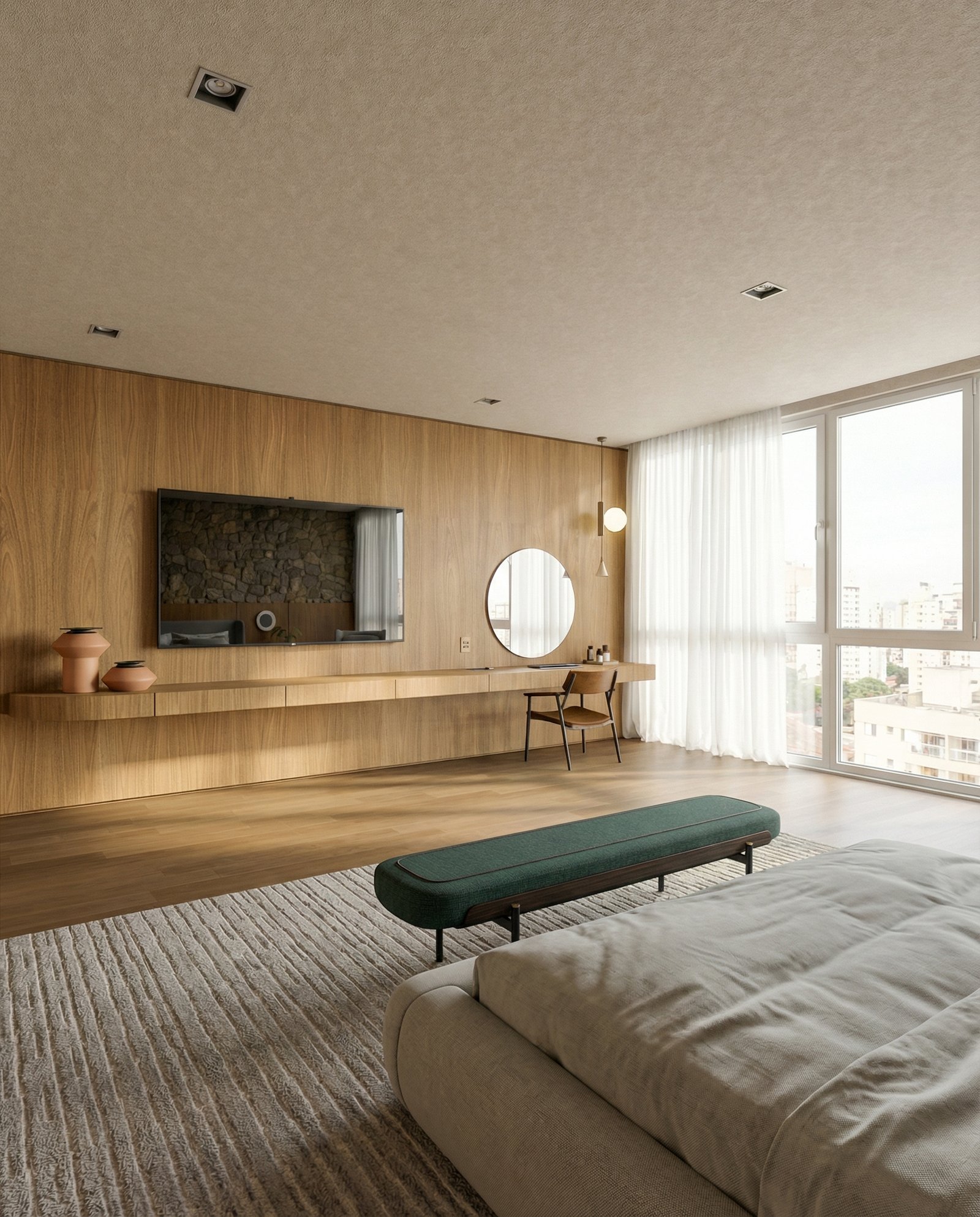
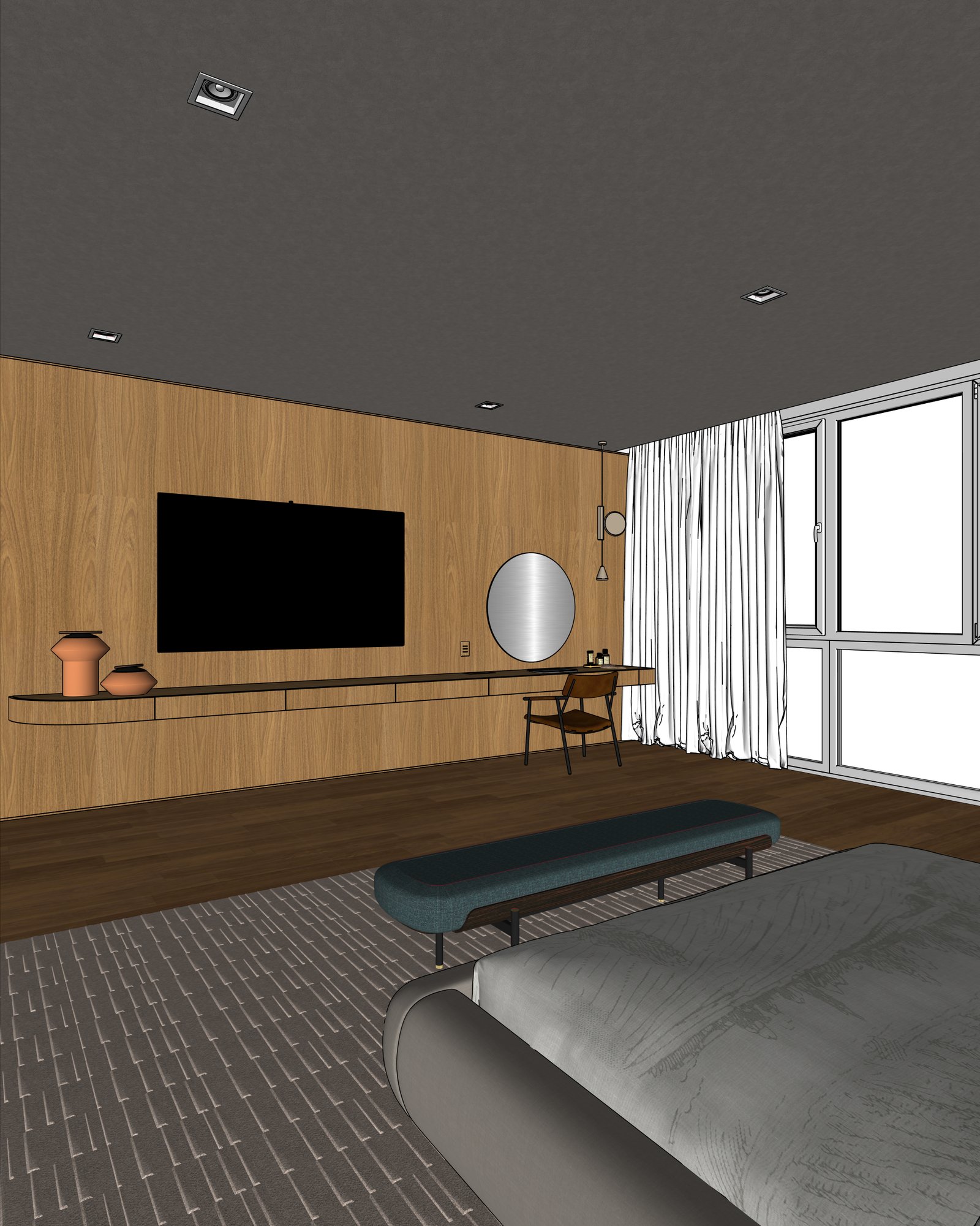
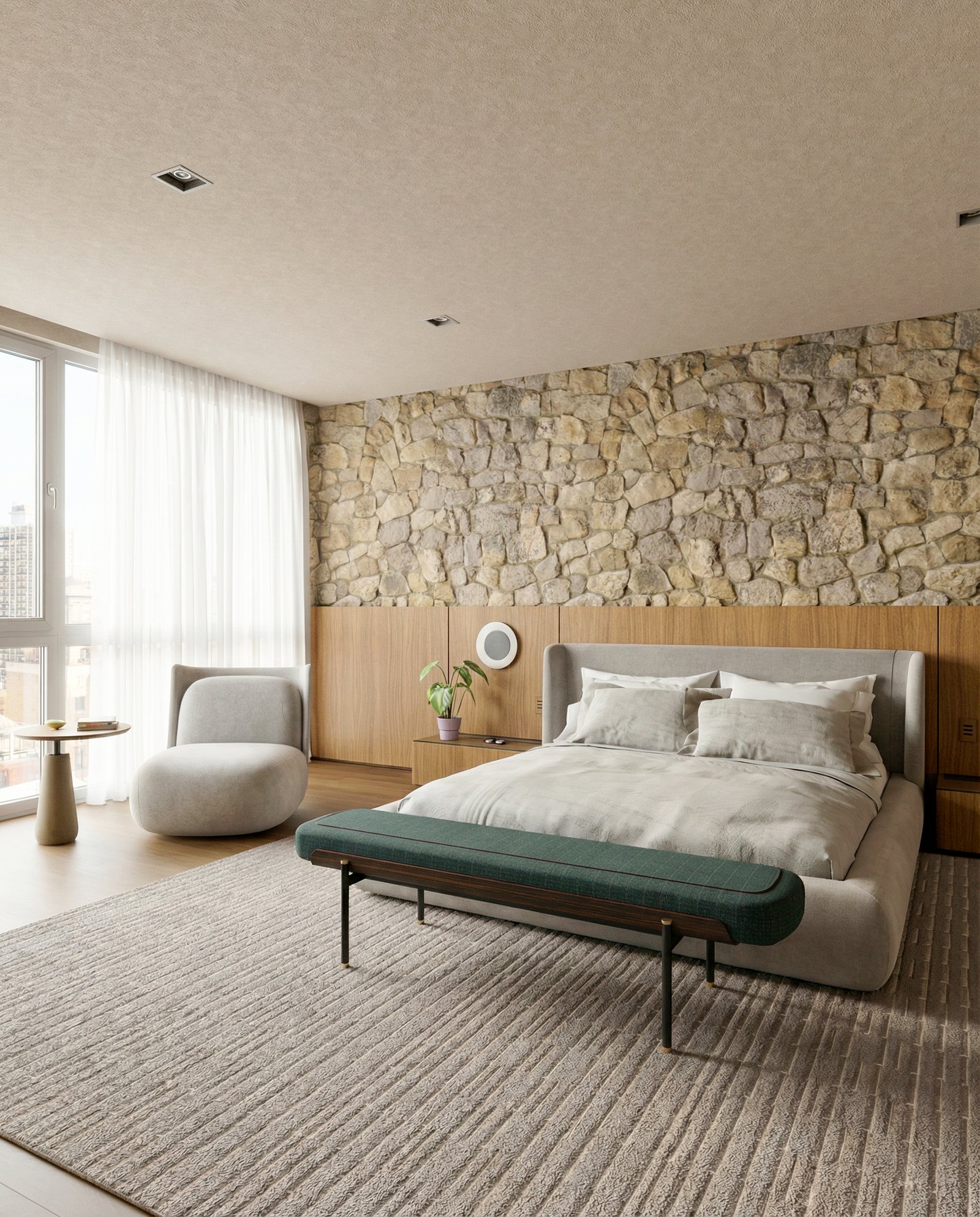
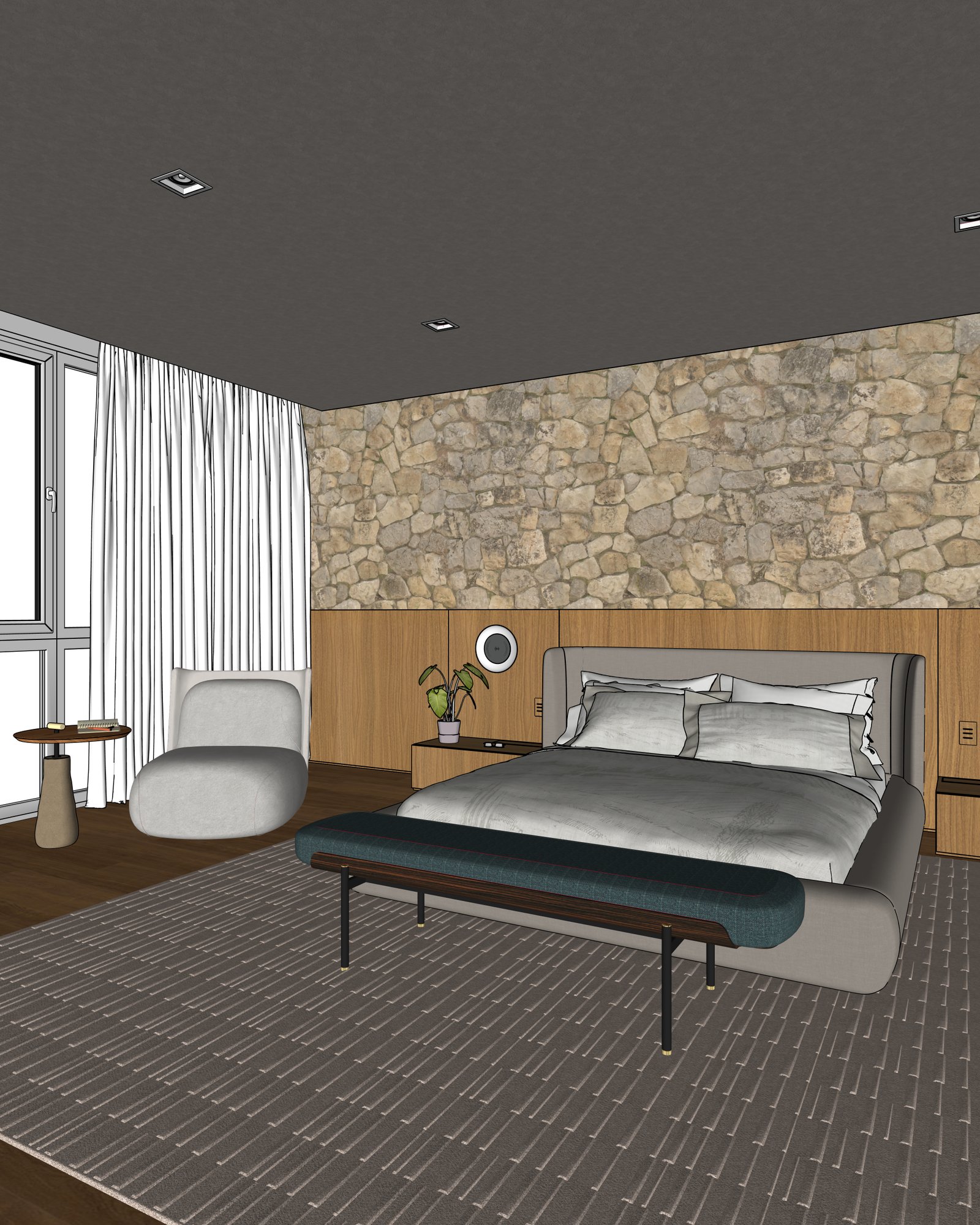
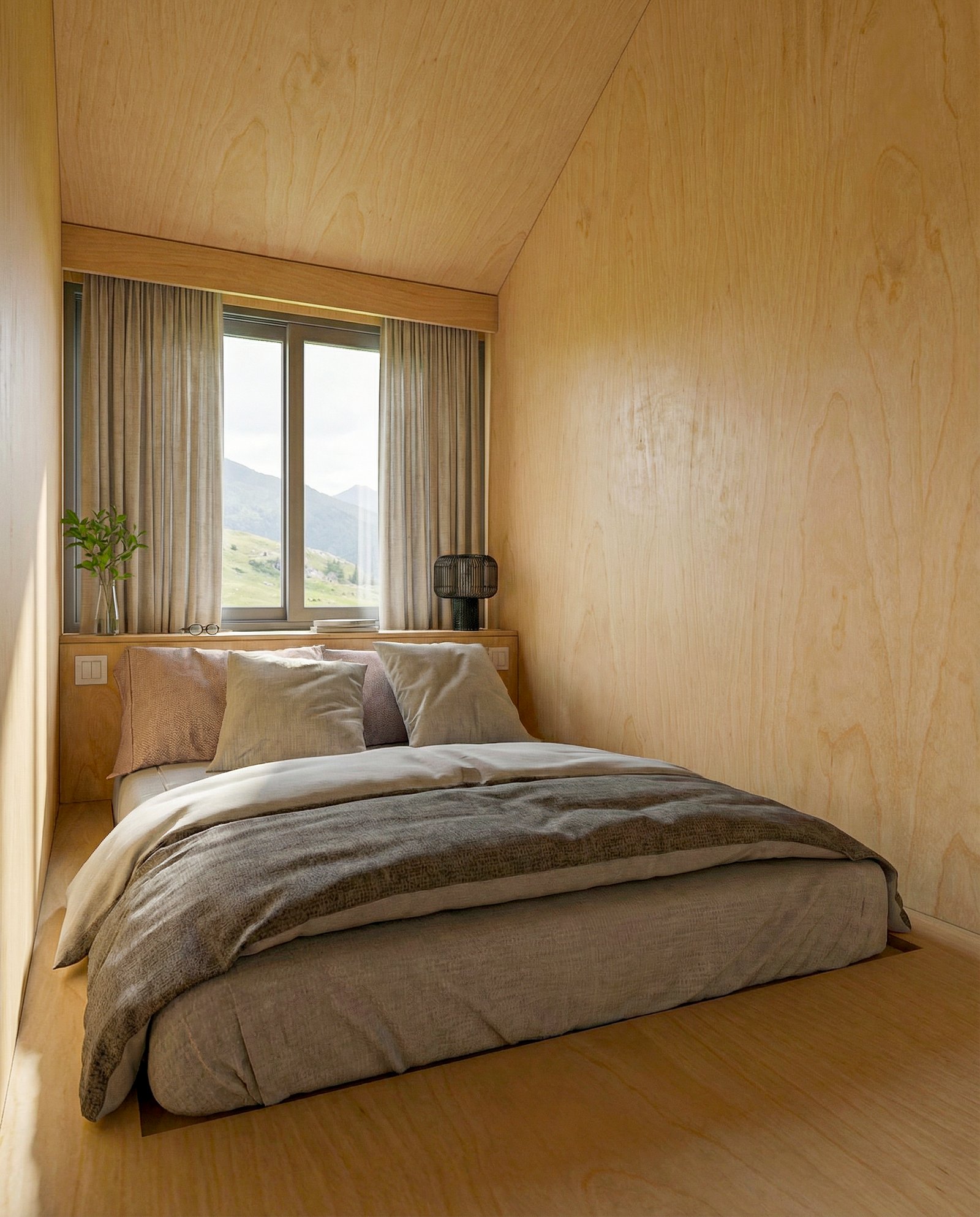
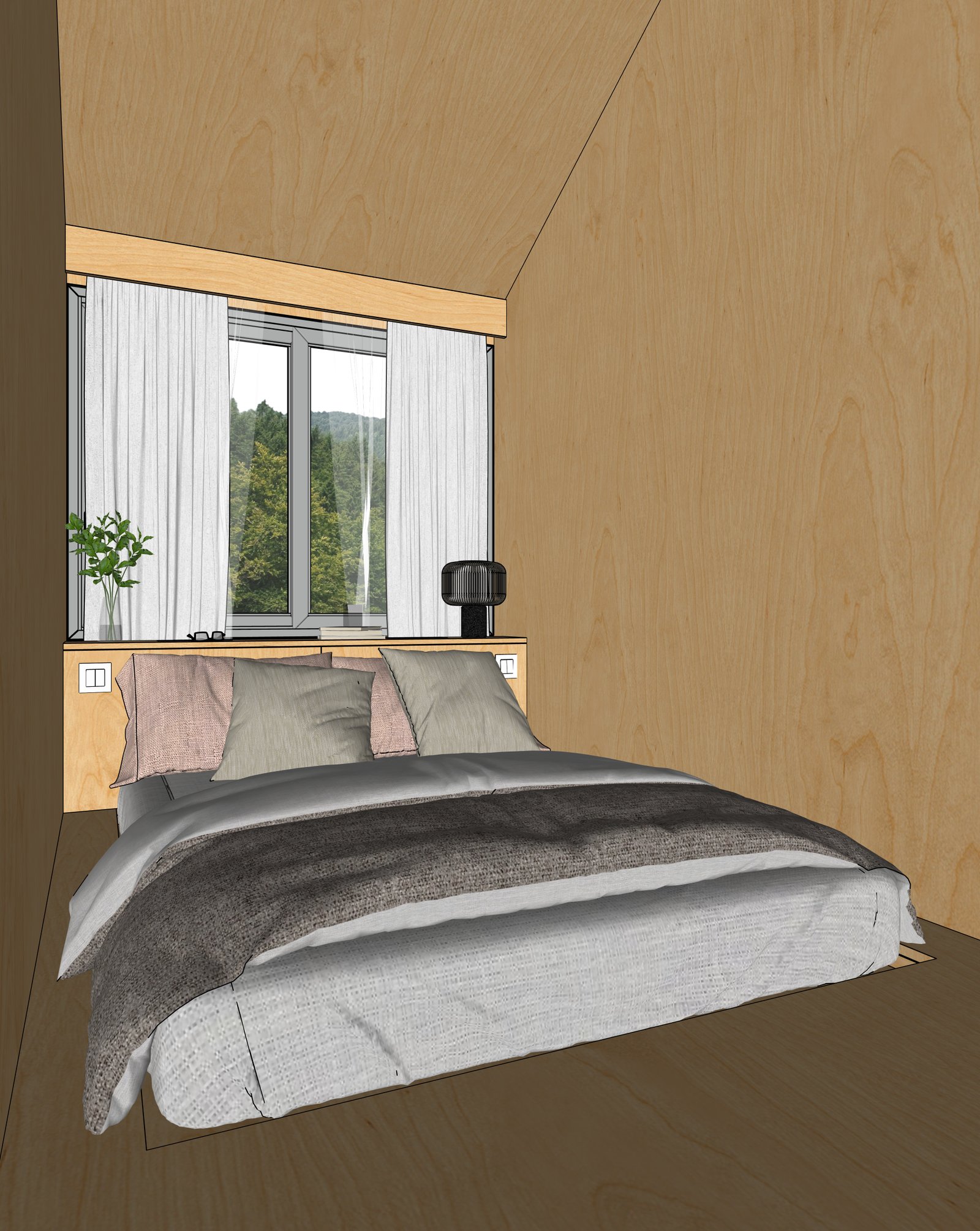
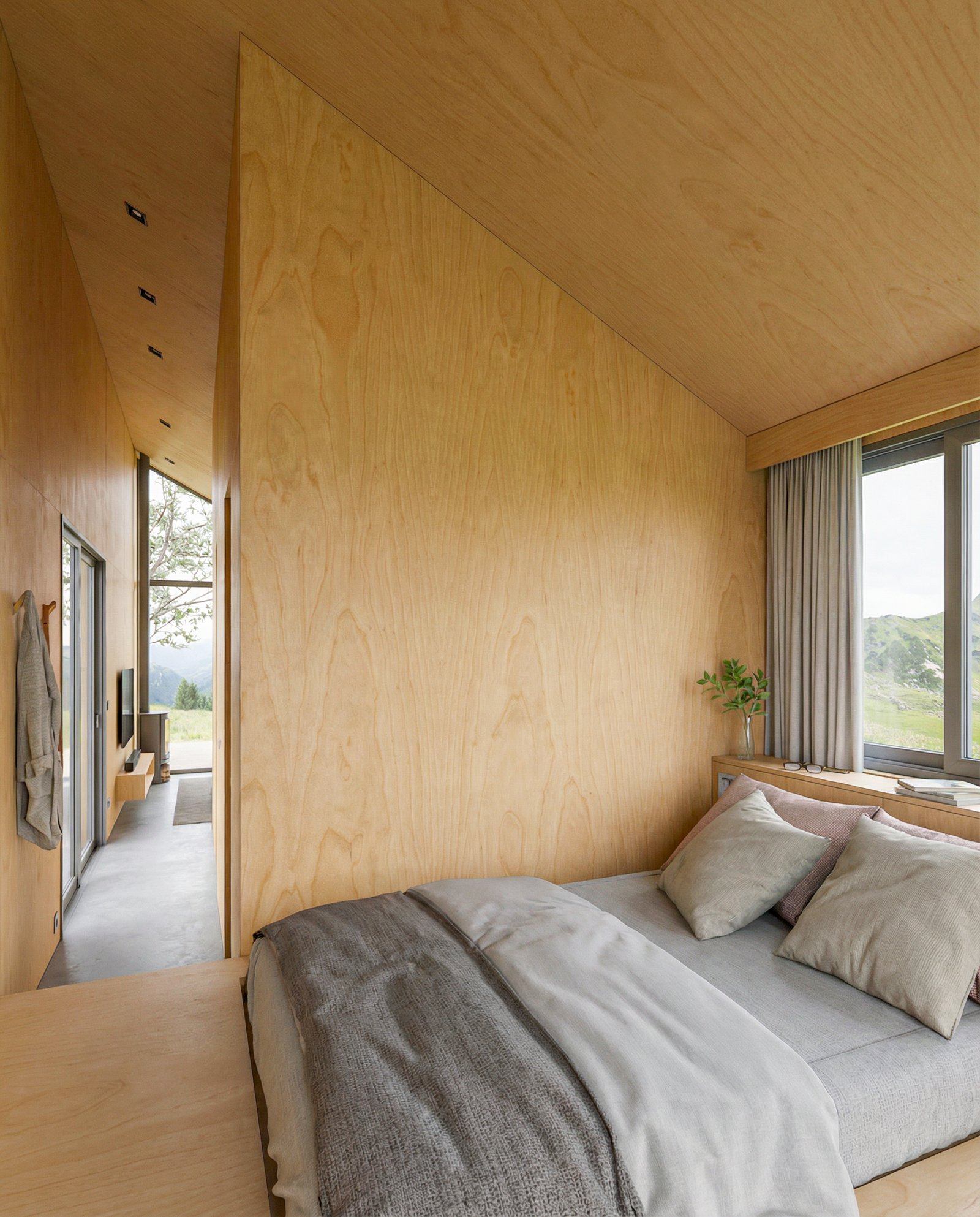
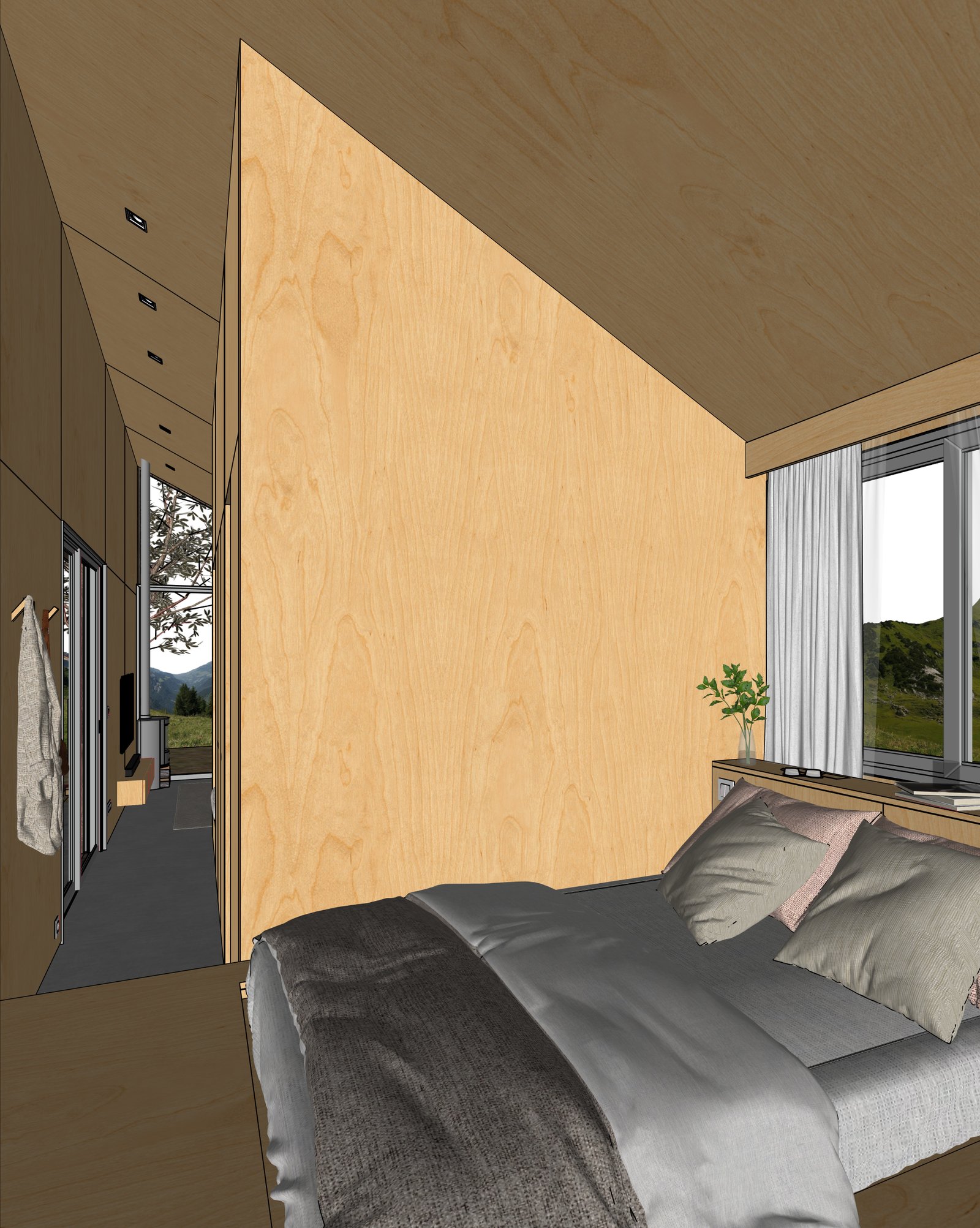
Turn a SketchUp bedroom model into a photoreal render. Natural light, soft textiles, finishes — fully controllable, geometry preserved.
Examples
Bedroom renders from real SketchUp models
How it works
Three steps from SketchUp to photoreal
Capture your view
Set up the view in SketchUp (or any 3D tool). Export a PNG or JPG of your viewport.
Upload to Maquete
Drop the image in the browser. Pick a lighting preset, time of day, and any material tweaks.
Render in seconds
Maquete returns a photorealistic render in around 30 seconds. Iterate on materials, lighting, or finishes without re-rendering the model.
FAQ
Bedroom rendering, answered
Can I control textiles — bedding, curtains, rugs?+
Yes. Describe what you want in the material prompt — linen, velvet, cotton, specific colours — and Maquete renders the textile to match. Geometry of the bed, drapes, and rug stays as modelled.
Can I render bedrooms at night?+
Yes. Maquete has lighting presets for blue hour, evening, and night — switch between them in seconds rather than re-modelling the lighting in SketchUp.
Will Maquete add furniture I didn't model?+
No — by default Maquete preserves what's in your model. If you want extra props (books, plants, art), enable Enhance mode and Maquete adds them on top of the base render.
Render your first bedroom
Start a 7-day free trial and try Maquete on a real project.