Mobile apps
AI Architectural Rendering App for iPhone, iPad & Android
Take your architectural work with you. Turn a model screenshot into a render, refine an image and return to your projects on iPhone, iPad or Android.
iPhone · iPad · Android
 MAQUETE
From a model view to your next decision
- 01
Start with your design
Choose an image from your device or a saved project. Upload a clear model view or screenshot—not the 3D model file.
- 02
Render, refine, present
Create an architectural render, adjust an image or turn a finished render into a video with the tools available to your account.
- 03
Keep the project moving
Save your work and find it again in your projects and render history. Check the result against your original design before sharing.
Inside the app
A Studio you can take with you.
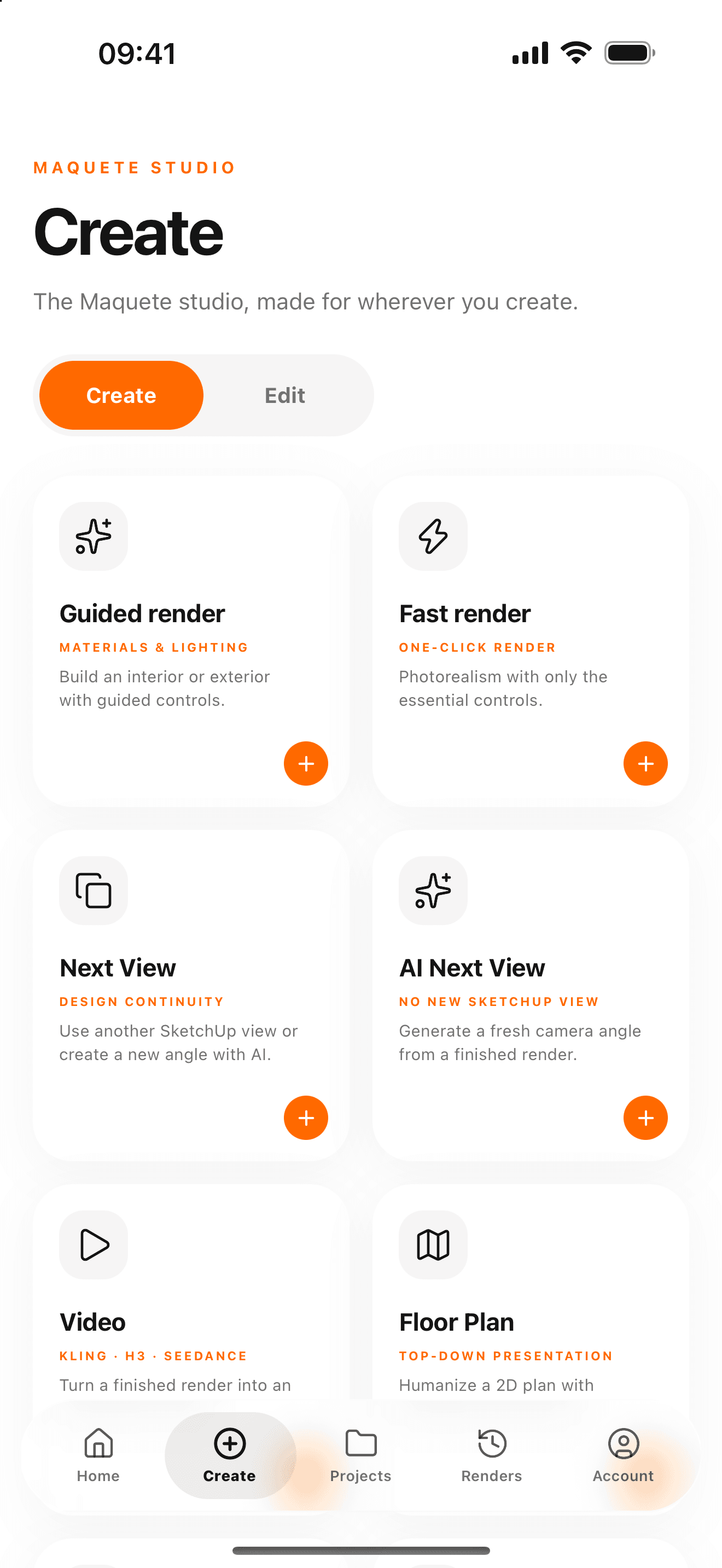
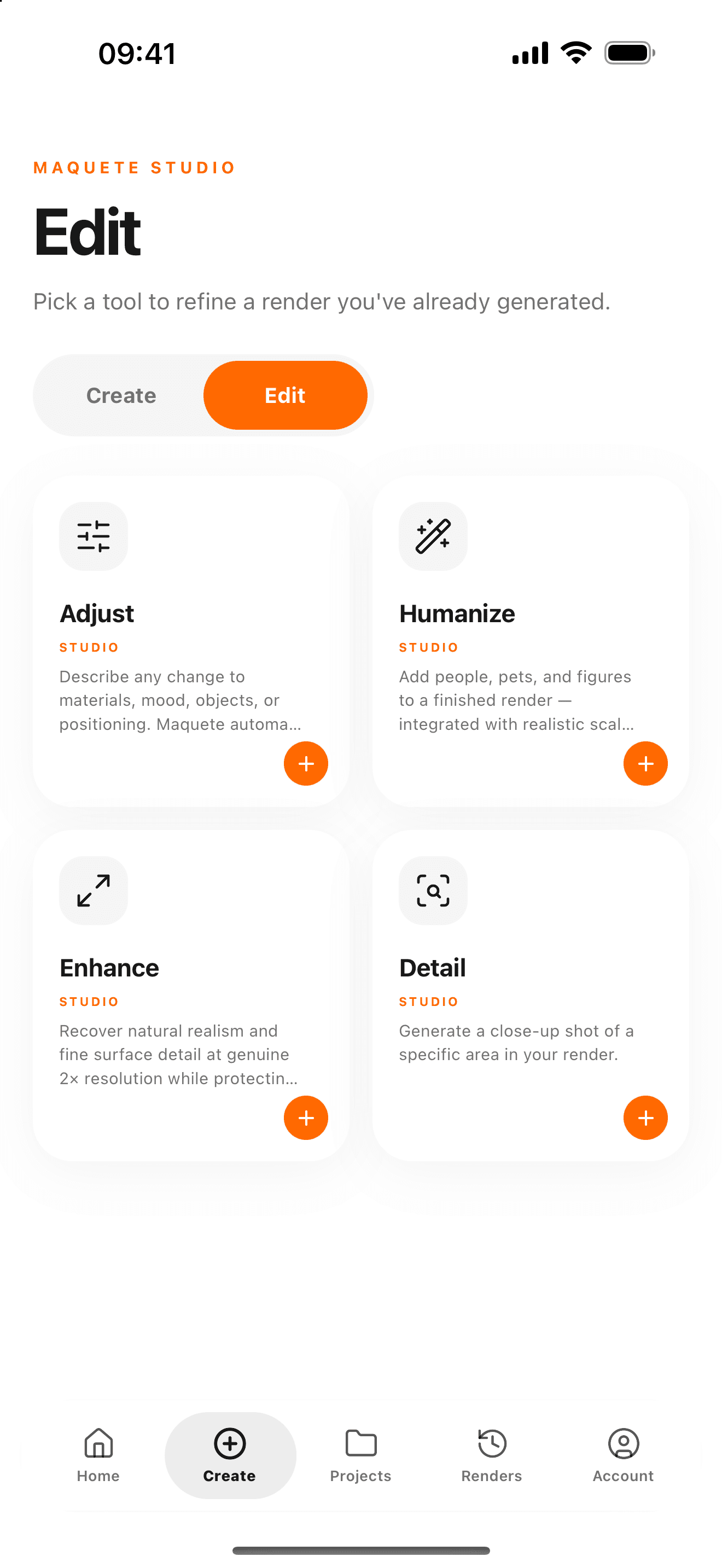
The Create and Edit screens from Maquete’s published iPhone app. Find your next task in one place, then keep working with your account’s available tools.
Actual App Store screenshots, verified 2 November 2026. Screens and available tools can vary by app version and account.
One account. Mobile and web.
Sign in with your existing Maquete account to access your projects and render history. Mobile includes a selection of Studio tools; use the web Studio for features not yet available in the app.
Before you download
Which devices can I use?
Maquete is available for iPhone, iPad and Android. Check the App Store or Google Play listing for the current operating-system and device requirements.
Can I use my existing account?
Yes. Sign in with the same Maquete account you use on the web to access your projects and render history.
Is the app free?
The app is free to download. Generating images and videos requires the appropriate account access and credits. Tool availability and generation limits depend on your account; see the current plans for details.
Does rendering work offline?
No. You need an internet connection and a Maquete account. AI generation is processed online.