AI Living Room Renderer
Photorealistic living room
renders in 30 seconds
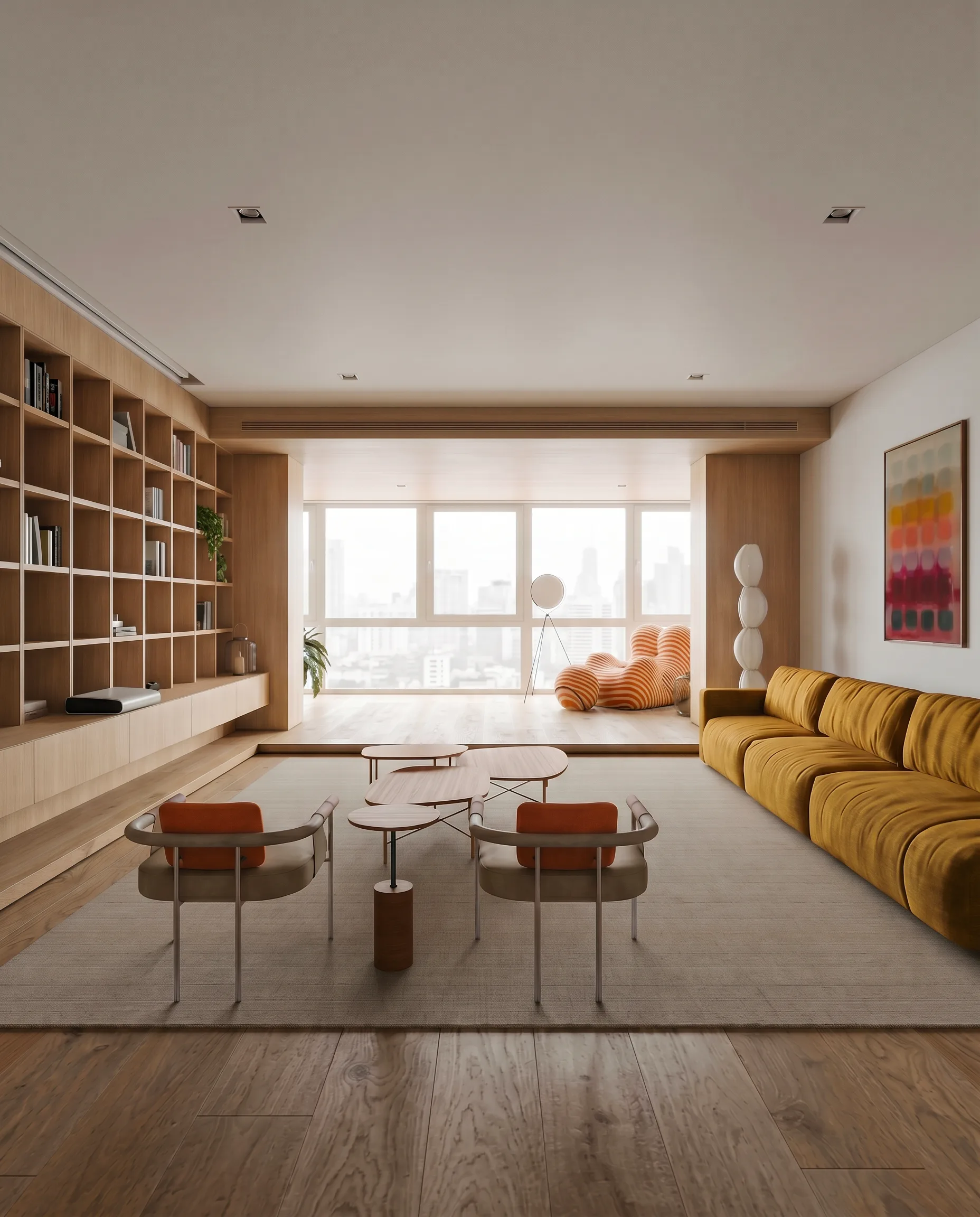
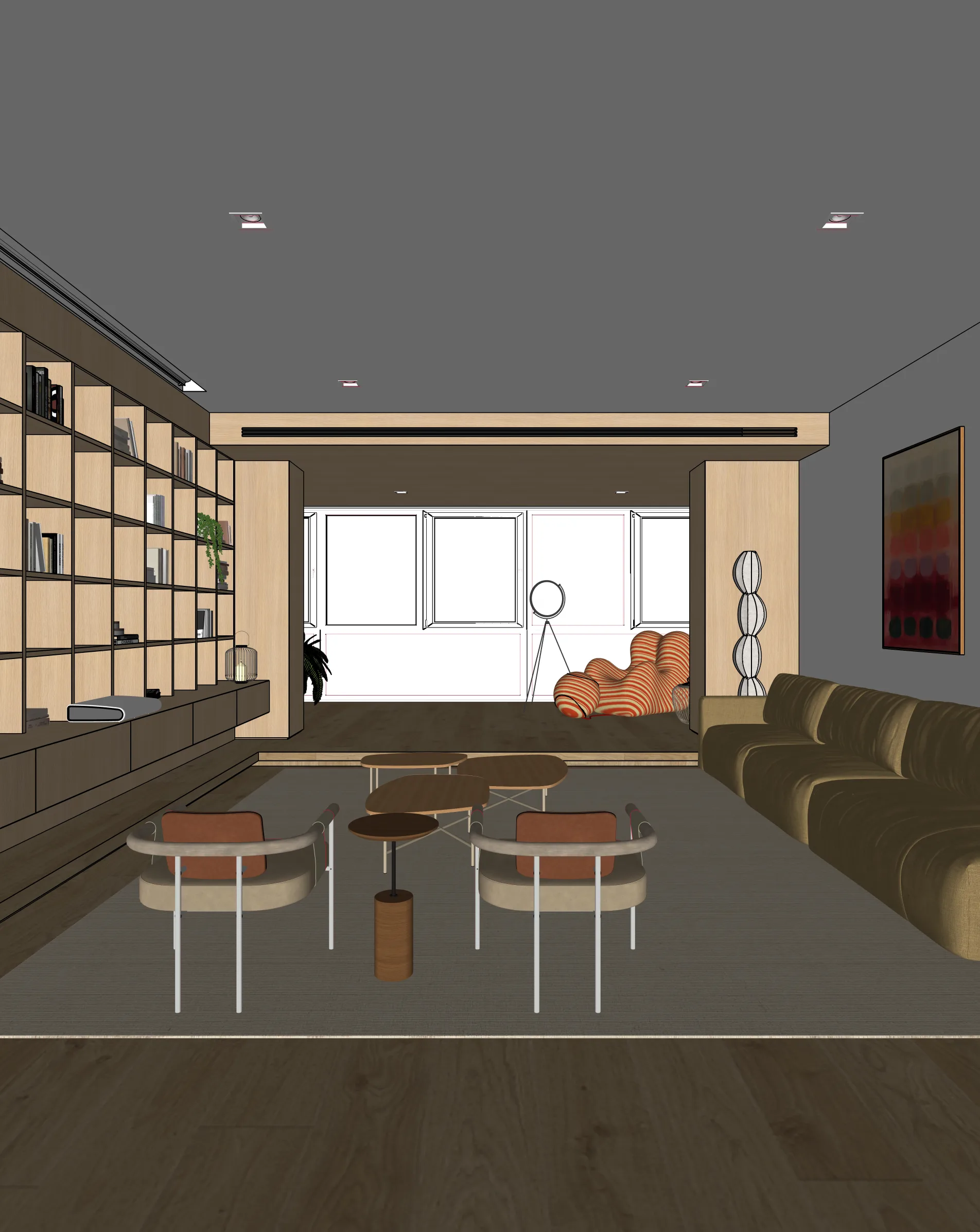
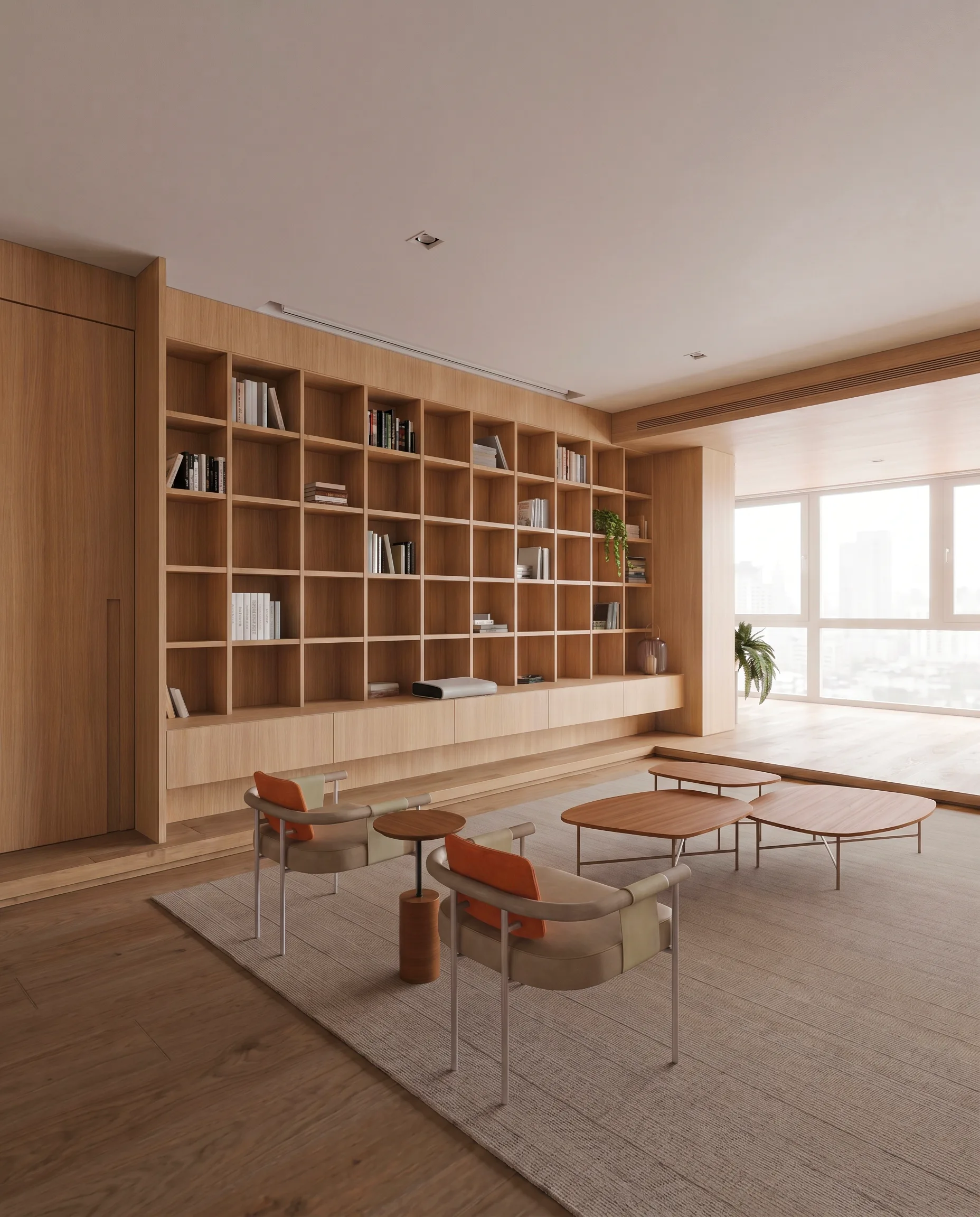
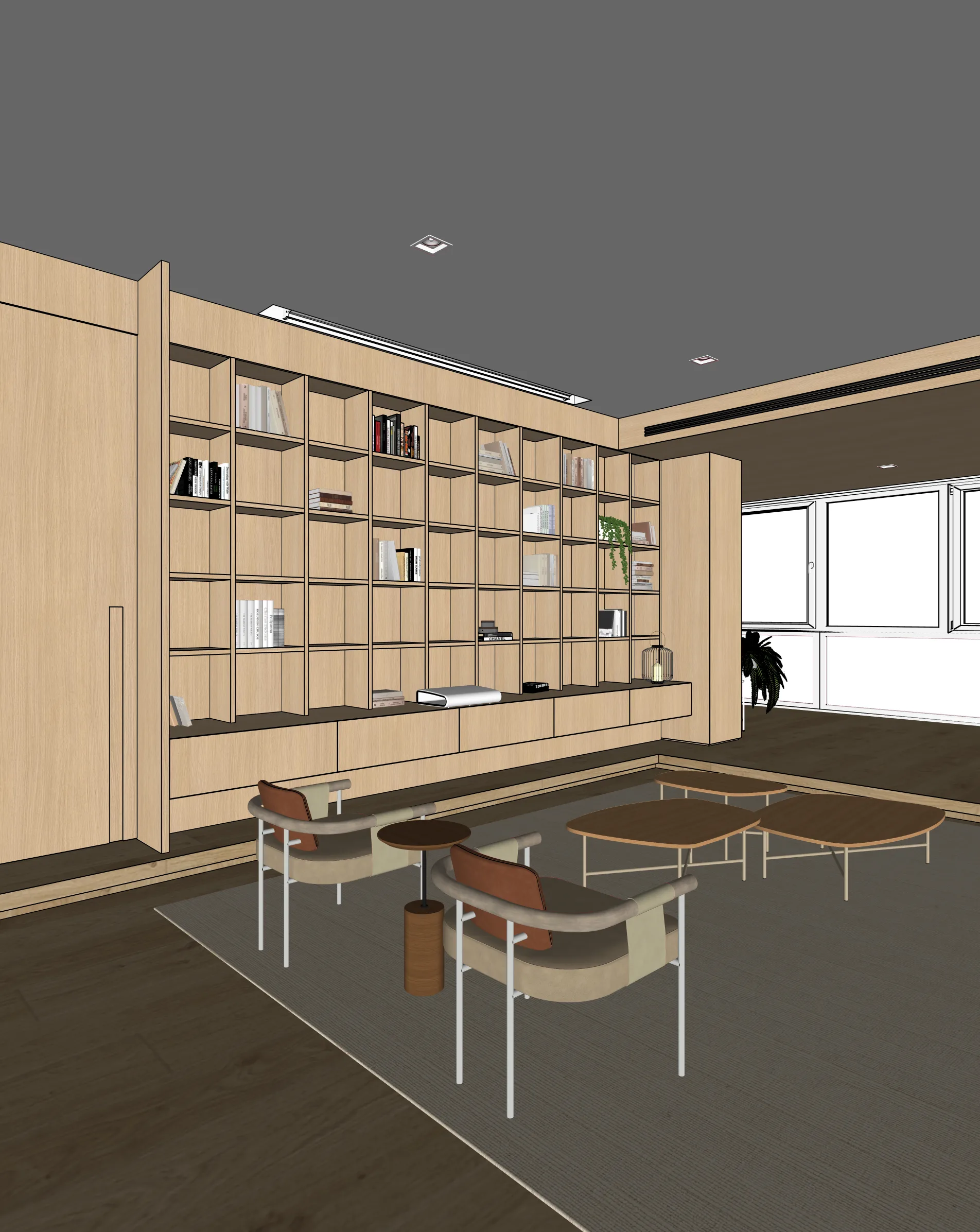
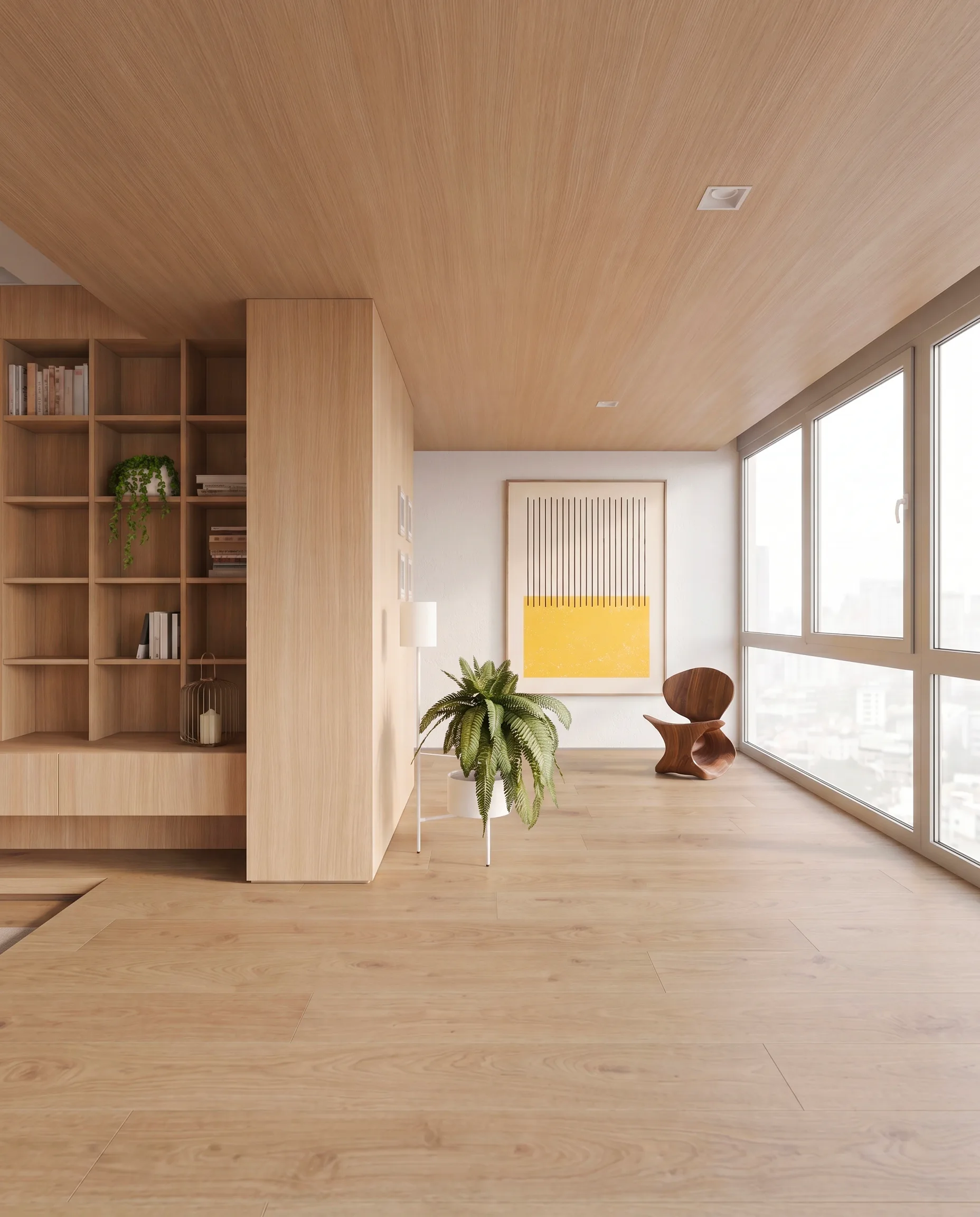
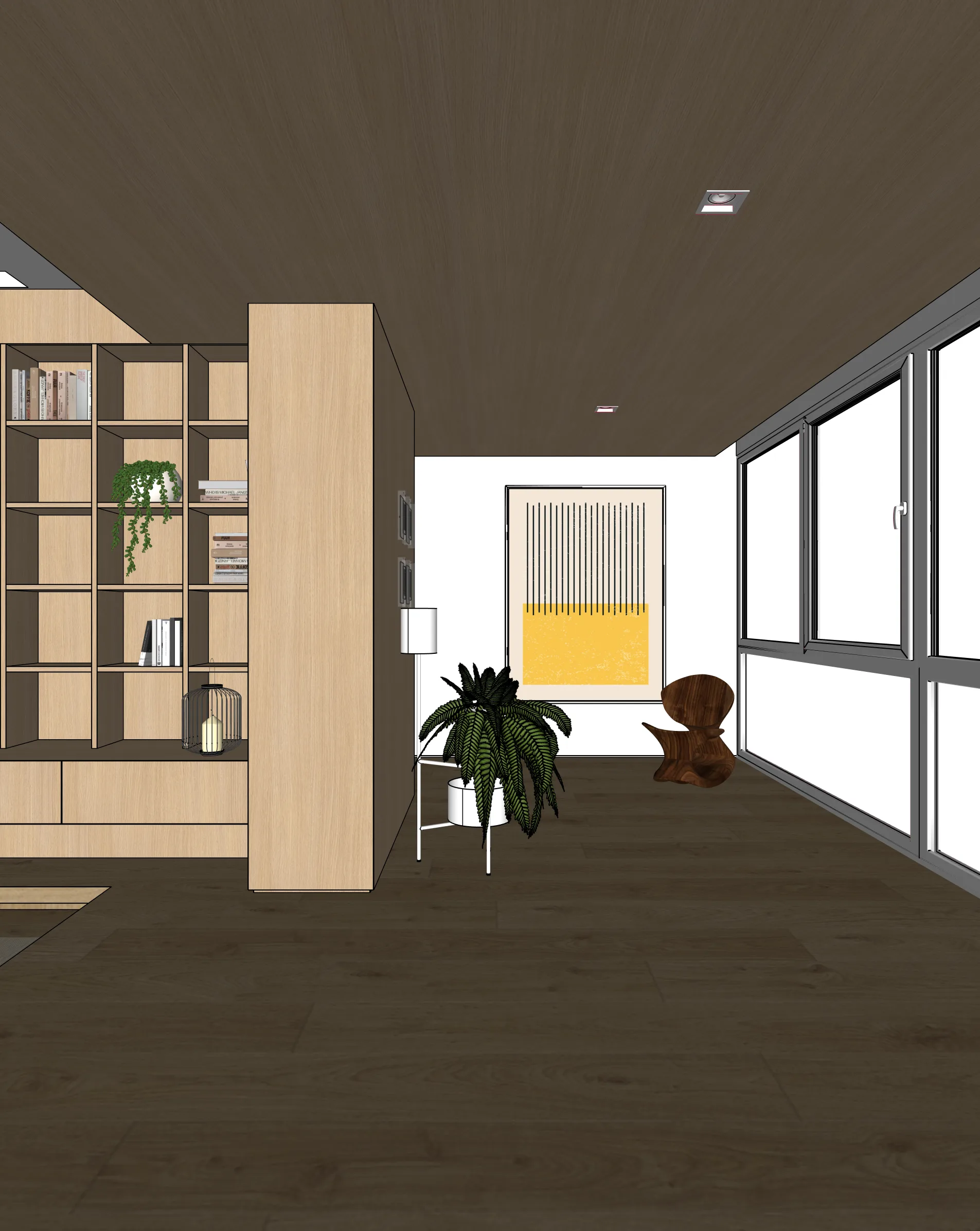
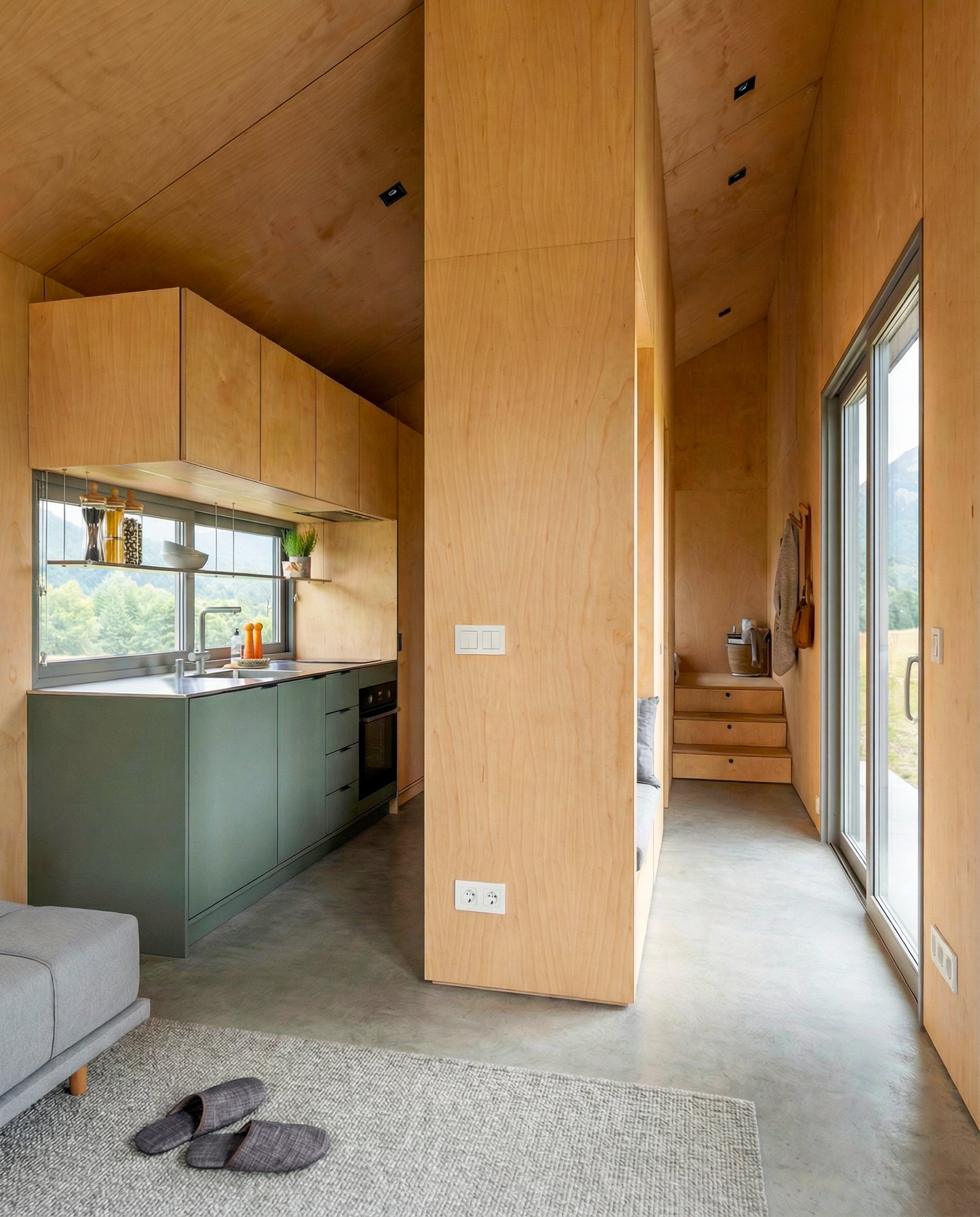
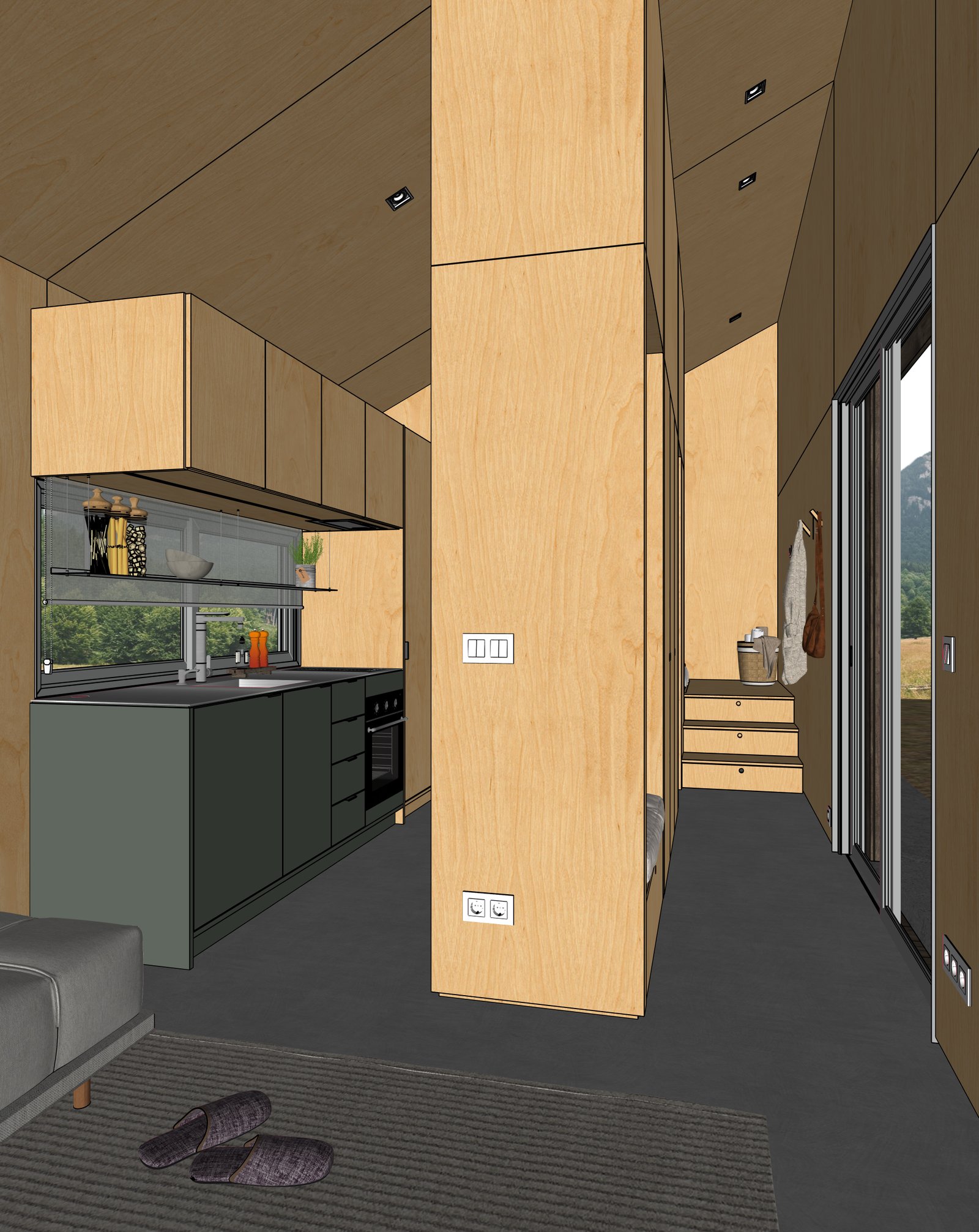
Turn a SketchUp living room model into a photoreal render. Materials, lighting, and styling under your control — geometry stays faithful to the model.
Examples
Living rooms from real SketchUp models
How it works
Three steps from SketchUp to photoreal
Capture your view
Set up the view in SketchUp (or any 3D tool). Export a PNG or JPG of your viewport.
Upload to Maquete
Drop the image in the browser. Pick a lighting preset, time of day, and any material tweaks.
Render in seconds
Maquete returns a photorealistic render in around 30 seconds. Iterate on materials, lighting, or finishes without re-rendering the model.
FAQ
Living room rendering, answered
Can I control floor and wall finishes?+
Yes. Maquete supports per-material prompting — describe the wood, paint, stone, or wallpaper you want for each surface, and it renders that finish while keeping the geometry.
Can I add people or pets to the render?+
Yes. Use Enhance mode after rendering to add a person or pet — Maquete places them naturally in the space without changing the architecture.
How do open-plan layouts render?+
Open-plan layouts render well because Maquete handles the whole viewport at once — sight lines from living to dining to kitchen stay consistent rather than feeling stitched together.
Render your first living room
Start a 7-day free trial and try Maquete on a real project.