AI Rendering for Blender
Photorealistic renders from Blender
in seconds
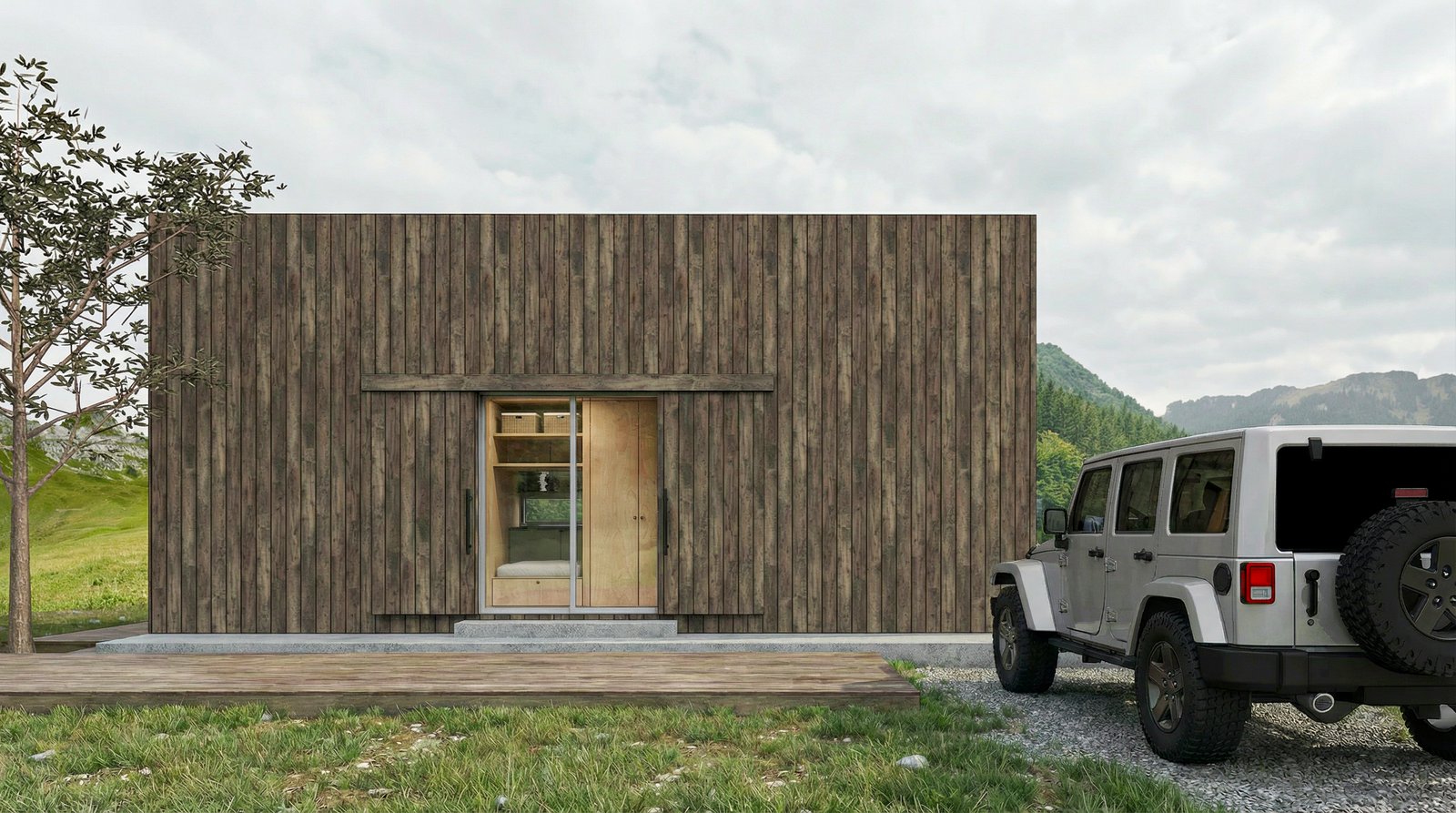
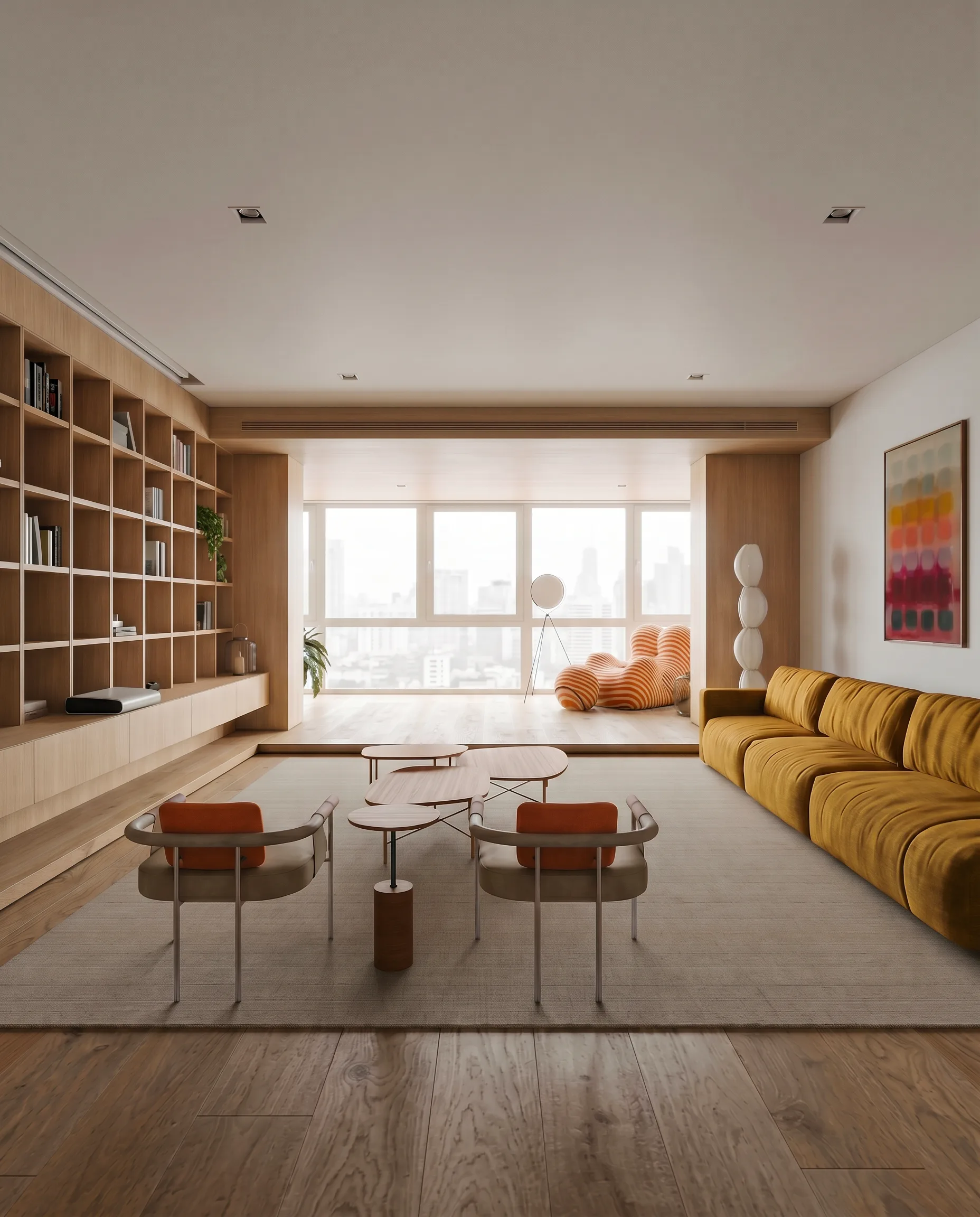
Skip the Cycles render times. Export a Blender viewport, upload to Maquete, and get a photorealistic interior or exterior render in around 30 seconds.
How it works
From Blender to photorealistic render in three steps
Export your view
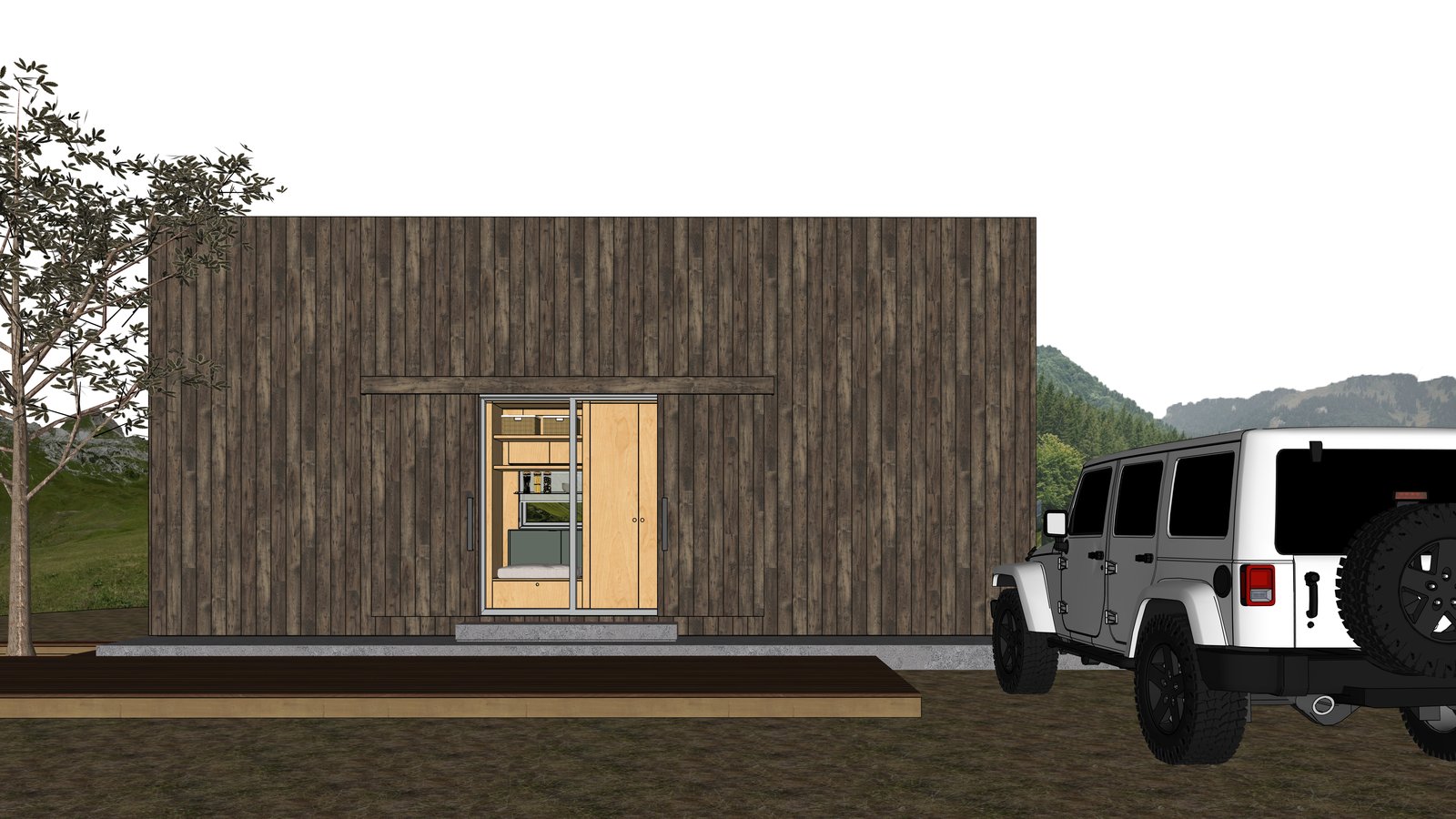
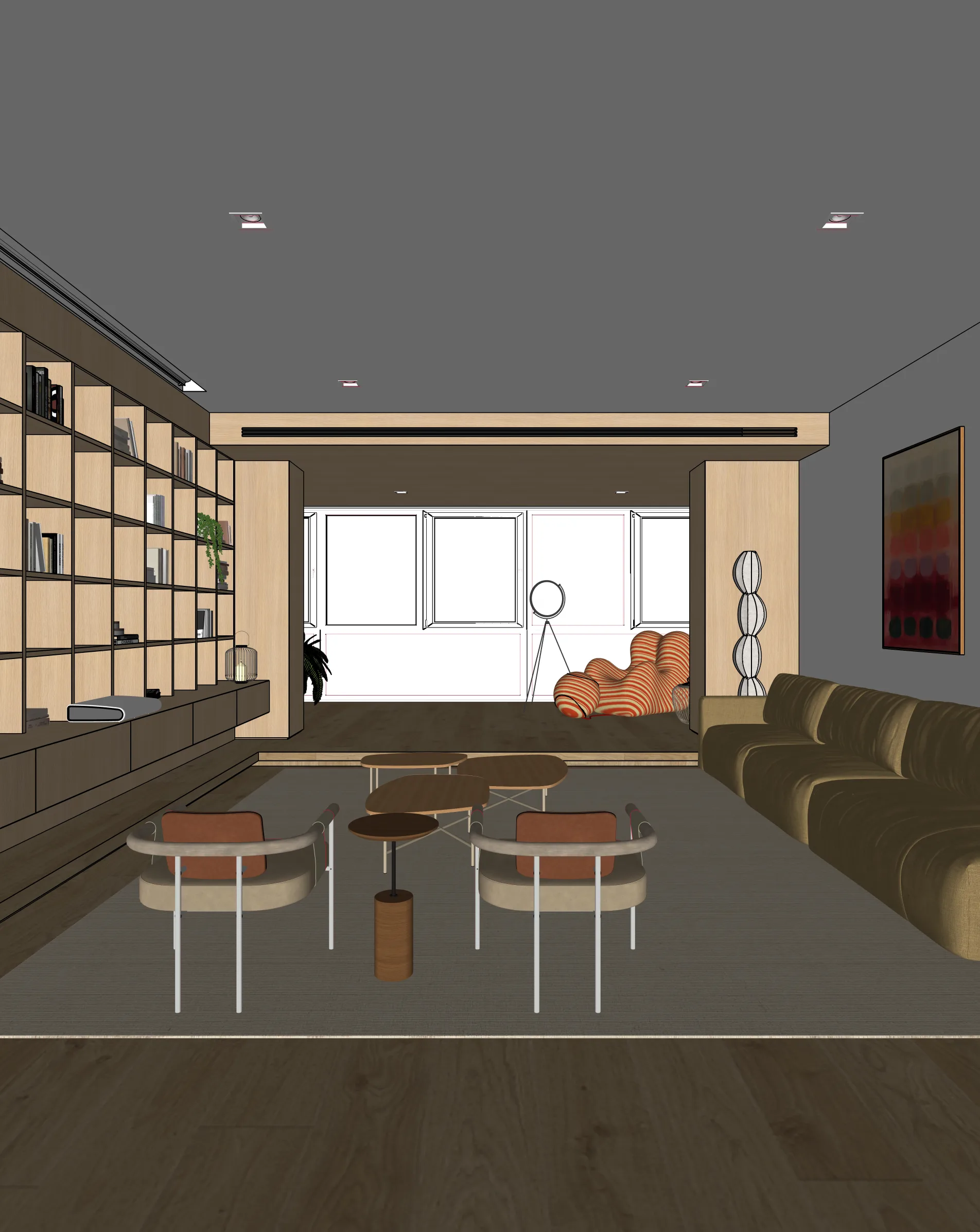
In Blender, frame your shot in the viewport. Use View > Viewport Render Image, or render a low-sample Eevee preview and save as PNG.
Upload to Maquete
Drag the image into the browser. No plugin install needed — just sign up and start.
Render in seconds
Pick lighting, materials, and time of day. Maquete returns a photorealistic render in around 30 seconds.
Examples
What you can render
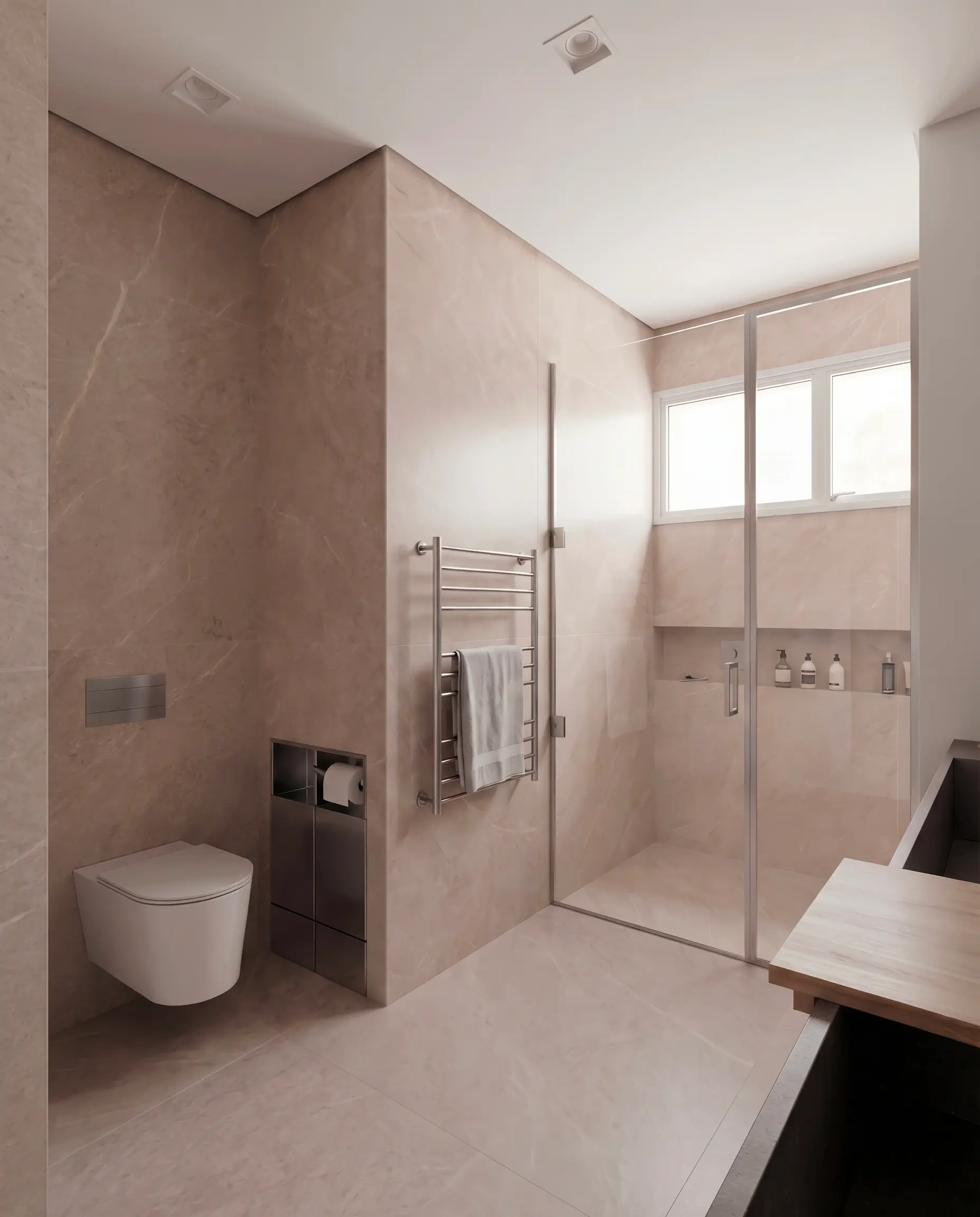
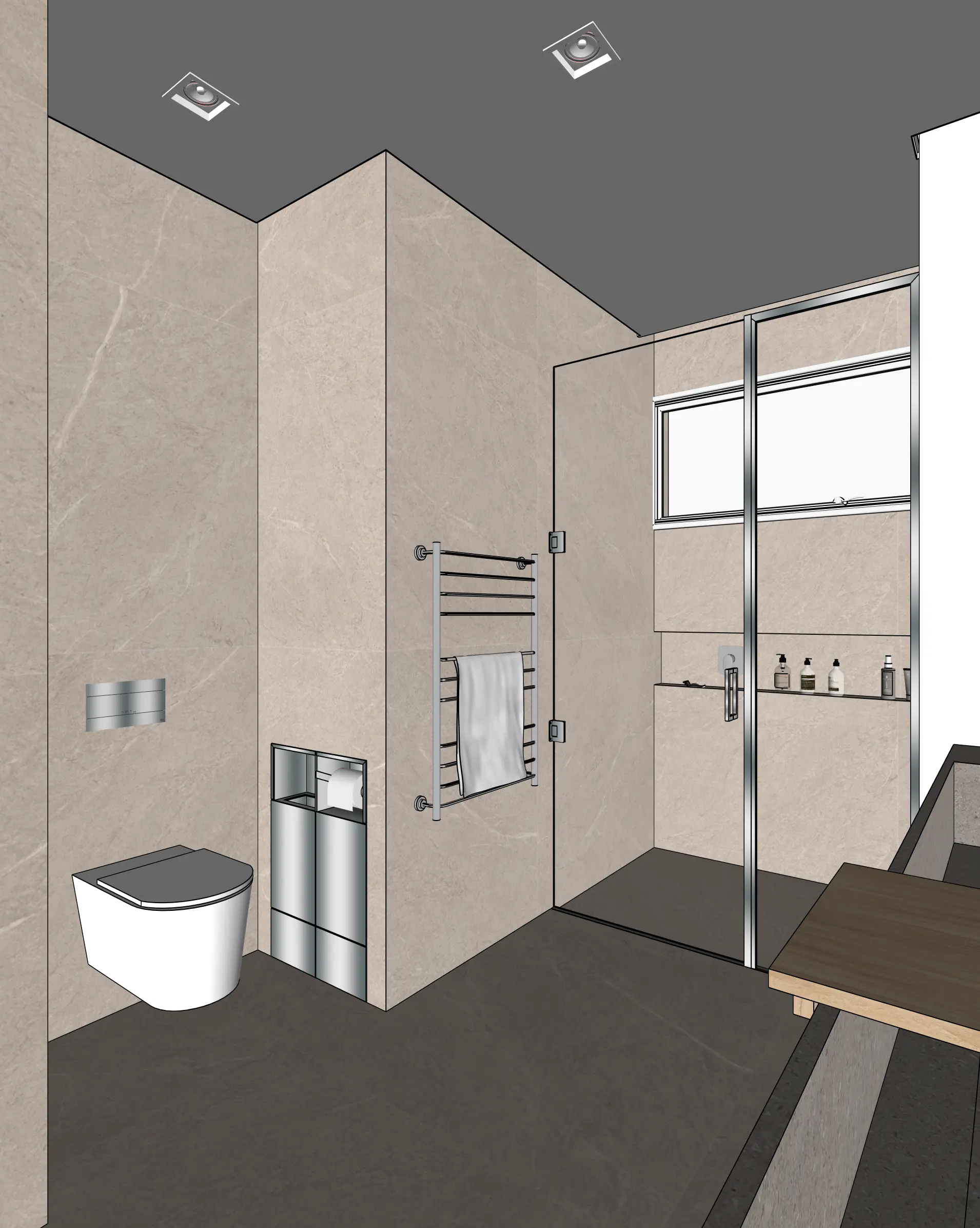
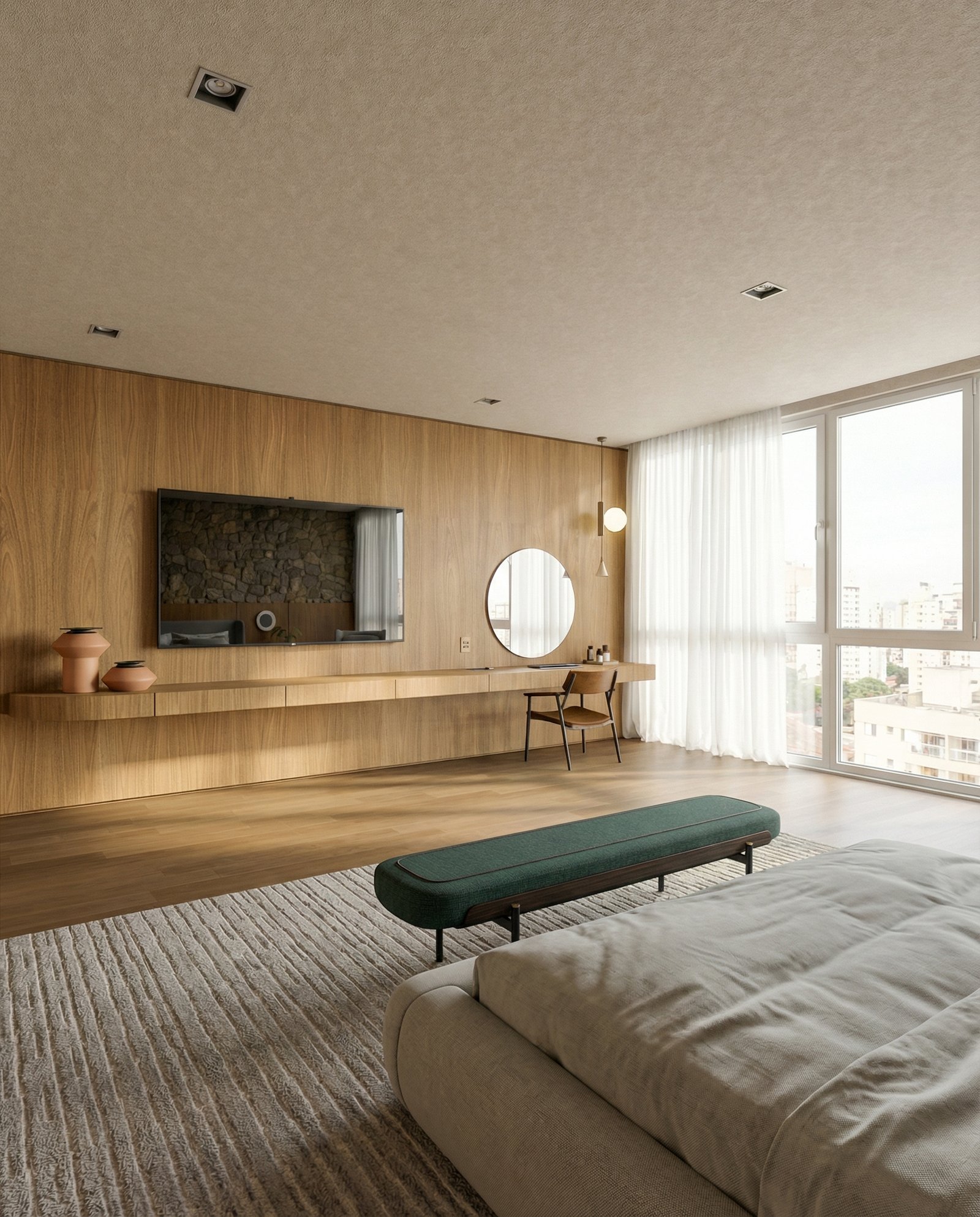
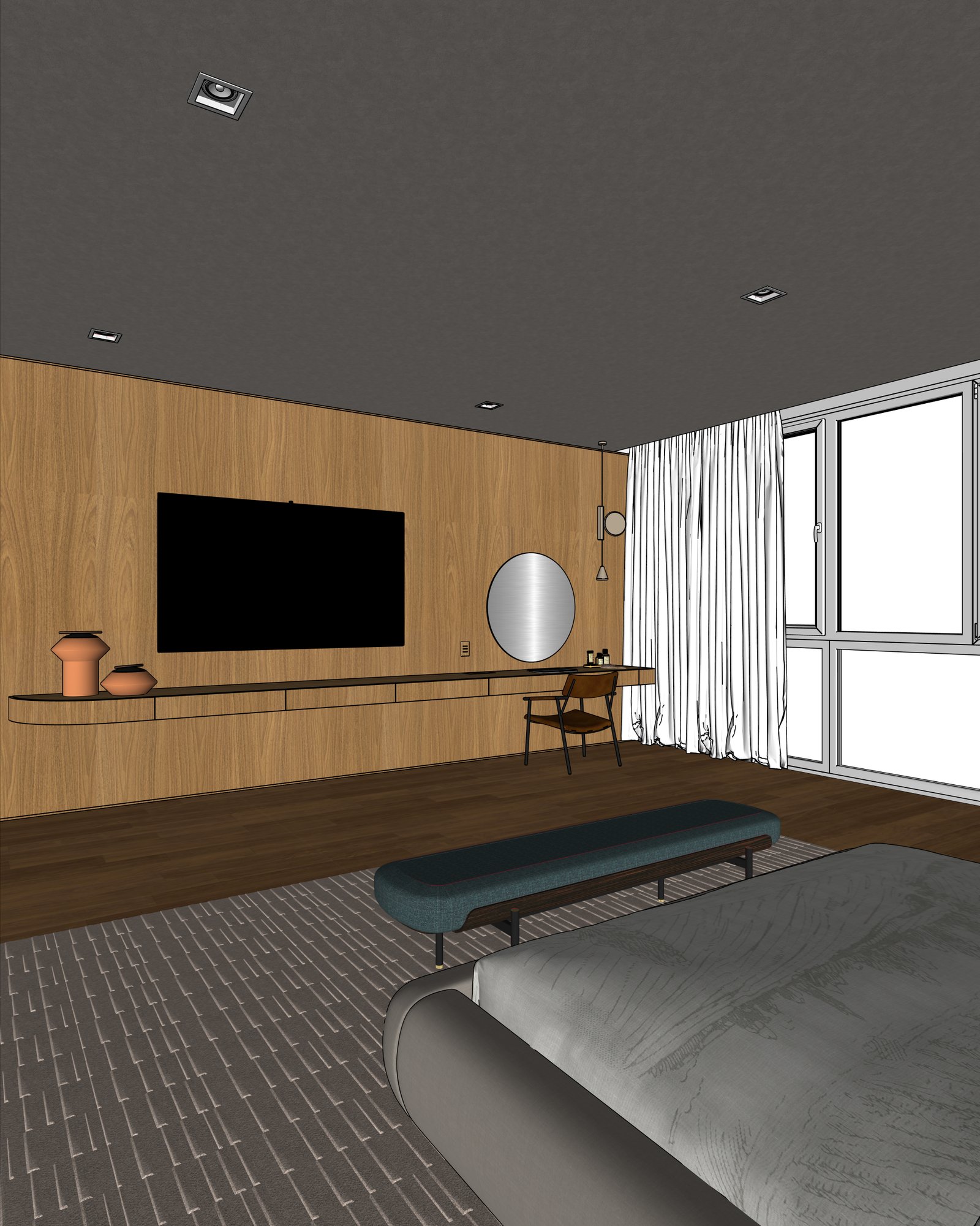
FAQ
Common questions
Why not just use Cycles or Eevee?+
You can, but they take minutes per frame for photoreal results and require careful material setup. Maquete returns a photoreal render in seconds without needing PBR shaders or HDRI lighting setup.
Does Maquete work with low-poly Blender models?+
Yes. The viewport shading mode you use doesn't matter much — flat, solid, or material preview all give Maquete enough structure to work from.
Can I render Blender exteriors and landscapes?+
Yes. Use Maquete's exterior guided mode for facade and landscape work — control sky conditions, vegetation, and background separately.
Ready to render from Blender?
Start a 7-day free trial and try Maquete on a real project.