AI architectural detail renders
Let the little things tell the story.
Create close-up views from a finished render. Explore joinery, stone, furniture and finishes, then pair the details with the wider room in your presentation.
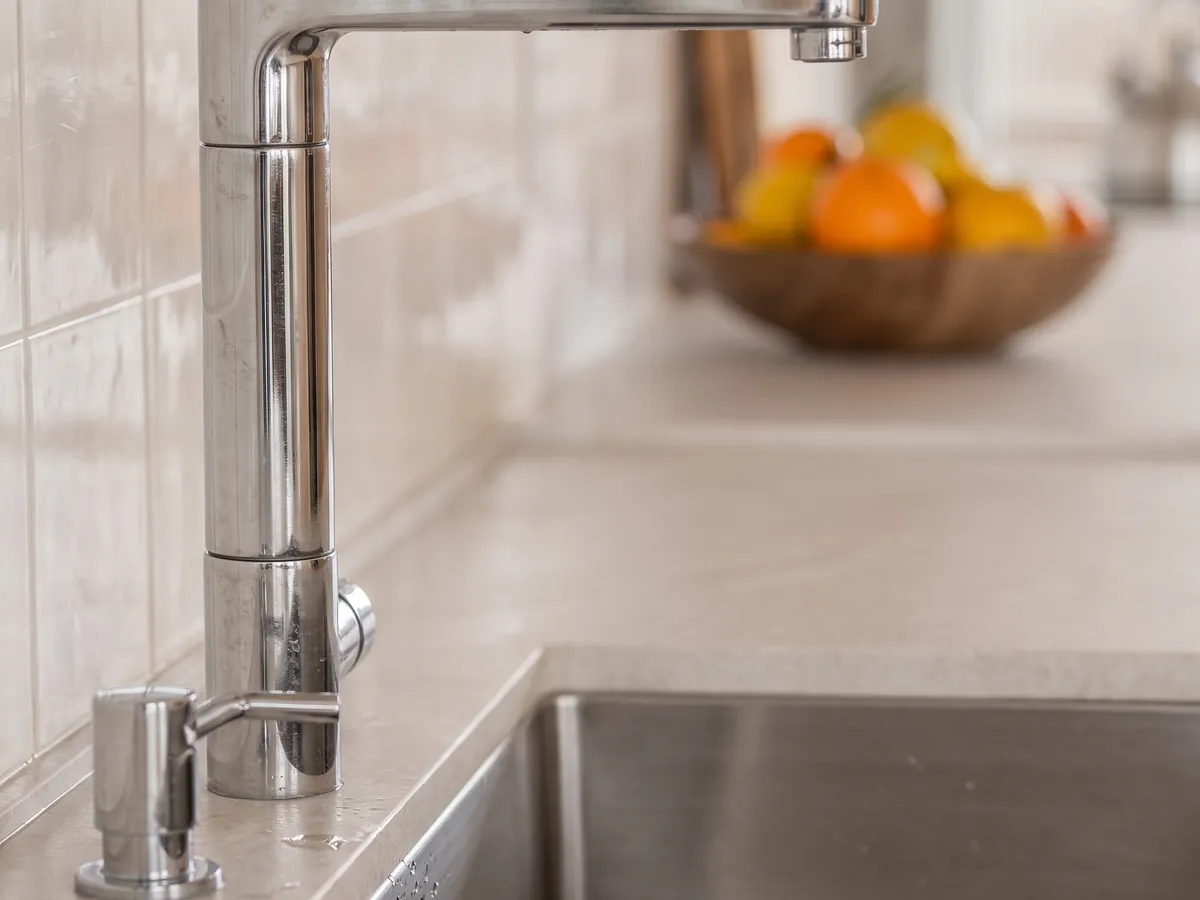
01Material studies
02Joinery details
03Presentation boards
See the difference
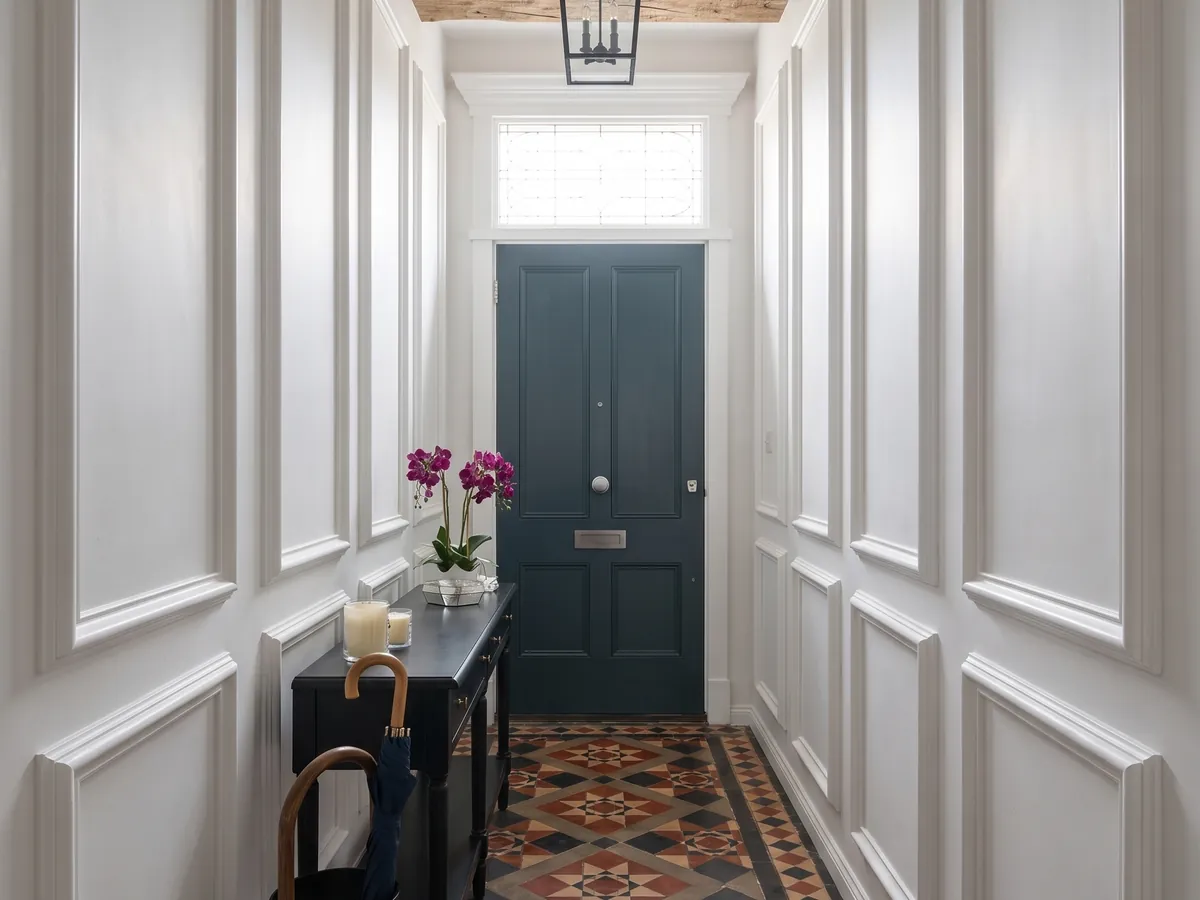
Original
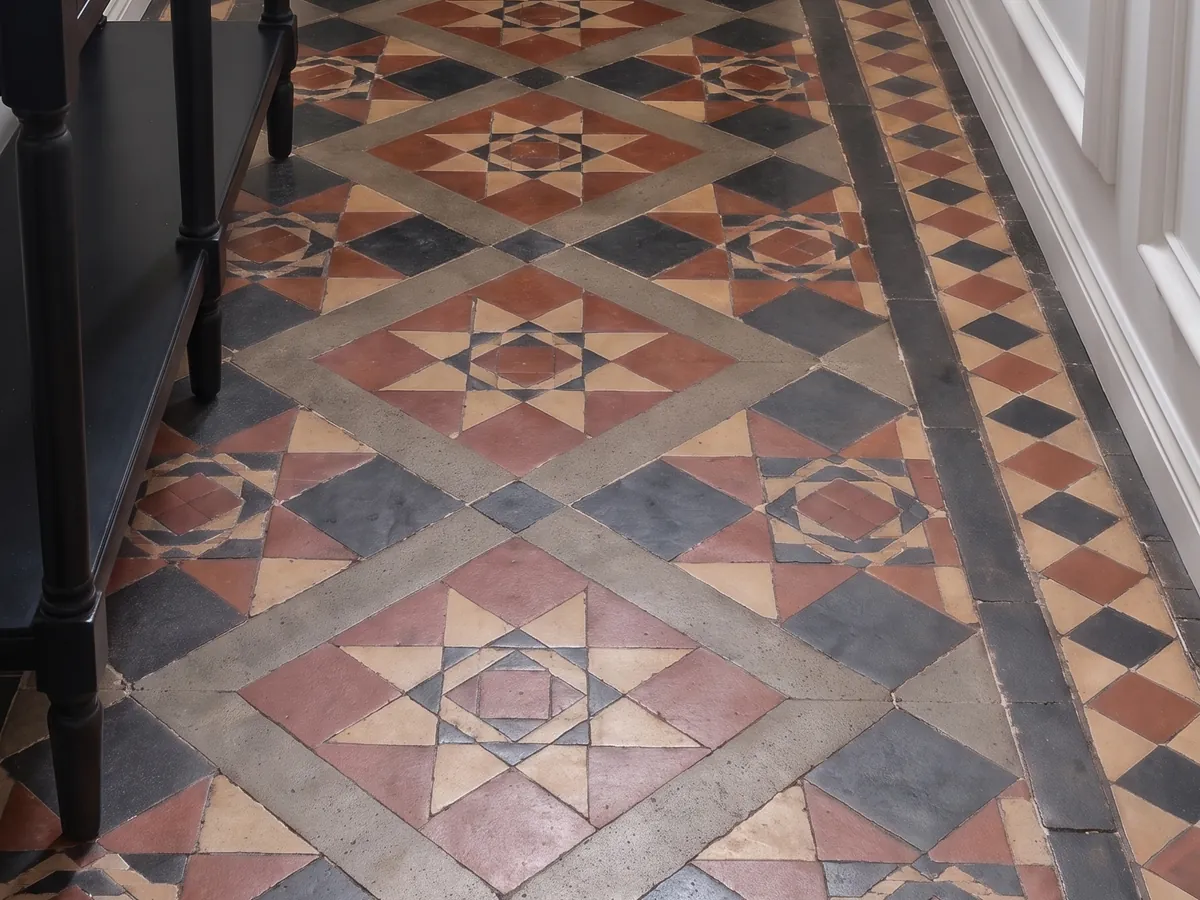
Result
- 01
Open Detail and click the upload area. Choose an image from Maquete, or upload a completed render from your computer. Maquete analyses the image and suggests details to capture.
- 02
Each card describes a different framing. You can select more than one to generate several close-ups together. Random picks a single suggestion for you. For this kitchen, select the marble worktop and the checkerboard floor beneath the burgundy cabinetry. Then select Custom as well, and describe a close-up of the marble worktop where it meets the sink. This adds a third detail while keeping the other two selected.
- 03
Under Ratio, choose Custom and enter three by four for a portrait layout. Choose 2K. The Generate button shows the number of selected details and the total credit cost. For these three images at 2K, that's three credits. Select Generate three details. Maquete creates a separate close-up for each selection.
- 04
When the images are ready, scroll through the results. The first shows the marble veining at the worktop. The second highlights the checkerboard floor and the base of the cabinetry. The third brings you closer to the junction between the marble and the sink. Select Download beneath each image to save it.
Before you share
These are new AI-generated close-ups, not recovered photographic detail. Compare material patterns, joins and proportions with the original design.