Humanize architectural renders with AI
Make room for real life.
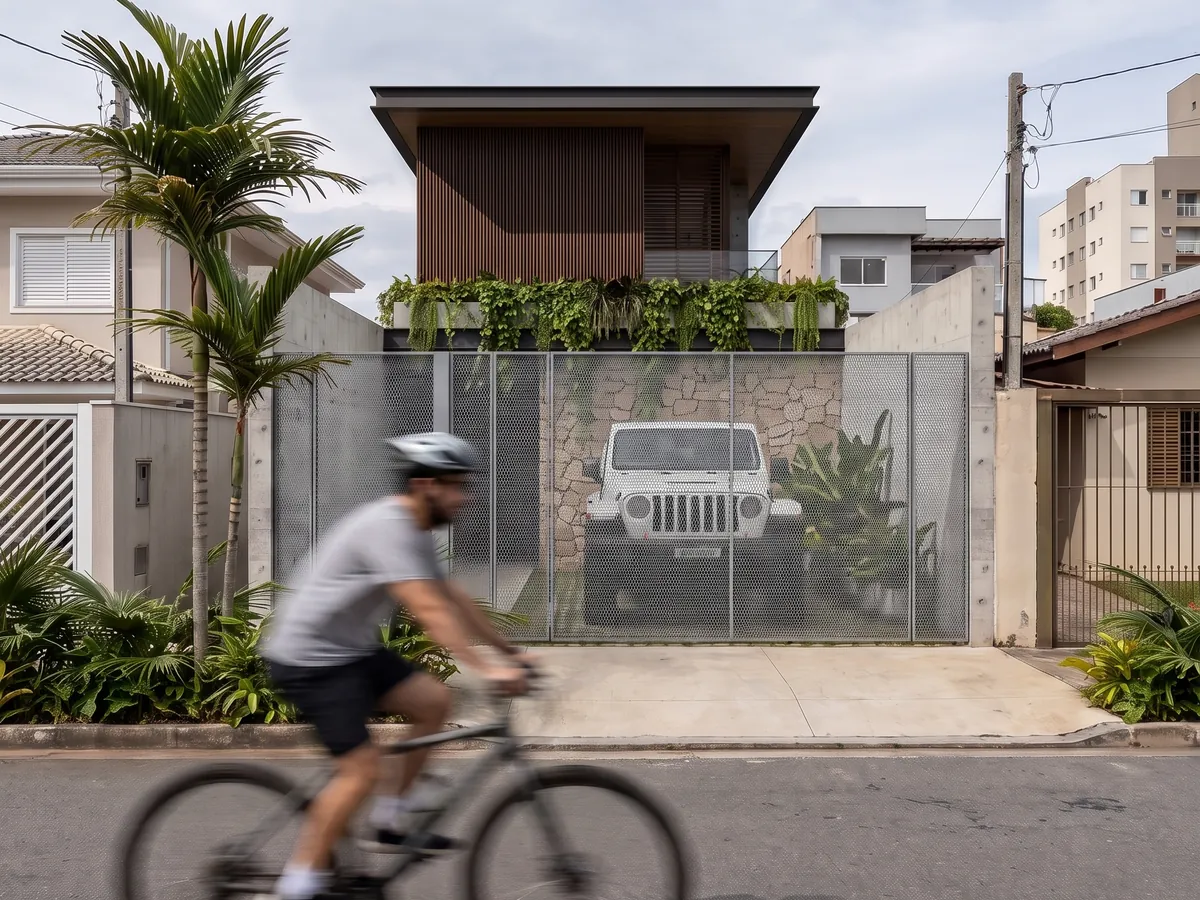
Add people, pets and everyday activity to an architectural render. Choose the placement and mood to communicate scale and how a space might be used.
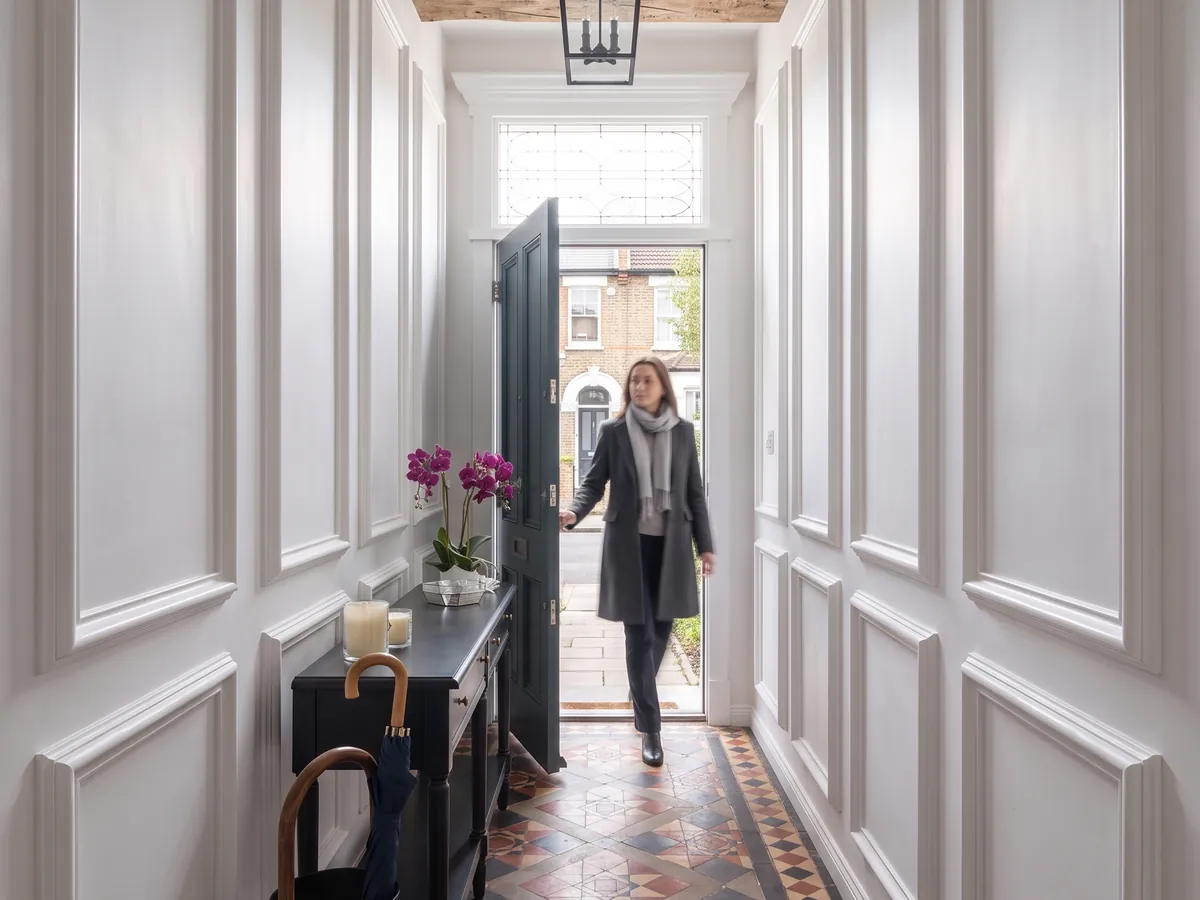
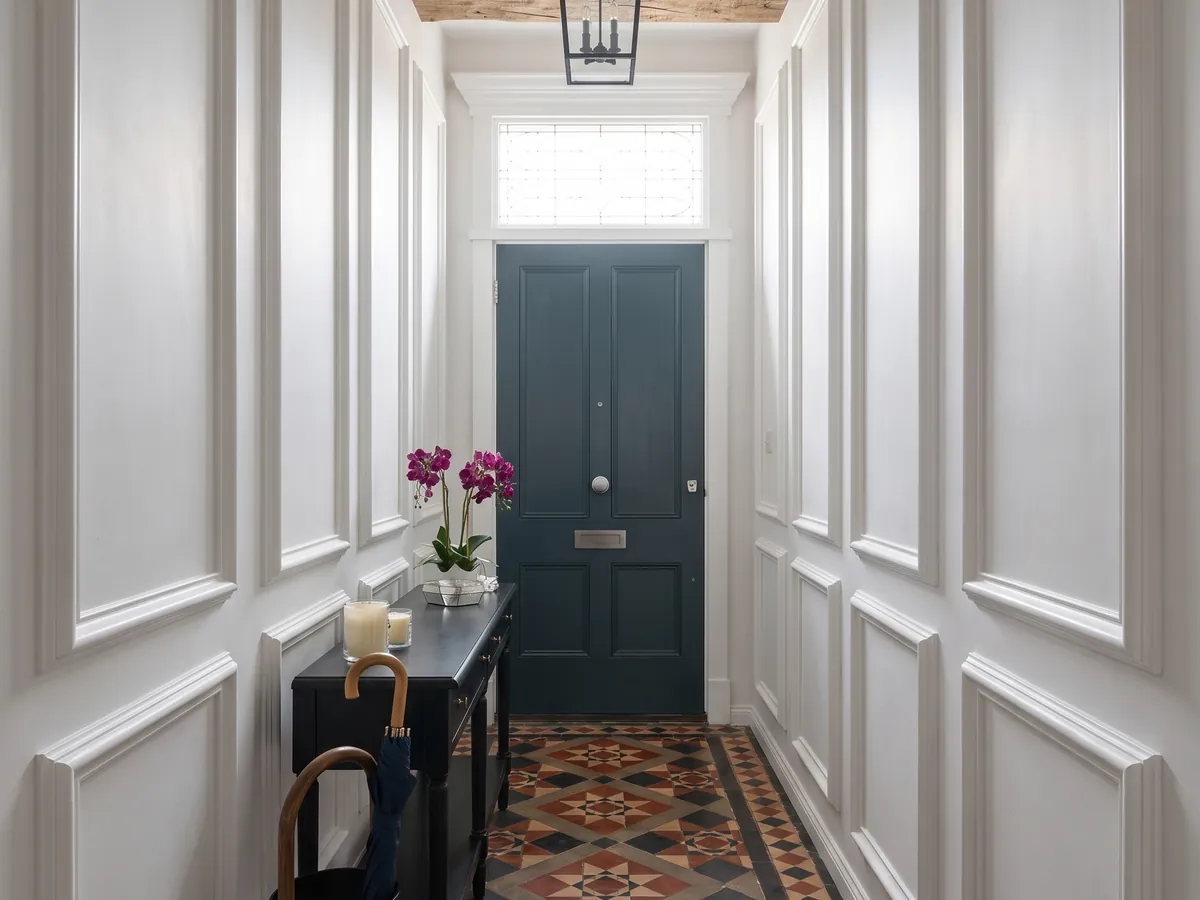
01Interior presentations
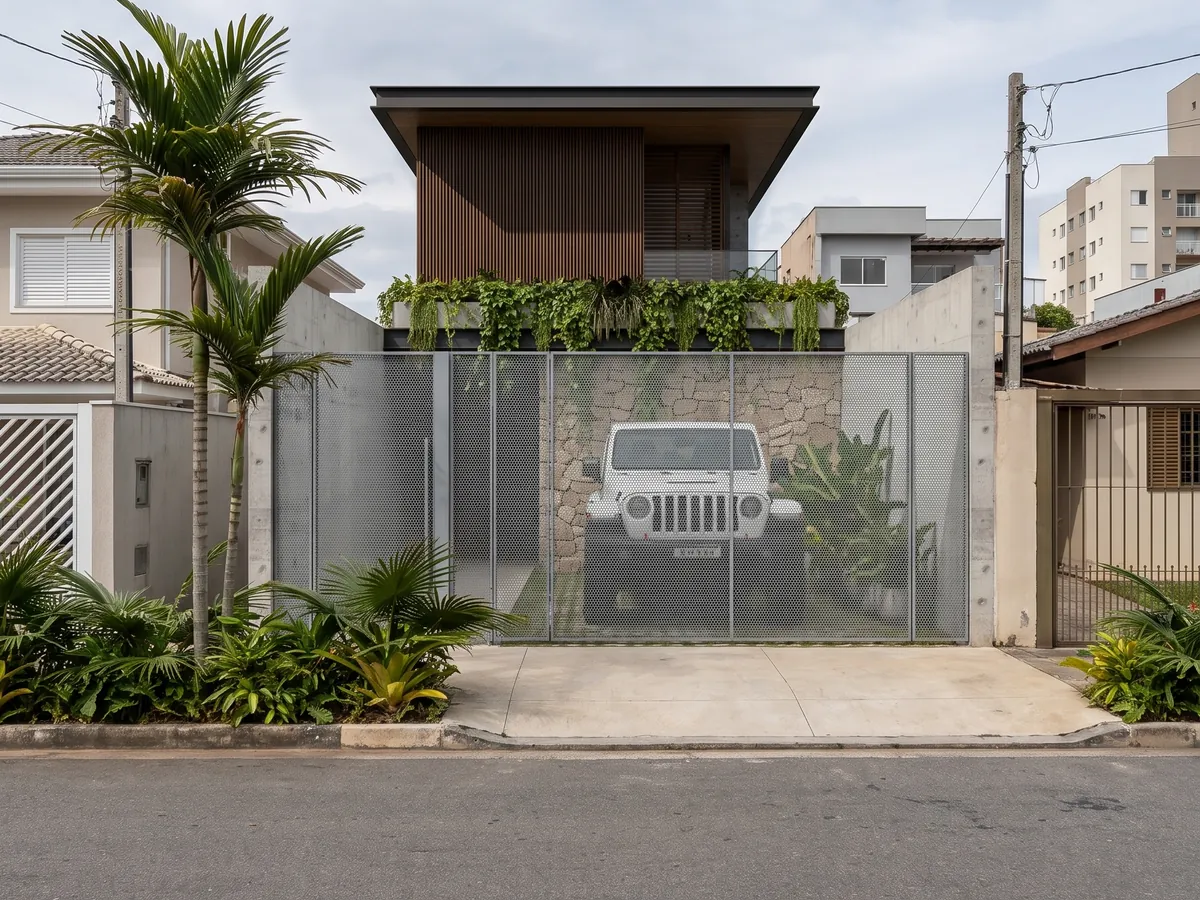
02Streetscapes
03A sense of scale
See the difference
- 01
Upload the render or select one from history or projects. Choose a preset such as a walking person or a dog, or choose Custom.
- 02
For a preset, choose foreground, midground, or background and the available direction and clothing options.
- 03
Choose motion blur or a sharp figure. Add a note explaining placement; for Custom, describe the element and its position directly.
- 04
Choose image shape and resolution, add the element, and inspect scale, anatomy, shadows, and nearby architecture before downloading.
Before you share
Keep important design details visible. Check the scale, anatomy, contact shadows and placement of each addition before presenting the image.