Consistent architectural views with AI
One design. Another perspective.
Use a finished render as the visual reference for another view. Pair it with a new image of the same model to guide the camera, materials and lighting.
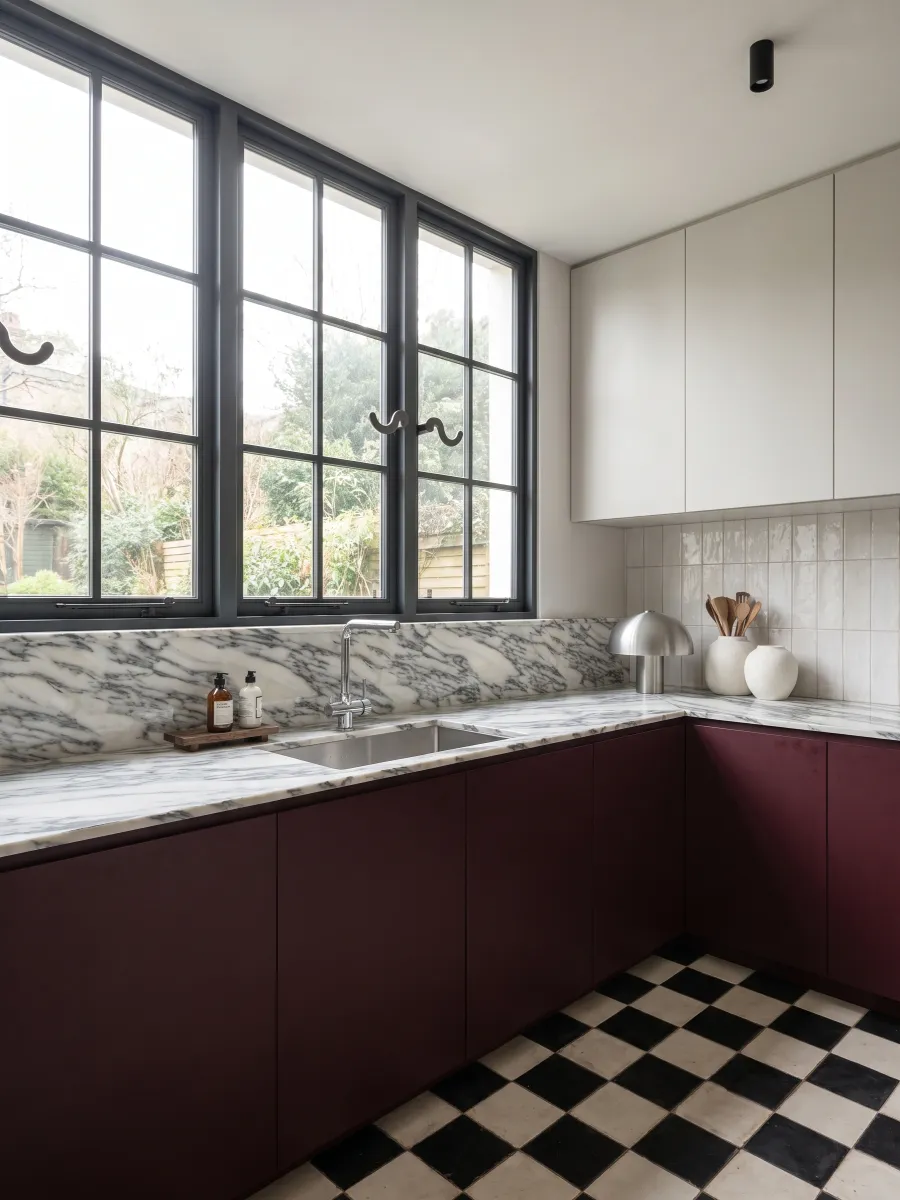
Reference render
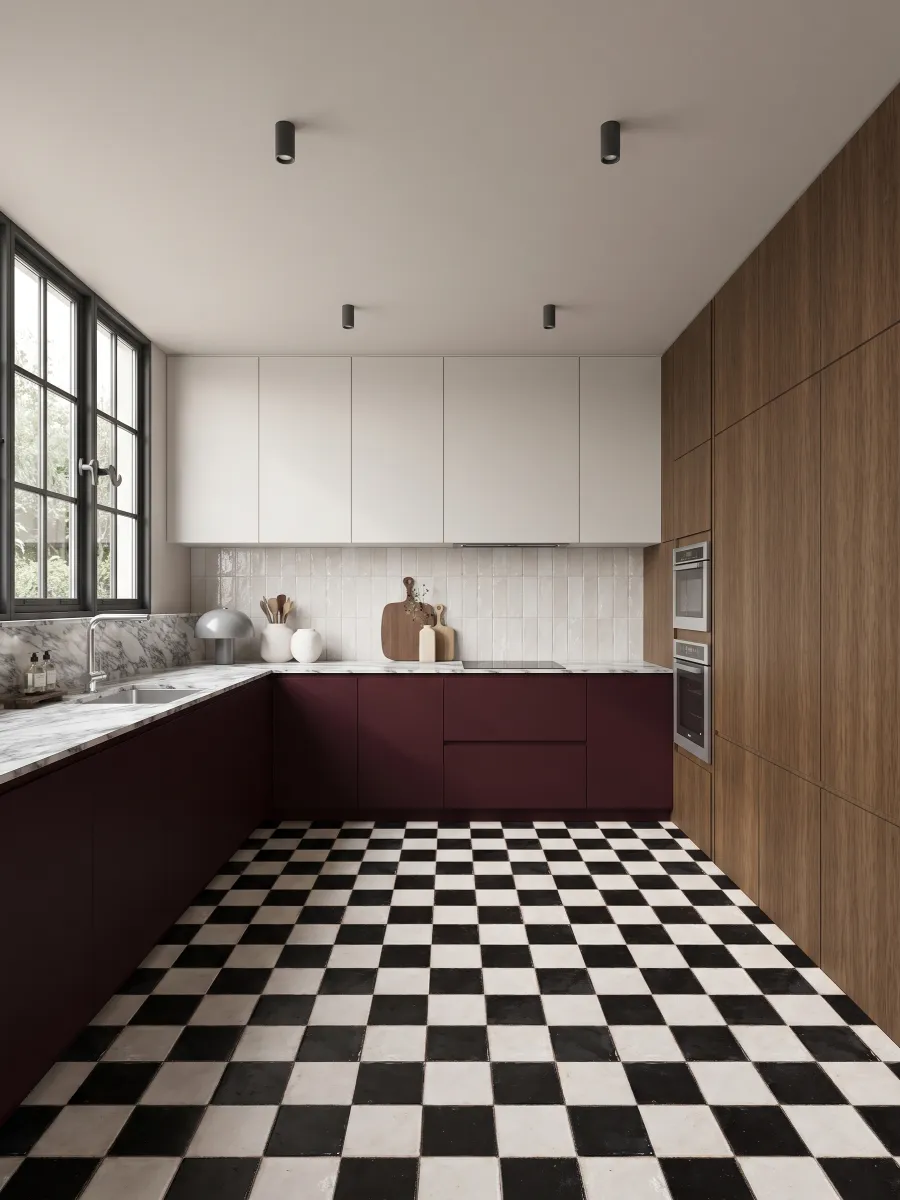
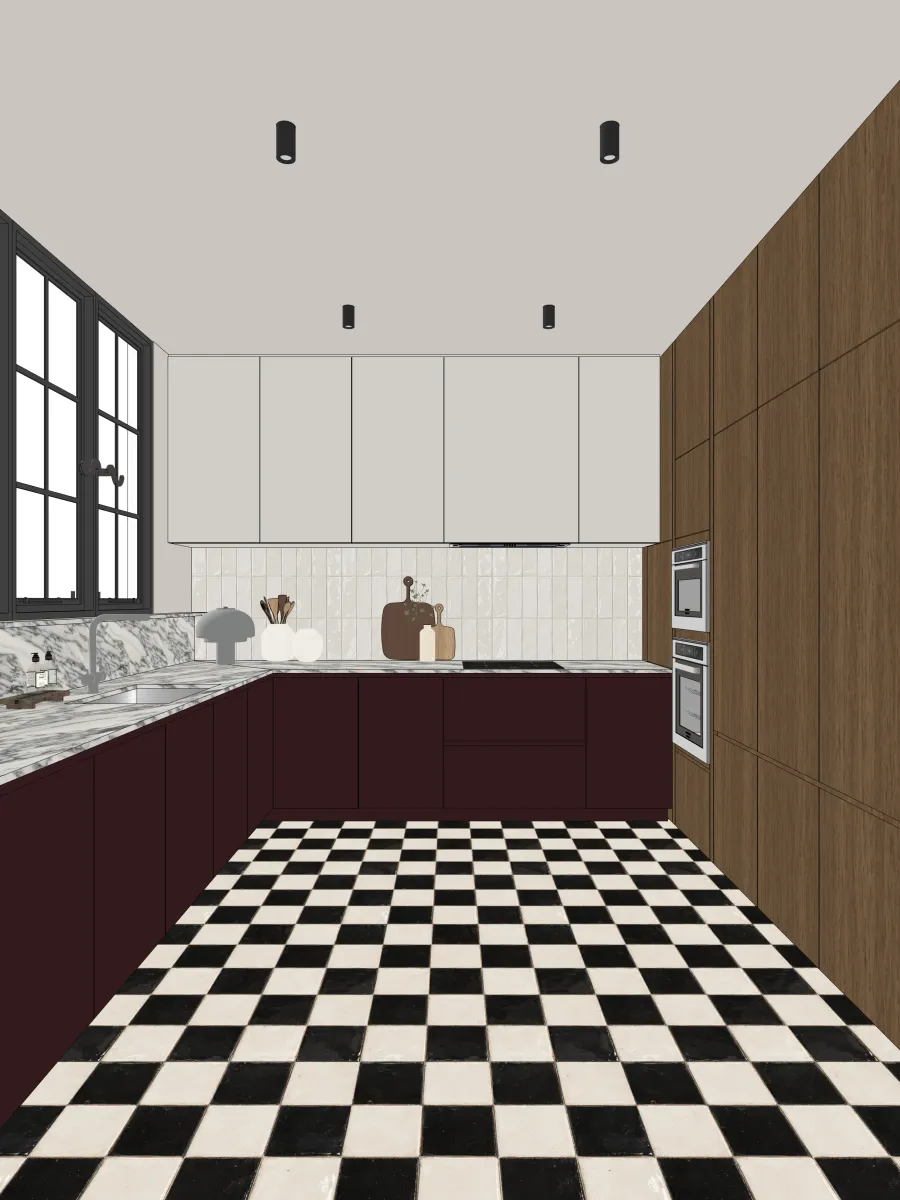
New SketchUp view → matching render
01Room sequences
02Connected spaces
03Client presentations
- 01
Open Next View and choose SketchUp view. Upload the new model image and choose the finished reference render.
- 02
Analyse the images, review suggested material matches, and specify newly visible surfaces. Answer any clarification questions.
- 03
Review the view through windows and the lighting. Keep the complete reference and same-project options where appropriate for a consistent scene.
- 04
Choose image shape and resolution, generate, and compare the result with both source images. Save it to the same project.
Before you share
A new model view gives more control than an imagined viewpoint. Describe newly visible surfaces and review consistency across images; exact matching is not guaranteed.