AI architectural render editing
The design stays. The details evolve.
Use Adjust to revise an existing architectural render. Describe a material, furniture or lighting change, review the proposed edit, and compare the result with your original.
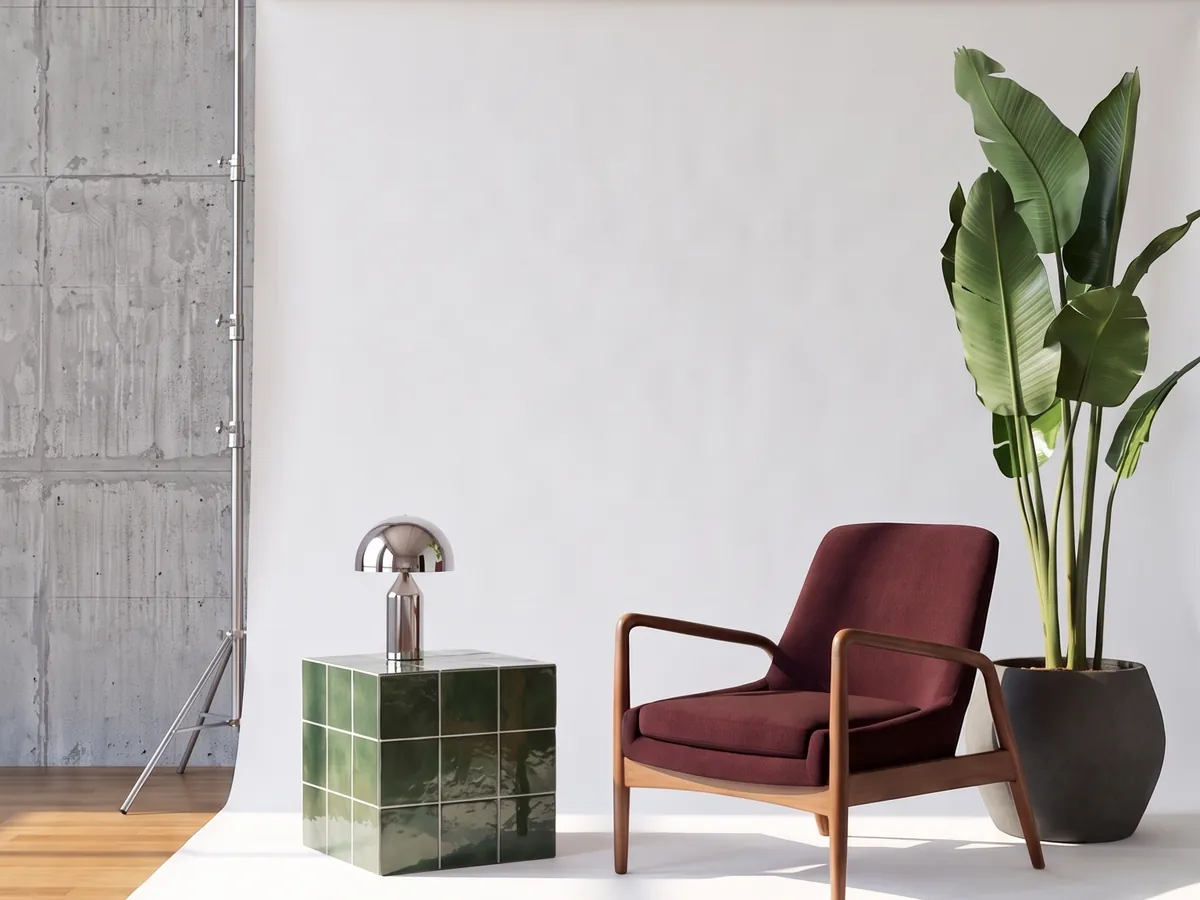
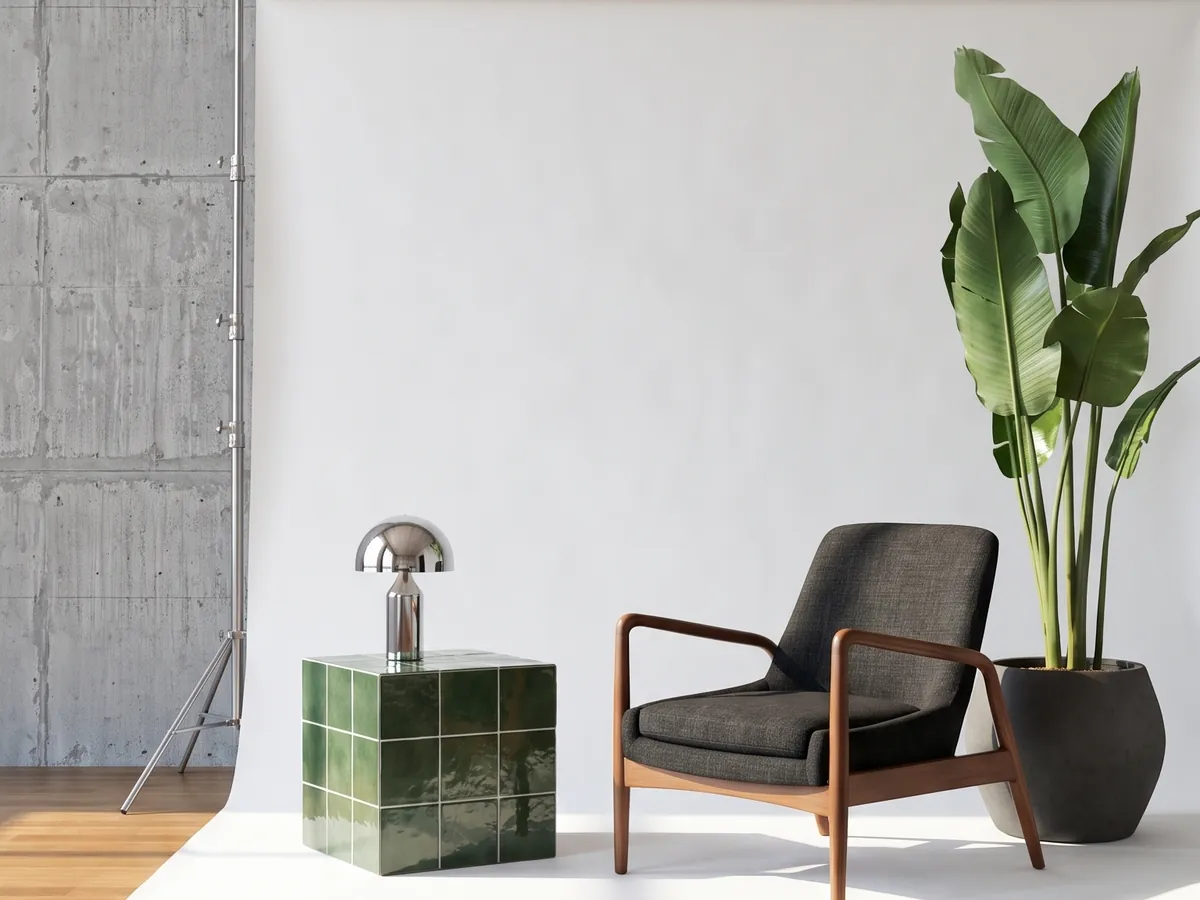
01Client revisions
02Material options
03Furniture changes
See the difference
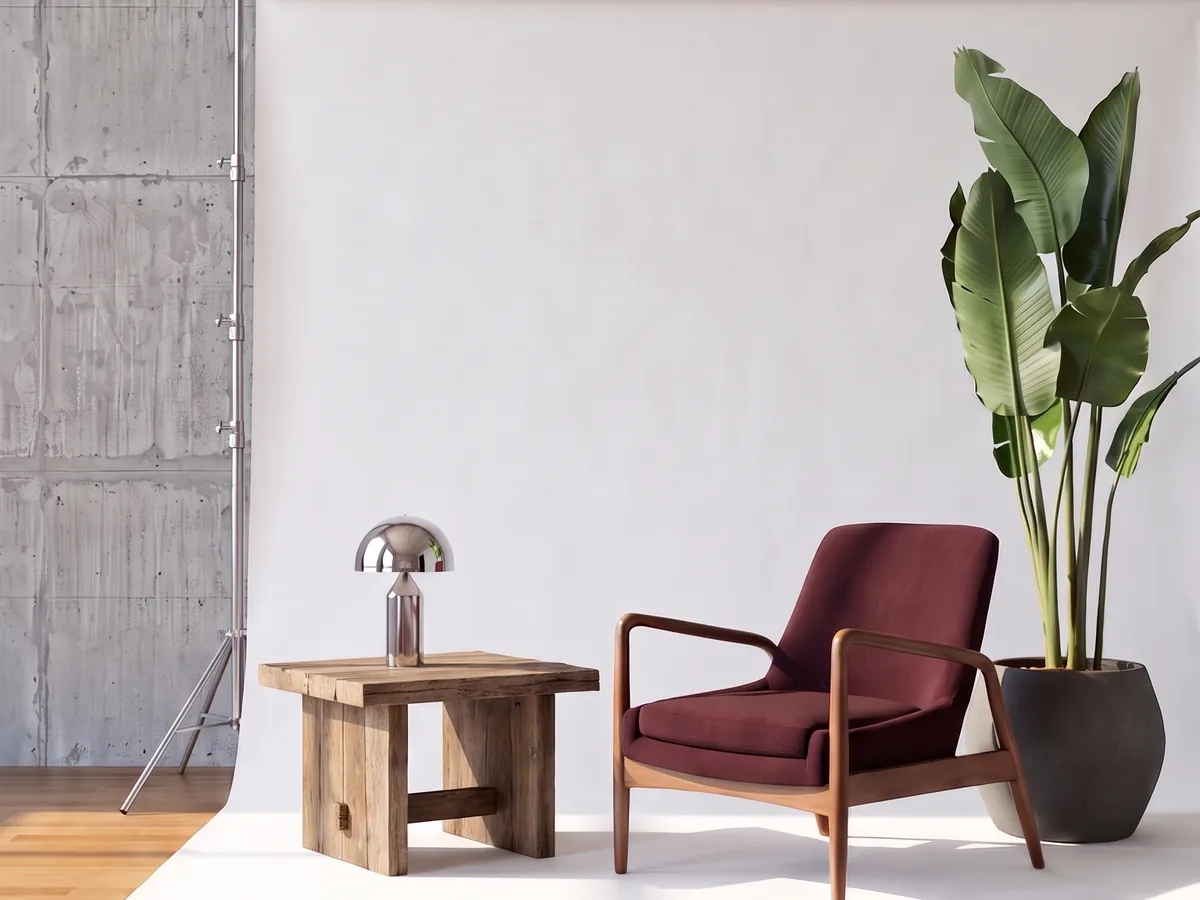
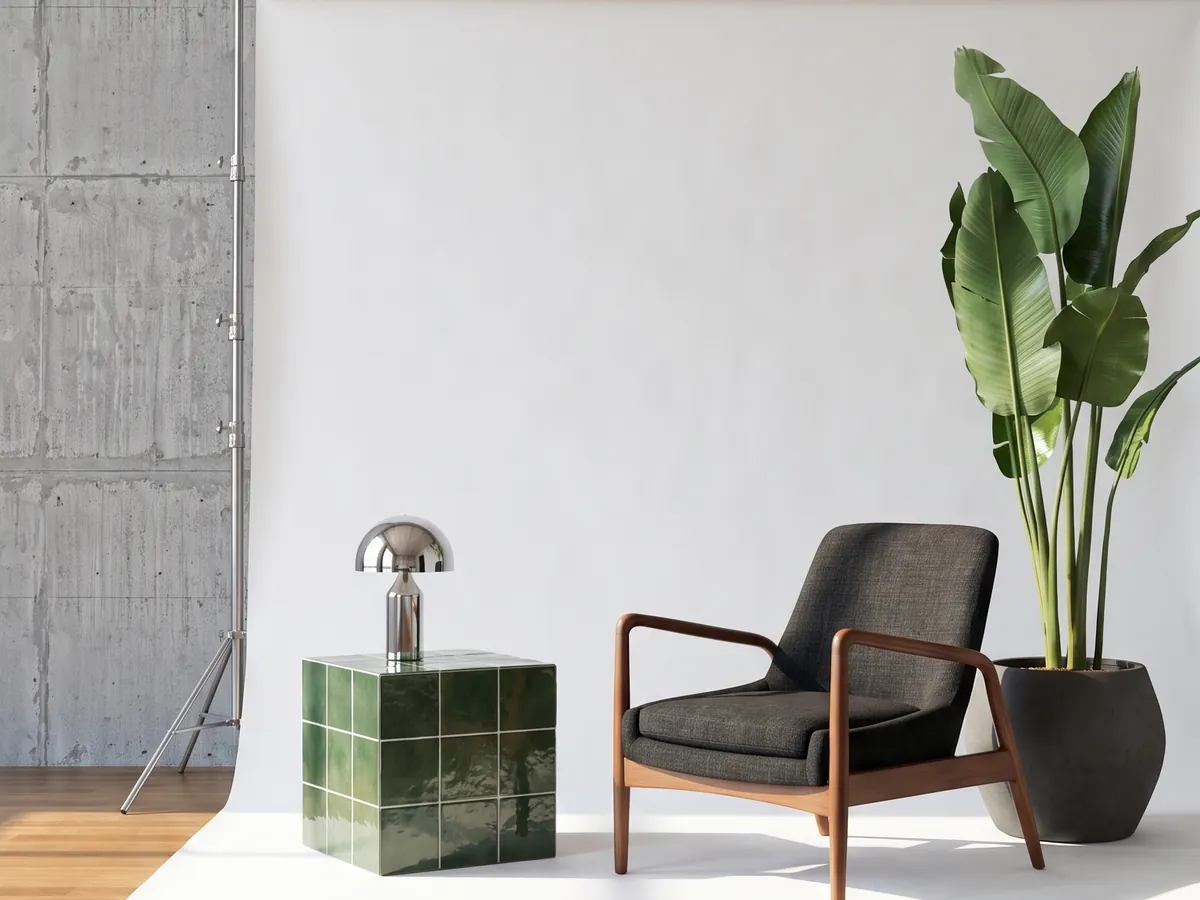
- 01
Upload a render, or select one from your history or projects. Describe what should change and what should stay.
- 02
For a material change, add a photograph, saved material, or colour and finish. State which surface it applies to.
- 03
Send the request, answer any follow-up questions, and read the proposed edit. Correct the summary in chat if needed.
- 04
Select Apply this change. Inspect the edited area and nearby architecture, then download or continue with another change.
Before you share
Name the surface and the change you want. Review nearby geometry and finishes before sharing; AI edits can affect more than the intended area.