Next View
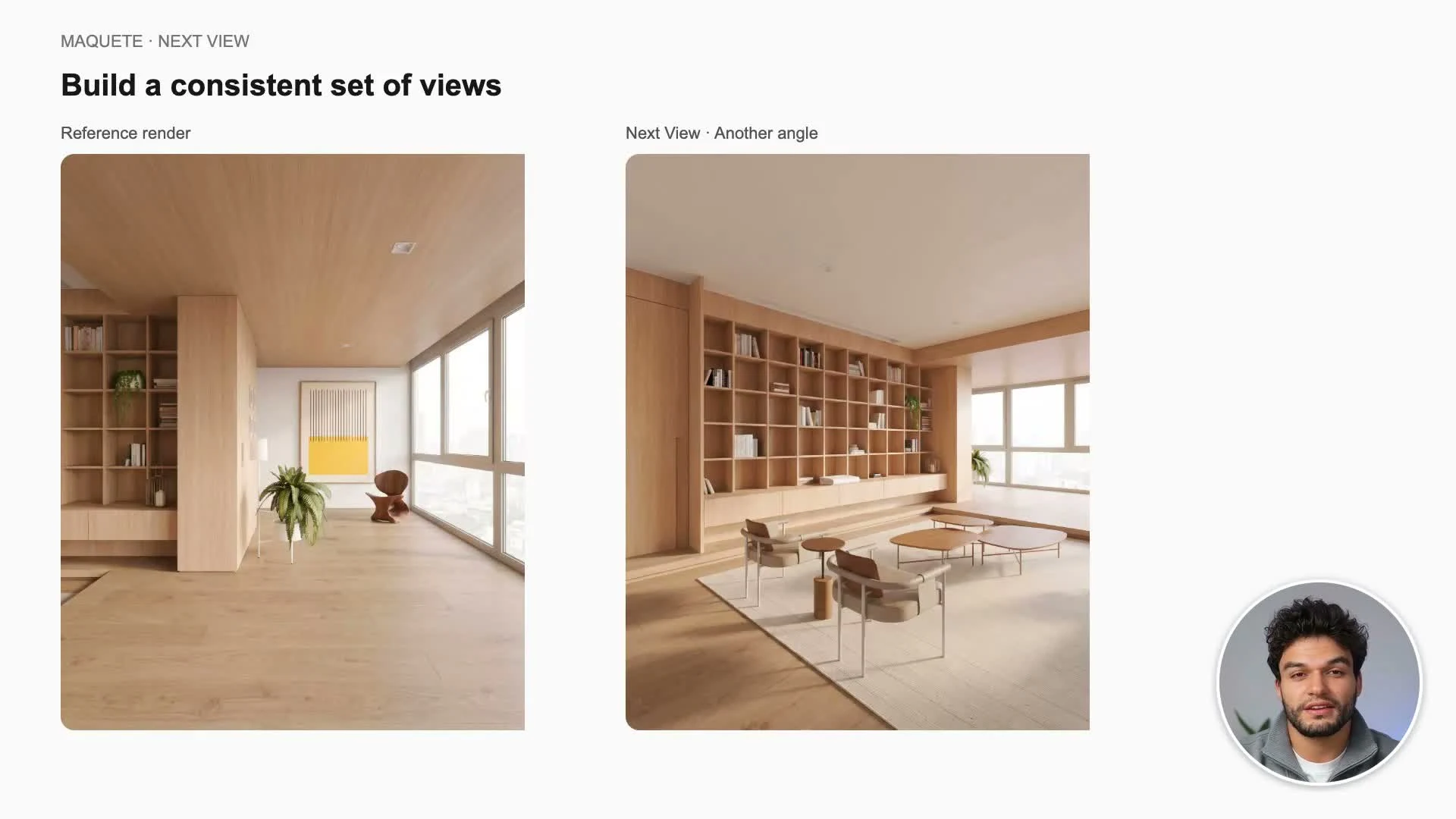
Develop another angle using an established render as a visual reference.
Updated
On this page
Before you start
For a specific camera angle, prepare a new image of the same model and a finished reference showing the materials and lighting you want.
Step by step
-
Open Next View and choose SketchUp view. Upload the new model image and choose the finished reference render.
-
Analyse the images, review suggested material matches, and specify newly visible surfaces. Answer any clarification questions.
-
Review the view through windows and the lighting. Keep the complete reference and same-project options where appropriate for a consistent scene.
-
Choose image shape and resolution, generate, and compare the result with both source images. Save it to the same project.
Settings that matter
The new model image sets the camera and architecture; the finished render guides appearance. AI decides can explore another viewpoint when you do not need a specific model angle.