Humanize
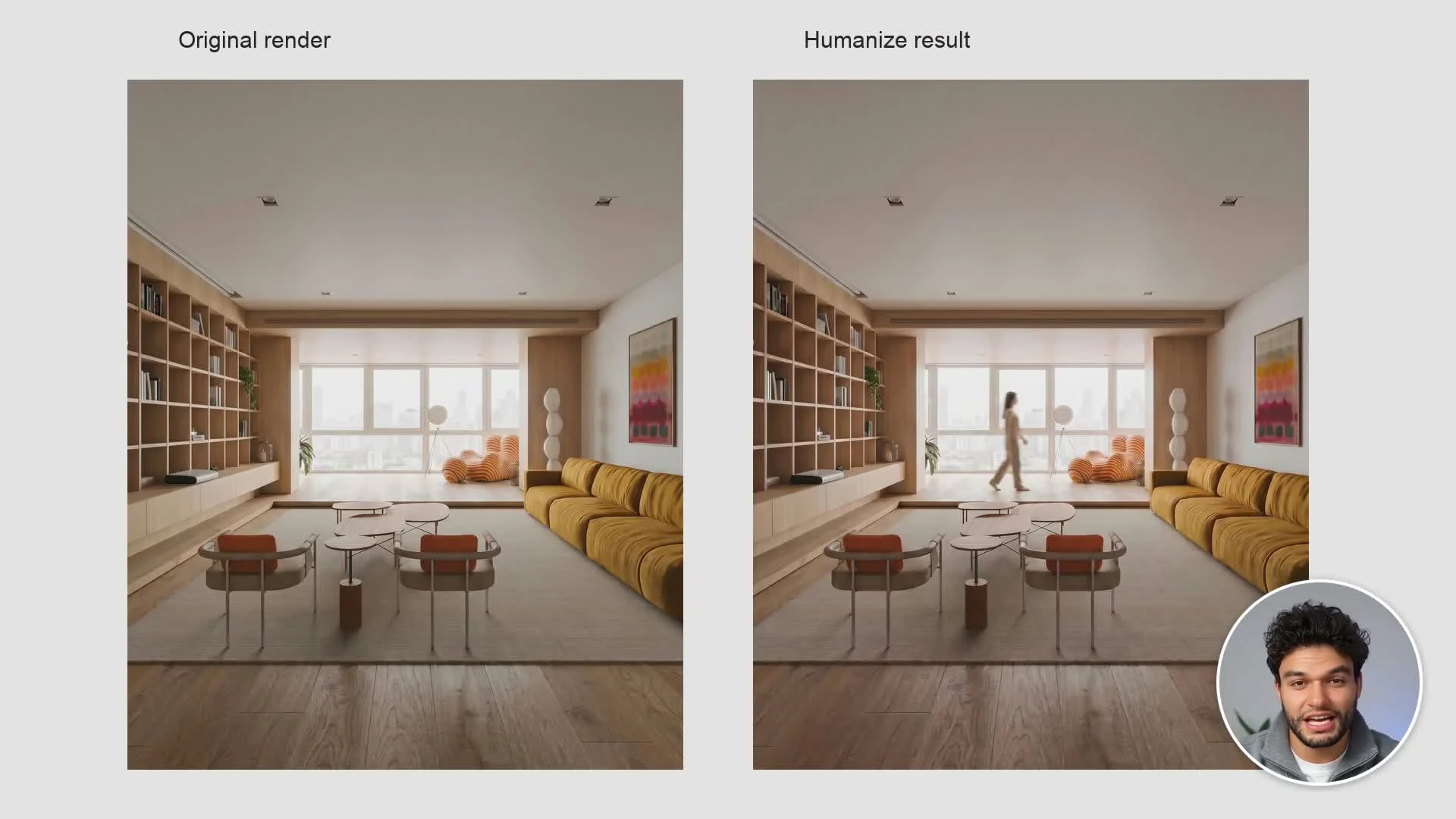
Add people, pets, or another element to show how a space might be used.
Updated
On this page
Before you start
Use a completed interior or exterior render. Plan one addition that suits the composition.
Step by step
-
Upload the render or select one from history or projects. Choose a preset such as a walking person or a dog, or choose Custom.
-
For a preset, choose foreground, midground, or background and the available direction and clothing options.
-
Choose motion blur or a sharp figure. Add a note explaining placement; for Custom, describe the element and its position directly.
-
Choose image shape and resolution, add the element, and inspect scale, anatomy, shadows, and nearby architecture before downloading.
Settings that matter
Use a precise placement, such as “on the raised area by the windows, walking left to right.” A small background figure can communicate scale without obscuring the design.