Adjust
Change a material, lighting, or another detail in an existing render.
Updated
On this page
Before you start
Start with a finished image. Choose one correction to make before stacking further edits.
Step by step
-
Upload a render, or select one from your history or projects. Describe what should change and what should stay.
-
For a material change, add a photograph, saved material, or colour and finish. State which surface it applies to.
-
Send the request, answer any follow-up questions, and read the proposed edit. Correct the summary in chat if needed.
-
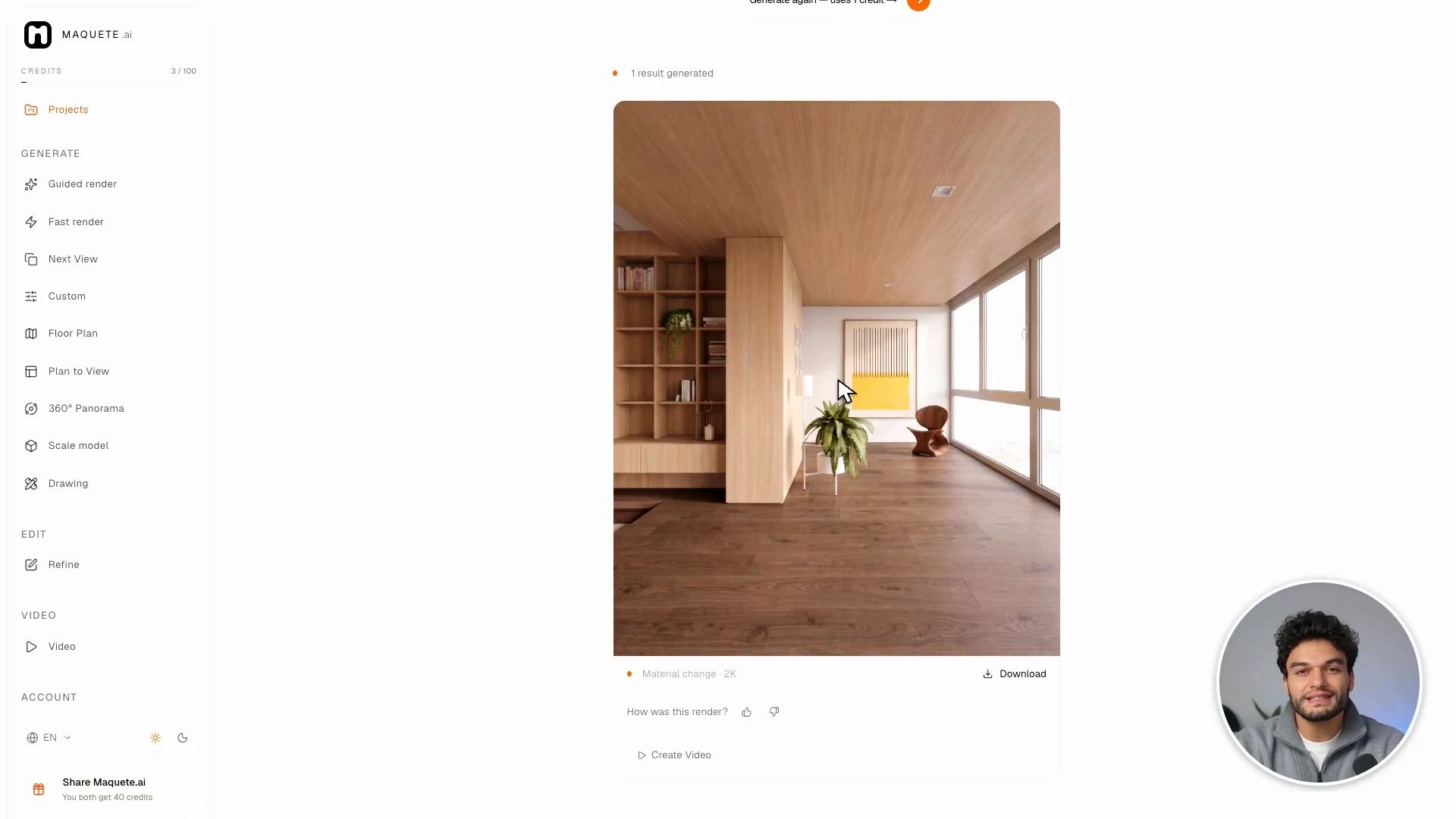
Select Apply this change. Inspect the edited area and nearby architecture, then download or continue with another change.
Settings that matter
“Change only the floor to matte dark walnut; keep the furniture, walls, camera, and lighting” gives a clearer target than “make it better.” Advanced lets you choose the method yourself.