Fast Render
Configure a model screenshot and its lighting on a single page.
Updated
On this page
Before you start
Use a clean screenshot or image export with the geometry and camera angle already composed.
Step by step
-
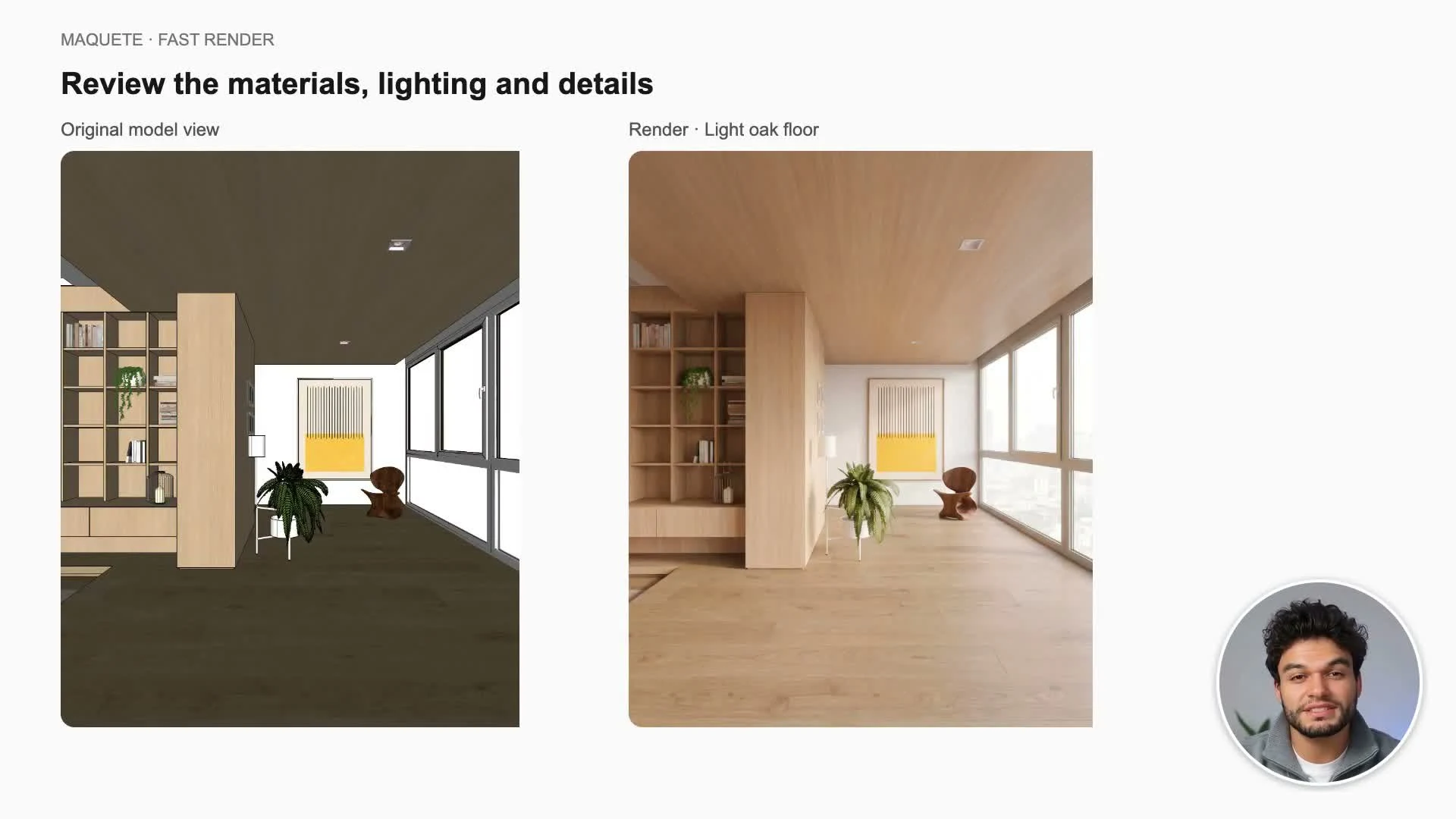
Upload your model image. Add an optional finished reference if you want guidance for the overall appearance.
-
Add material references when needed and explain exactly which surface each reference belongs to.
-
Choose the time of day, light quality, window treatment, and artificial lights. Add photographs or notes for views through openings.
-
Review additional specifications, keep or change the recommended image shape, select resolution, and generate. Download or save the result.
Settings that matter
Keep notes concrete and consistent with the visible model. A material reference needs a placement instruction, such as “apply this finish to the floor only.”