Projects and sharing
Keep the brief, images, materials, and client feedback together.
Updated
On this page
Before you start
Use a clear project name so you can find the right work when creating or refining renders.
Step by step
-
Open Projects and create a project. You can start with an image or add one later.
-
Save finished renders to the project. Keep related angles together and use the project image picker when continuing work.
-
Organise relevant materials and project information. Review the images before choosing what to present.
-
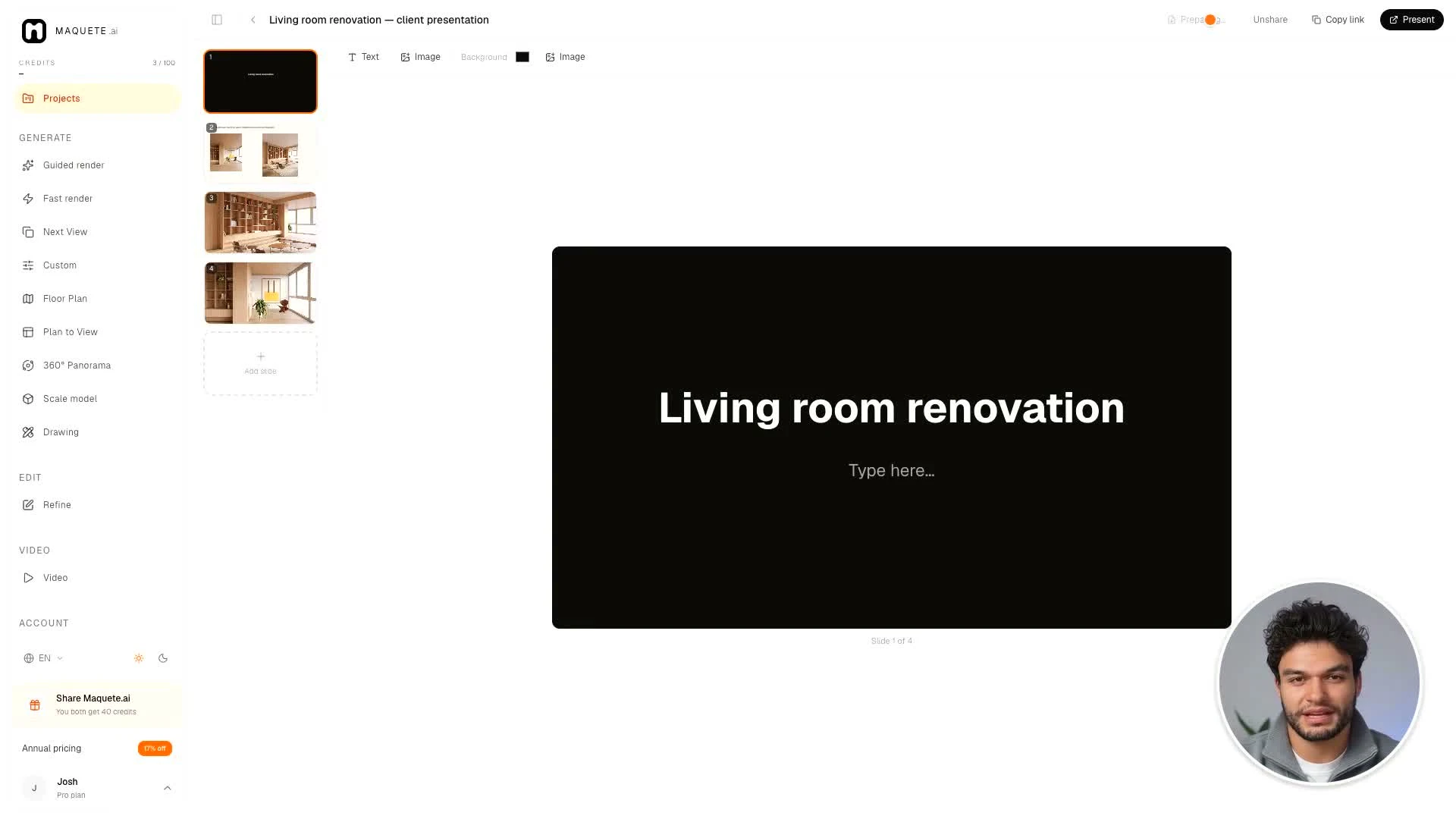
Use the available presentation or sharing controls. Preview the result and check the intended audience before sending a link yourself.
Settings that matter
Client presentation links and workspace collaboration serve different purposes. Review the sharing controls for the specific item instead of assuming every project item is public.