Your first render
Turn a clean model image into a finished architectural render, then save and download it.
Updated
On this page
Before you start
Start with a view from SketchUp or another modelling app. Upload an image of the model, rather than the model file itself.
Step by step
-
Compose the final camera angle. Hide menus, selection outlines, dimensions, and other overlays; export a clear PNG, JPG, or WebP.
-
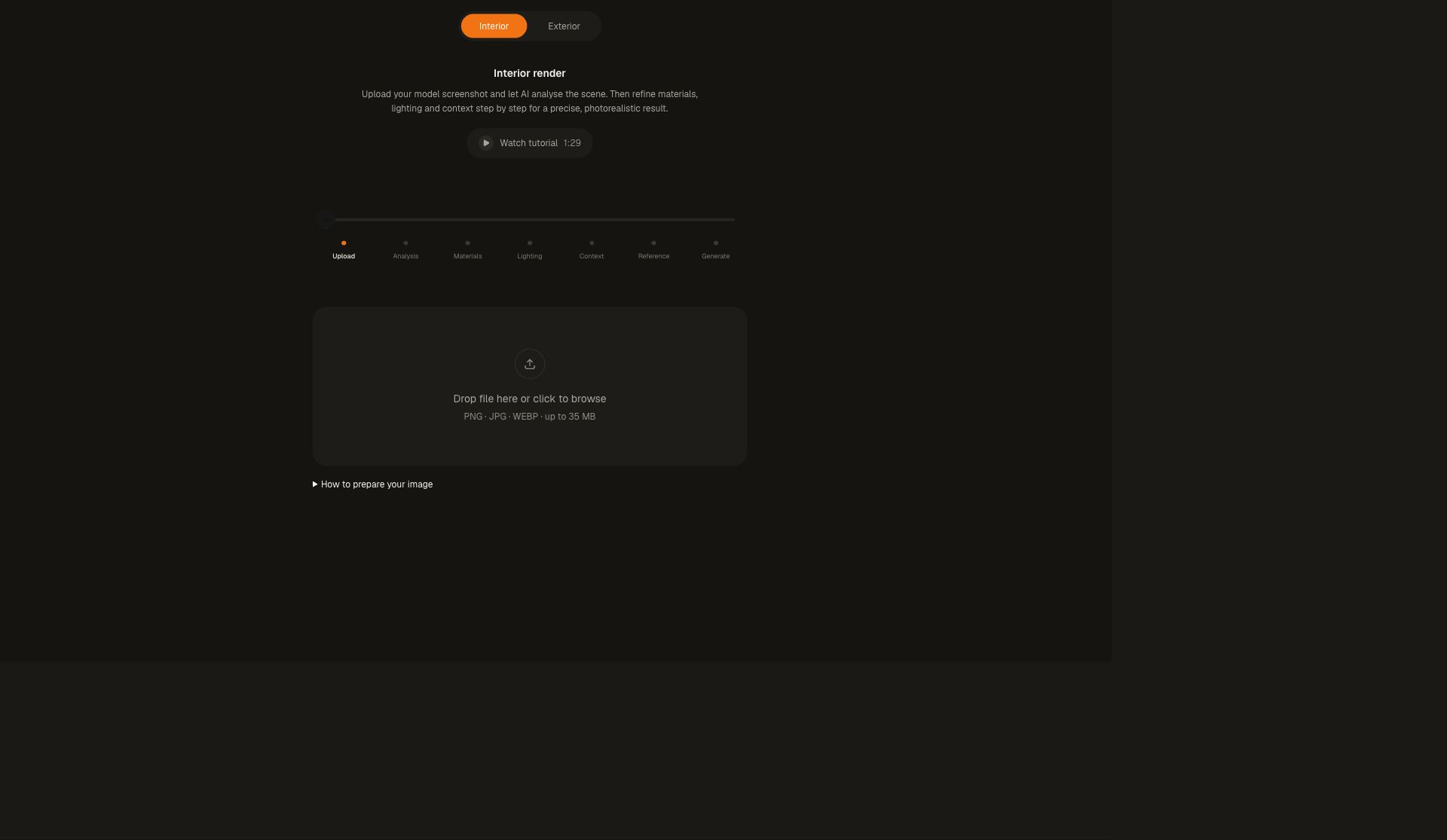
Open Guided Render. Choose Interior or Exterior before uploading, then wait for the image analysis.
-
Review important materials. Choose lighting and describe the view through windows or the exterior surroundings.
-
Choose image shape and resolution, check the displayed credit cost, and generate. Compare the result with your model before downloading or saving to a project.
Settings that matter
Keep the recommended image shape to reduce cropping. Specify the finishes that matter, such as light oak with a matte finish; leave less important surfaces open to interpretation.