SketchUp plugin
Capture your model view and create a render from inside SketchUp desktop.
Updated
On this page
Before you start
Use SketchUp desktop on a supported system. Download the current RBZ and check compatibility on the SketchUp page.
Step by step
-
Open the SketchUp download page. In SketchUp Extension Manager, install the downloaded RBZ and open Maquete from Extensions or its toolbar.
-
Sign in with your Maquete email and password. Google sign-in users can set a password in the website’s account settings.
-
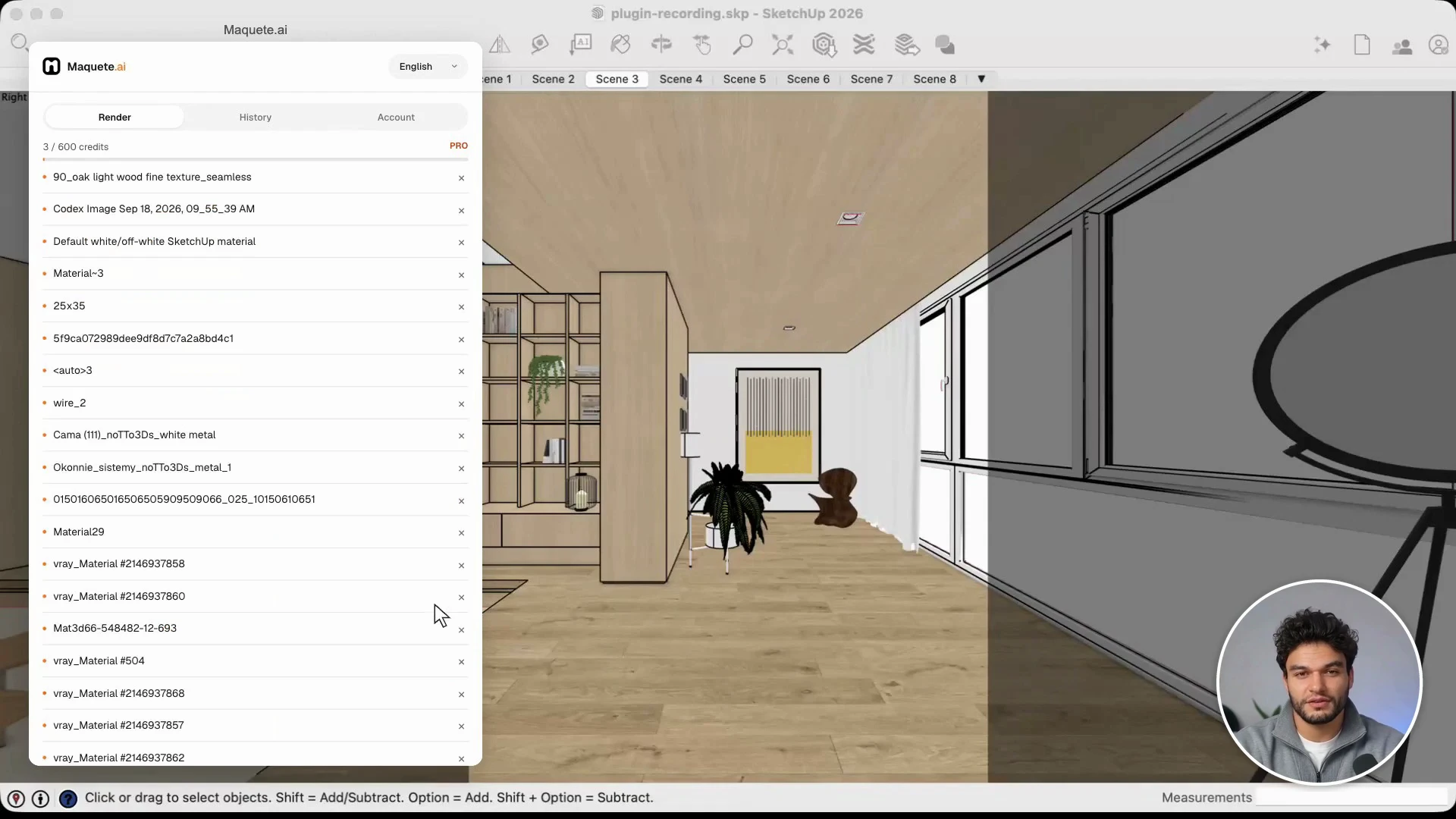
Compose the camera, choose Still and Interior or Exterior, then set the frame. Create a scene and read materials, or use an existing scene.
-
Review materials, lighting, surroundings, image references, and resolution. Generate, check the result against your model, and save it.
Settings that matter
The plugin captures the SketchUp view directly. You can use Adjust this render for a focused revision, or send a 360° viewpoint to the browser workflow.